Eclipse设置Code Style
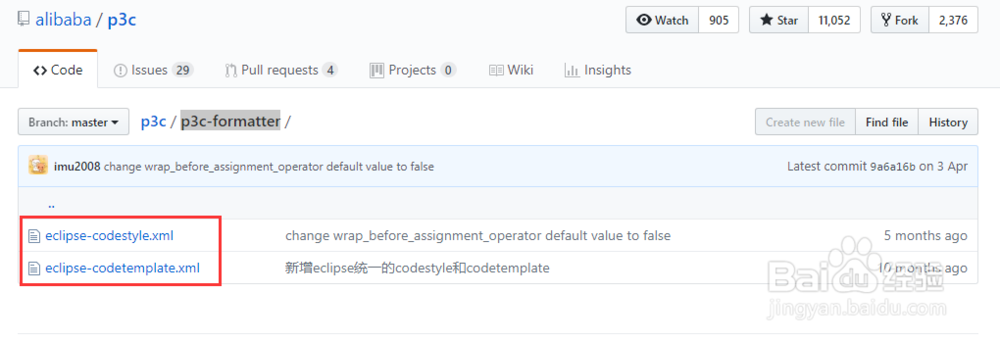
1、下载阿里的p3c-formatter
2、选择【Window】-【Preferences】,打开设置页面

3、选择【Java】-【Code Style】-【Code Templates】,打开Code Templates设置页面
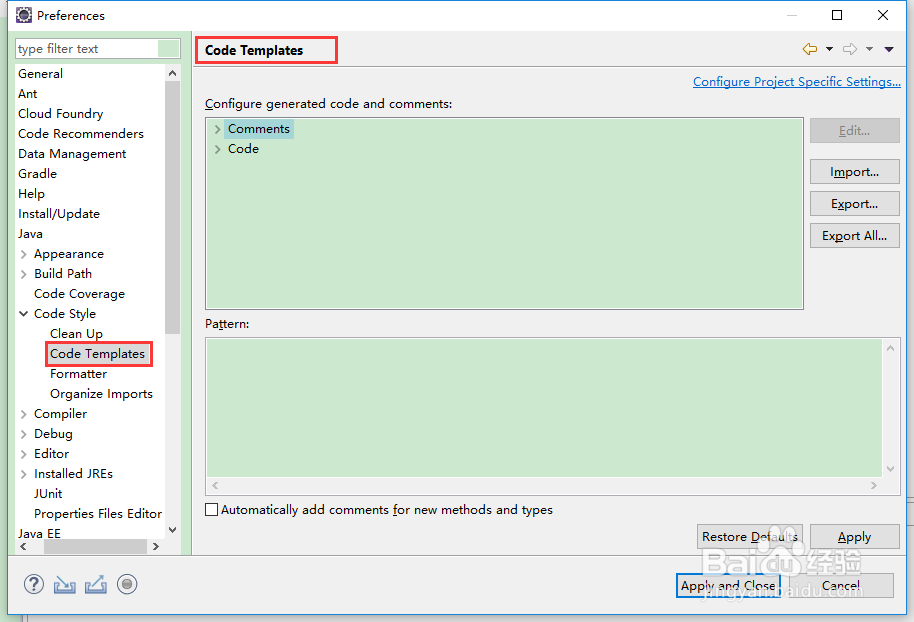
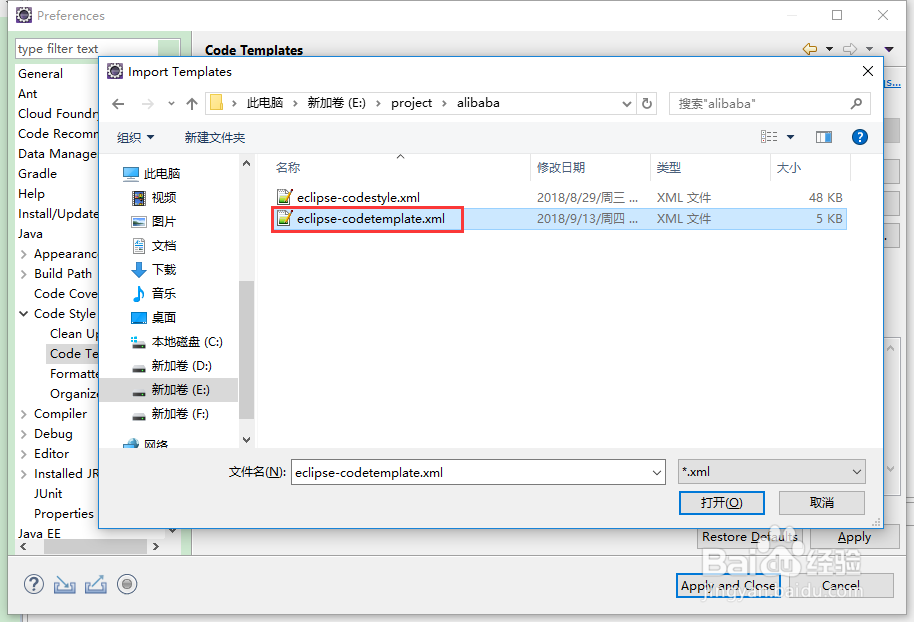
4、点击【Import】,选择eclipse-codetemplate.xml文件,导入
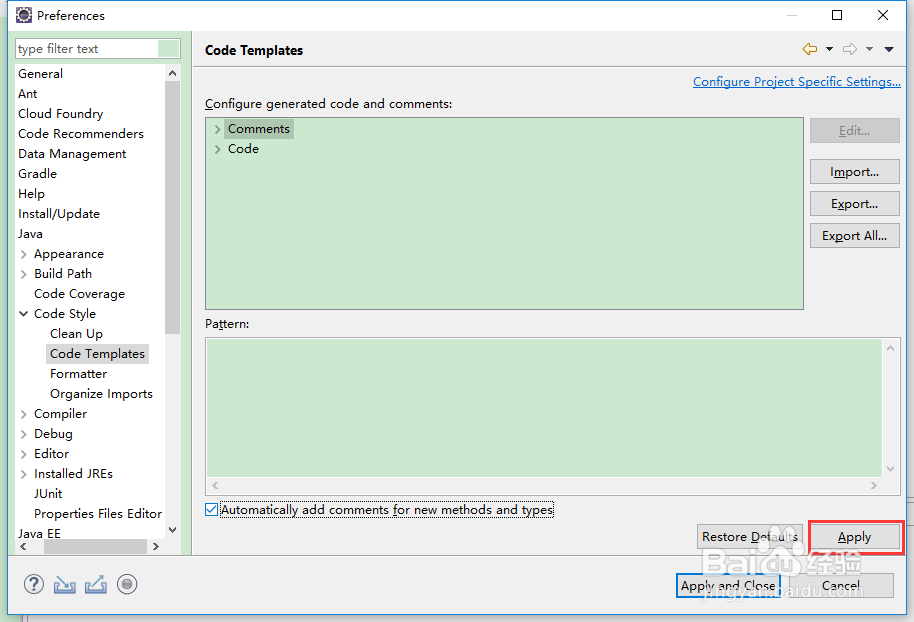
5、点击【Apply】
6、选择【Java】-【Code Style】-【Formatter】,打开Formatter设置页面

7、点击【Import】,选择eclipse-codestyle.xml文件,导入

8、点击【Apply and Close】

声明:本网站引用、摘录或转载内容仅供网站访问者交流或参考,不代表本站立场,如存在版权或非法内容,请联系站长删除,联系邮箱:site.kefu@qq.com。
阅读量:177
阅读量:112
阅读量:167
阅读量:145
阅读量:50