python中numpy的初始化及索引
1、list初始化:我们可以通过python内置的list容器初始化numpy数组。
举个例子:
import numpy as np
a = np.array([1, 2, 3]) # Create a rank 1 array
print(type(a)) # Prints "<class 'numpy.ndarray'>"
print(a.shape) # Prints "(3,)"
print(a[0], a[1], a[2]) # Prints "1 2 3"
a[0] = 5 # Change an element of the array
print(a) # Prints "[5, 2, 3]"
b = np.array([[1,2,3],[4,5,6]]) # Create a rank 2 array
print(b.shape) # Prints "(2, 3)"
print(b[0, 0], b[0, 1], b[1, 0]) # Prints "1 2 4"

2、输出如下:
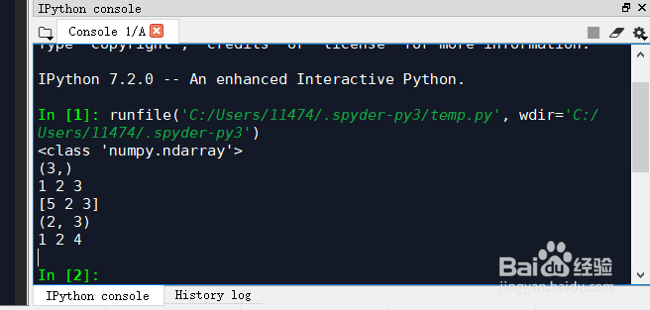
<class 'numpy.ndarray'>
(3,)
1 2 3
[5 2 3]
(2, 3)
1 2 4
3、初始化方法:numpy也提供了很多函数来初始化numpy数组。
举个例子:
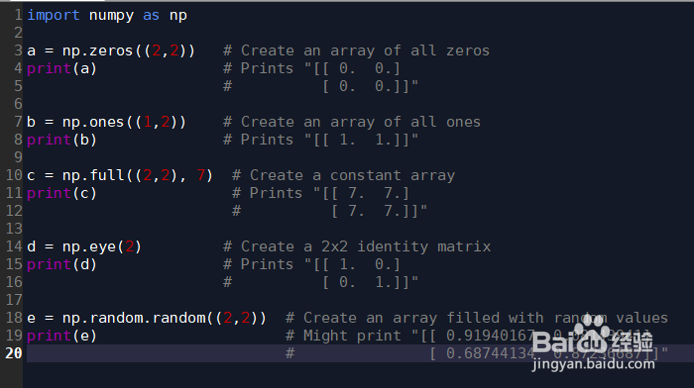
import numpy as np
a = np.zeros((2,2)) # Create an array of all zeros
print(a) # Prints "[[ 0. 0.]
# [ 0. 0.]]"
b = np.ones((1,2)) # Create an array of all ones
print(b) # Prints "[[ 1. 1.]]"
c = np.full((2,2), 7) # Create a constant array
print(c) # Prints "[[ 7. 7.]
# [ 7. 7.]]"
d = np.eye(2) # Create a 2x2 identity matrix
print(d) # Prints "[[ 1. 0.]
# [ 0. 1.]]"
e = np.random.random((2,2)) # Create an array filled with random values
print(e) # Might print "[[ 0.91940167 0.08143941]
# [ 0.68744134 0.87236687]]"
4、输出结果:
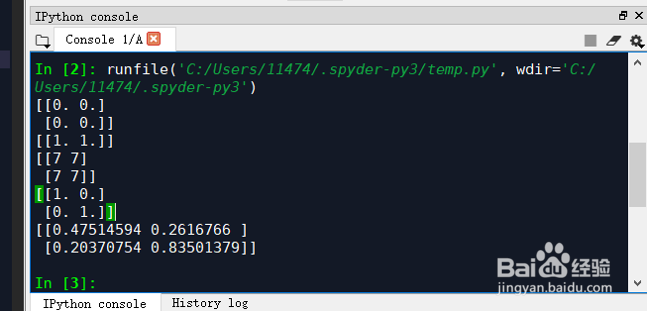
[[0. 0.]
[0. 0.]]
[[1. 1.]]
[[7 7]
[7 7]]
[[1. 0.]
[0. 1.]]
[[0.47514594 0.2616766 ]
[0.20370754 0.83501379]]
5、索引:numpy提供了许多方法为数组元素进行定位索引。
举个例子:
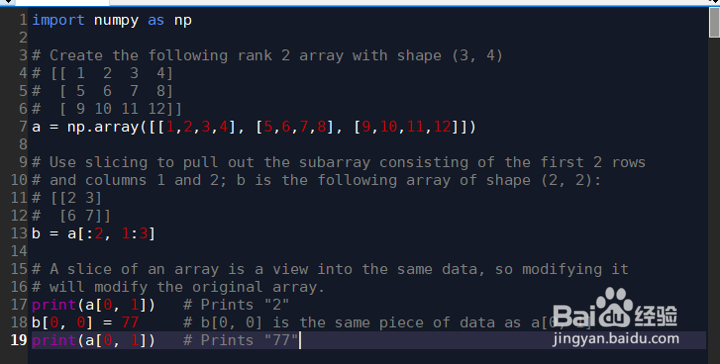
import numpy as np
# Create the following rank 2 array with shape (3, 4)
# [[ 1 2 3 4]
# [ 5 6 7 8]
# [ 9 10 11 12]]
a = np.array([[1,2,3,4], [5,6,7,8], [9,10,11,12]])
# Use slicing to pull out the subarray consisting of the first 2 rows
# and columns 1 and 2; b is the following array of shape (2, 2):
# [[2 3]
# [6 7]]
b = a[:2, 1:3]
# A slice of an array is a view into the same data, so modifying it
# will modify the original array.
print(a[0, 1]) # Prints "2"
b[0, 0] = 77 # b[0, 0] is the same piece of data as a[0, 1]
print(a[0, 1]) # Prints "77"
6、输出结果:
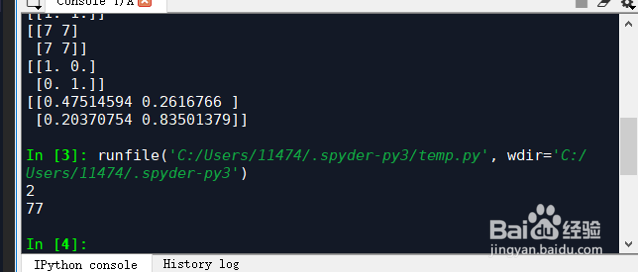
2
77
7、整数索引:numpy提供了一些整数索引的方式,可以对矩阵中特定几个元素进行操作。
举个例子:
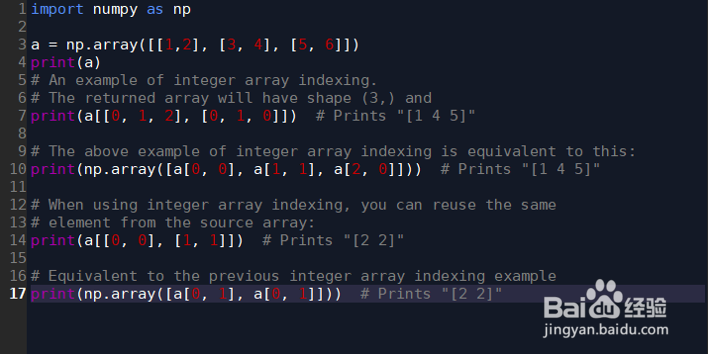
import numpy as np
a = np.array([[1,2], [3, 4], [5, 6]])
print(a)
# An example of integer array indexing.
# The returned array will have shape (3,) and
print(a[[0, 1, 2], [0, 1, 0]]) # Prints "[1 4 5]"
# The above example of integer array indexing is equivalent to this:
print(np.array([a[0, 0], a[1, 1], a[2, 0]])) # Prints "[1 4 5]"
# When using integer array indexing, you can reuse the same
# element from the source array:
print(a[[0, 0], [1, 1]]) # Prints "[2 2]"
# Equivalent to the previous integer array indexing example
print(np.array([a[0, 1], a[0, 1]])) # Prints "[2 2]"
8、运行结果:
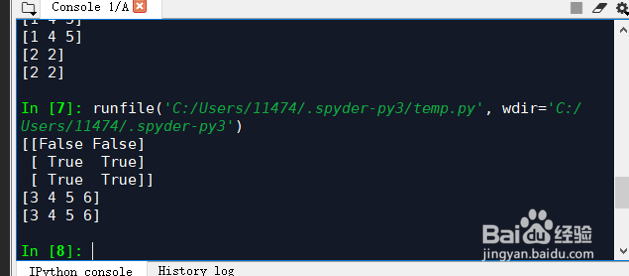
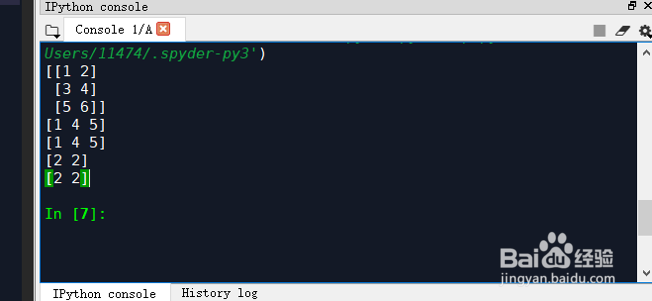
[[1 2]
[3 4]
[5 6]]
[1 4 5]
[1 4 5]
[2 2]
[2 2]
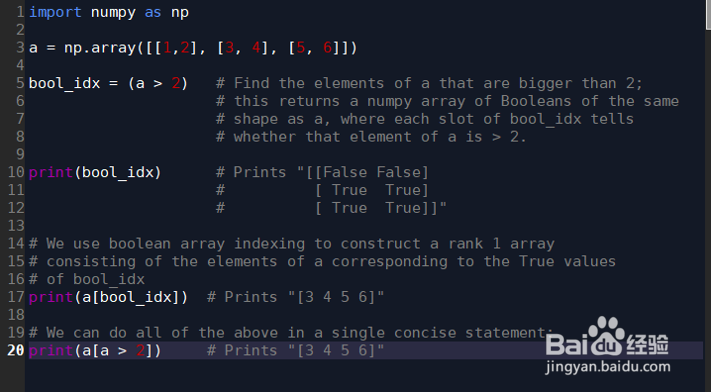
9、布尔数组索引:可以通过布尔数组索引的方式得到想要得到的数组。
举个例子:
import numpy as np
a = np.array([[1,2], [3, 4], [5, 6]])
bool_idx = (a > 2) # Find the elements of a that are bigger than 2;
# this returns a numpy array of Booleans of the same
# shape as a, where each slot of bool_idx tells
# whether that element of a is > 2.
print(bool_idx) # Prints "[[False False]
# [ True True]
# [ True True]]"
# We use boolean array indexing to construct a rank 1 array
# consisting of the elements of a corresponding to the True values
# of bool_idx
print(a[bool_idx]) # Prints "[3 4 5 6]"
# We can do all of the above in a single concise statement:
print(a[a > 2]) # Prints "[3 4 5 6]"
10、输出结果:
[[False False]
[ True True]
[ True True]]
[3 4 5 6]
[3 4 5 6]