在sketchpad中创建f(x)=sin(3x+5)的函数图像
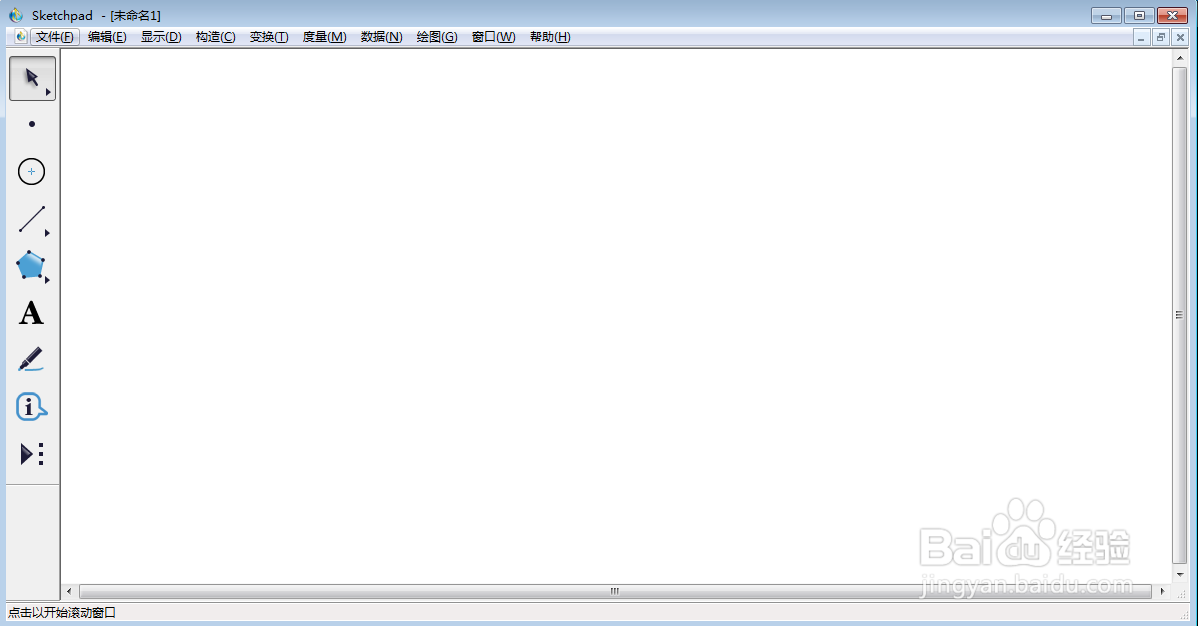
1、打开sketchpad,进入其主界面;
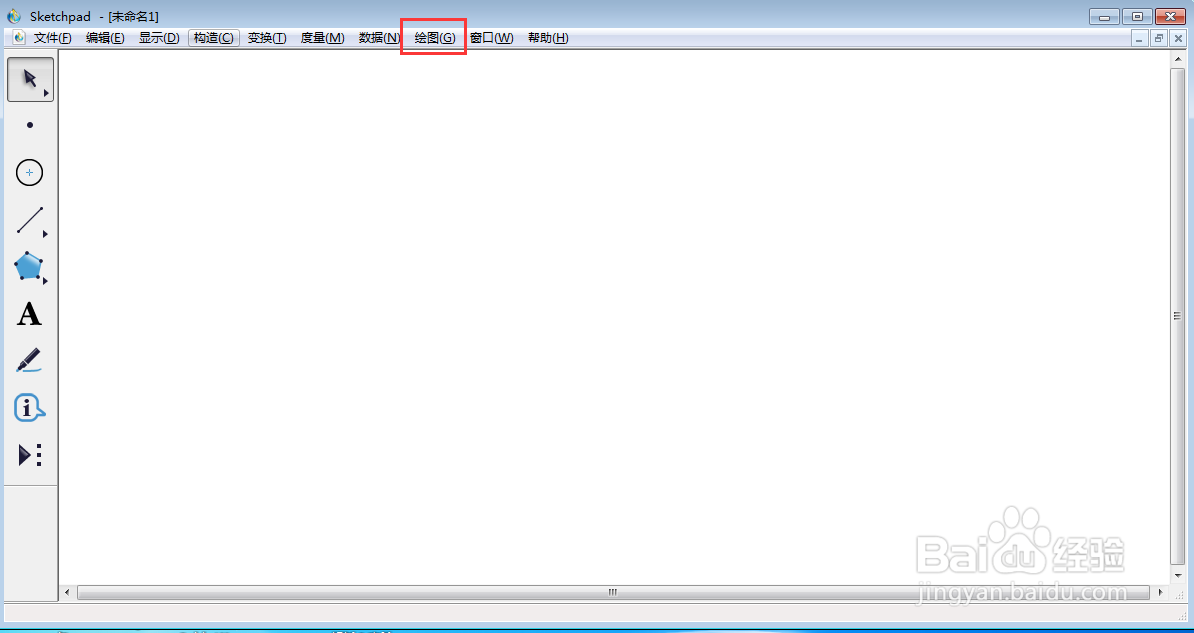
2、点击绘图;
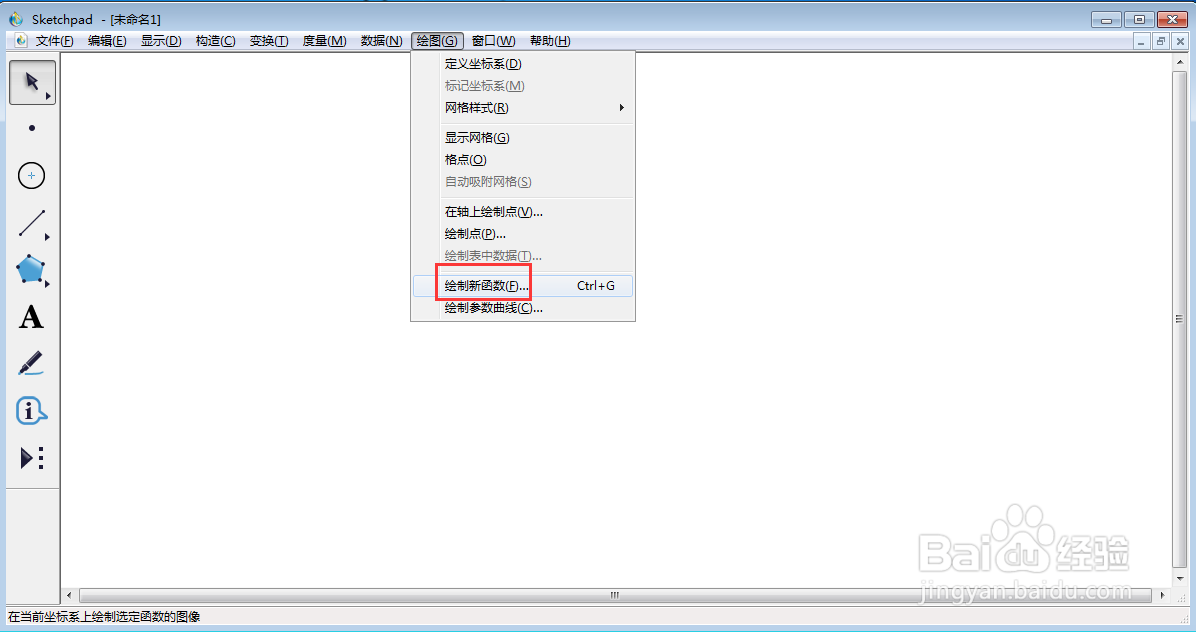
3、选择绘制新函数;
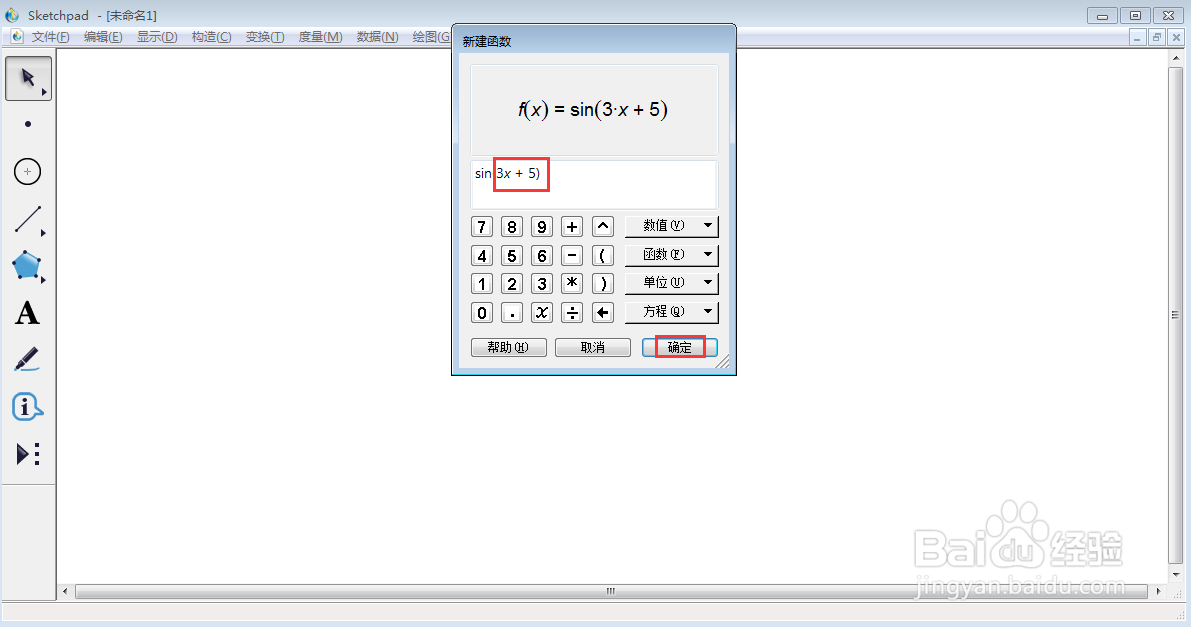
4、点击函数下面的正弦函数;
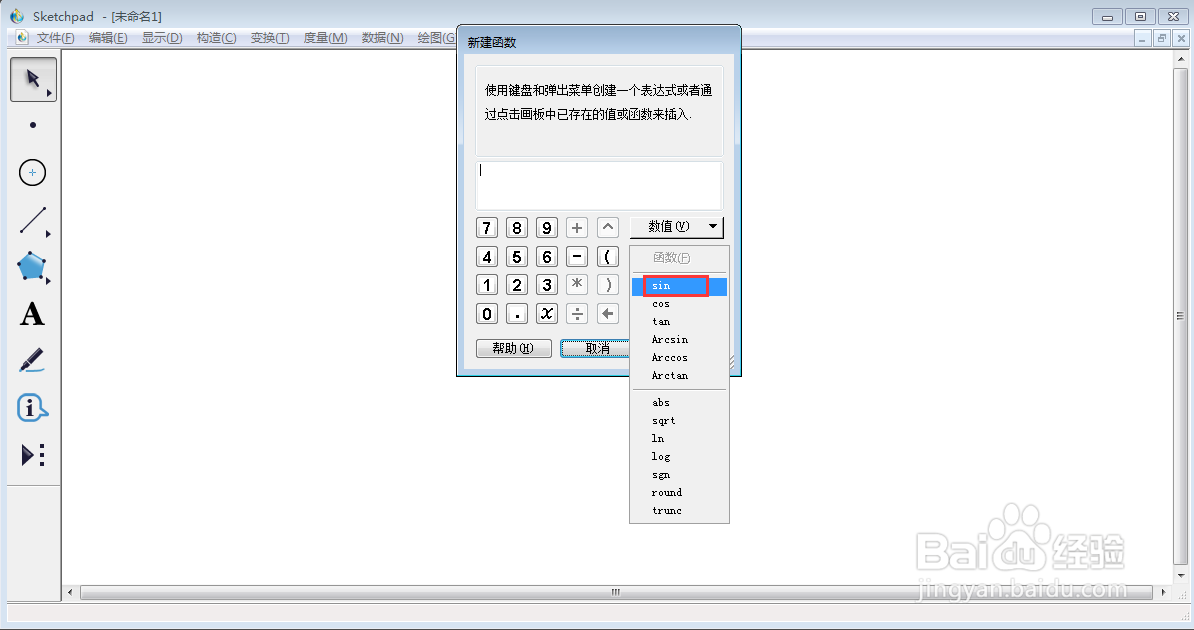
5、输入3x+5,按确定;
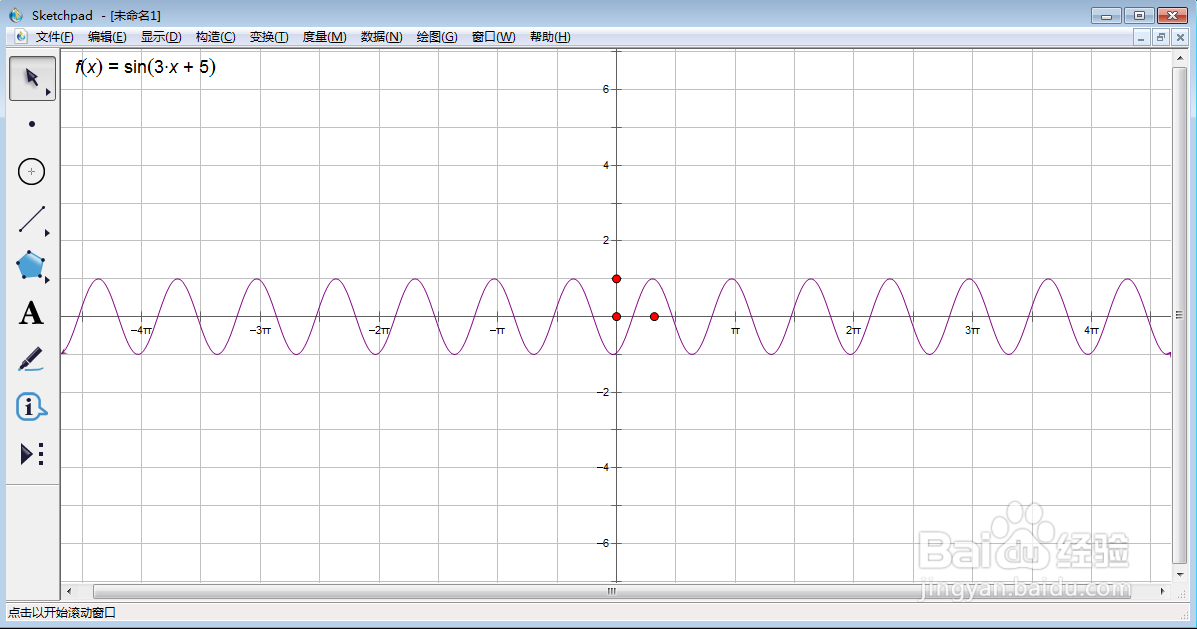
6、我们就在sketchpad中创建好了f(x)=sin(3x+5)的函数图像。
声明:本网站引用、摘录或转载内容仅供网站访问者交流或参考,不代表本站立场,如存在版权或非法内容,请联系站长删除,联系邮箱:site.kefu@qq.com。
阅读量:111
阅读量:23
阅读量:74
阅读量:189
阅读量:134