Unity 图片教程之 图片互转byte\Base64简单实现
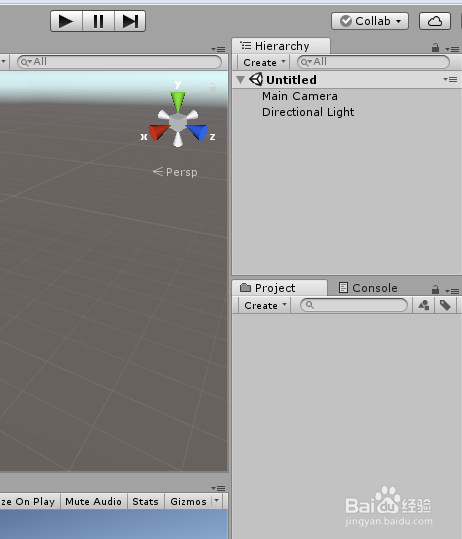
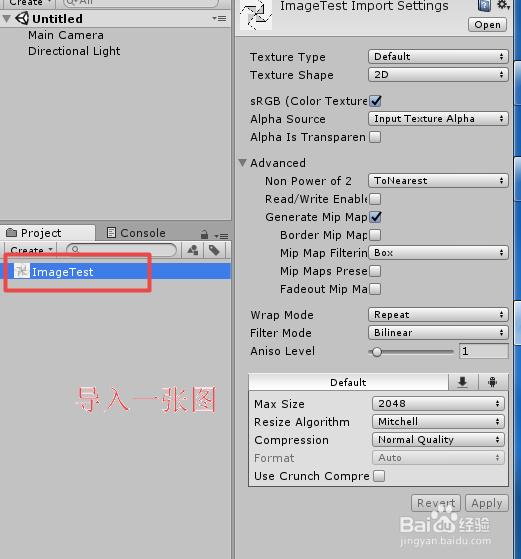
1、打开Unity,新建一个工程,在工程中导入一张图片,具体如下图
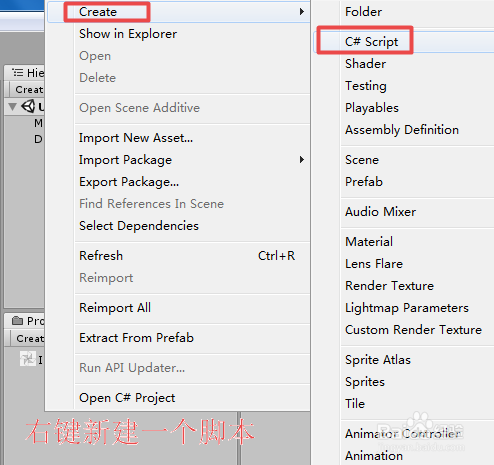
2、在工程中,新建一个脚本,命名为 TestImageBase64,然后双击打开,具体如下图
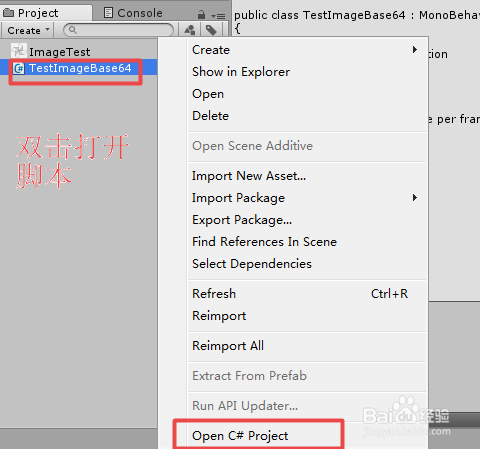
3、TestImageBase64 脚本的具体代码以及代码说明如下图
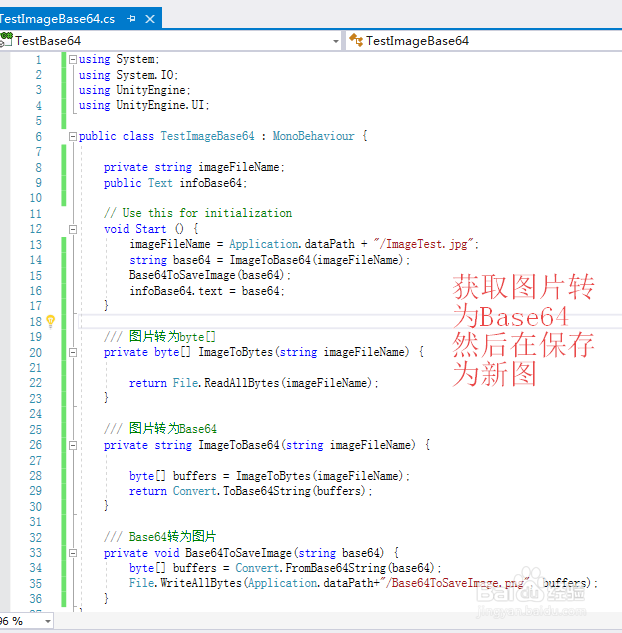
4、TestImageBase64 脚本具体内内容如下:
using System;
using System.IO;
using UnityEngine;
using UnityEngine.UI;
public class TestImageBase64 : MonoBehaviour {
private string imageFileName;
public Text infoBase64;
// Use this for initialization
void Start () {
imageFileName = Application.dataPath + "/ImageTest.jpg";
string base64 = ImageToBase64(imageFileName);
Base64ToSaveImage(base64);
infoBase64.text = base64;
}
/// 图片转为byte[]
private byte[] ImageToBytes(string imageFileName) {
return File.ReadAllBytes(imageFileName);
}
/// 图片转为Base64
private string ImageToBase64(string imageFileName) {
byte[] buffers = ImageToBytes(imageFileName);
return Convert.ToBase64String(buffers);
}
/// Base64转为图片
private void Base64ToSaveImage(string base64) {
byte[] buffers = Convert.FromBase64String(base64);
File.WriteAllBytes(Application.dataPath+"/Base64ToSaveImage.png", buffers);
}
}
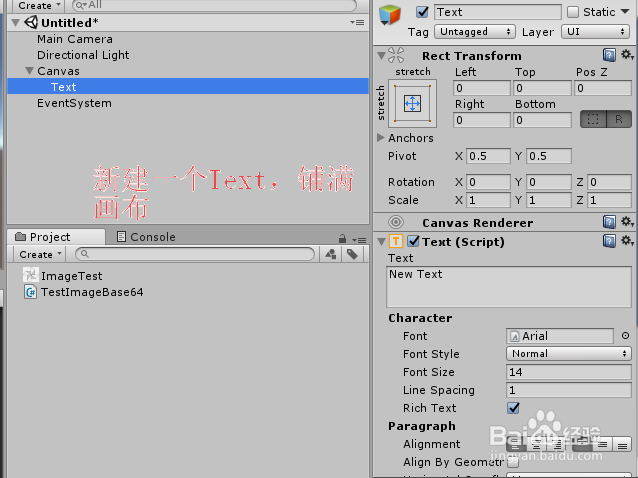
5、脚本编译正确,回到Unity界面,在场景中,添加一个Text,铺面画布,,具体如下图
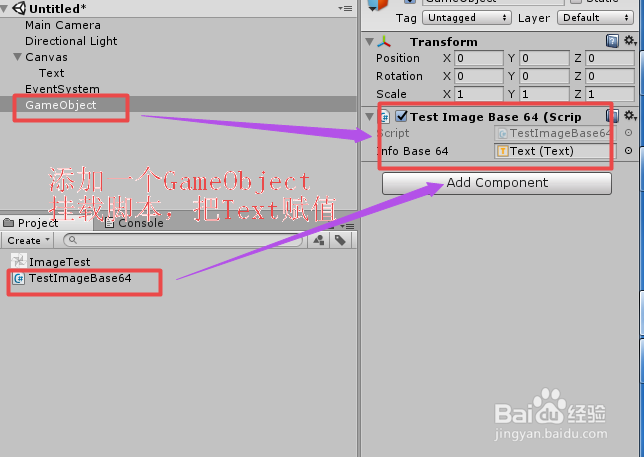
6、在场景中添加一个GameObject,挂载上脚本,并把Text赋给脚本变量,具体如下图
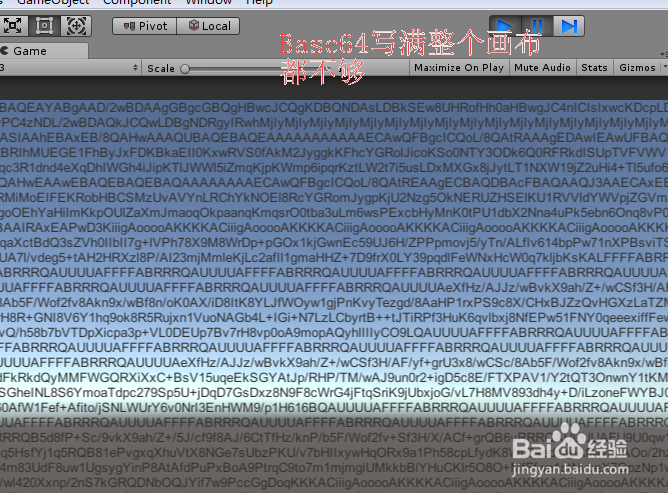
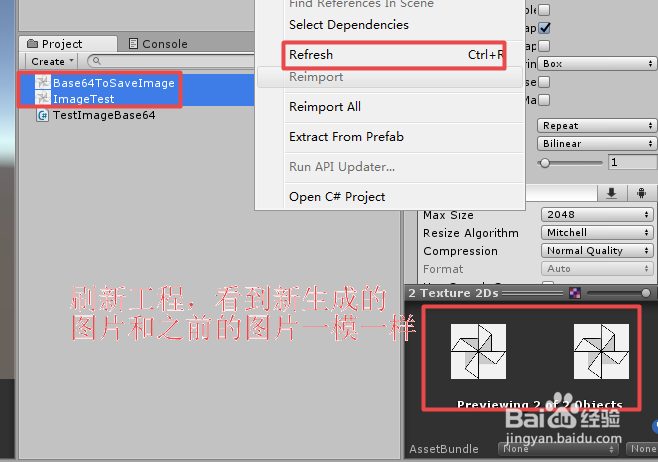
7、运行场景,Base64数据沾满整个画布,刷新工程,看到Base64 转的图片与之前图片一致,转化没问题,具体如下图