写第一个bootstrap程序
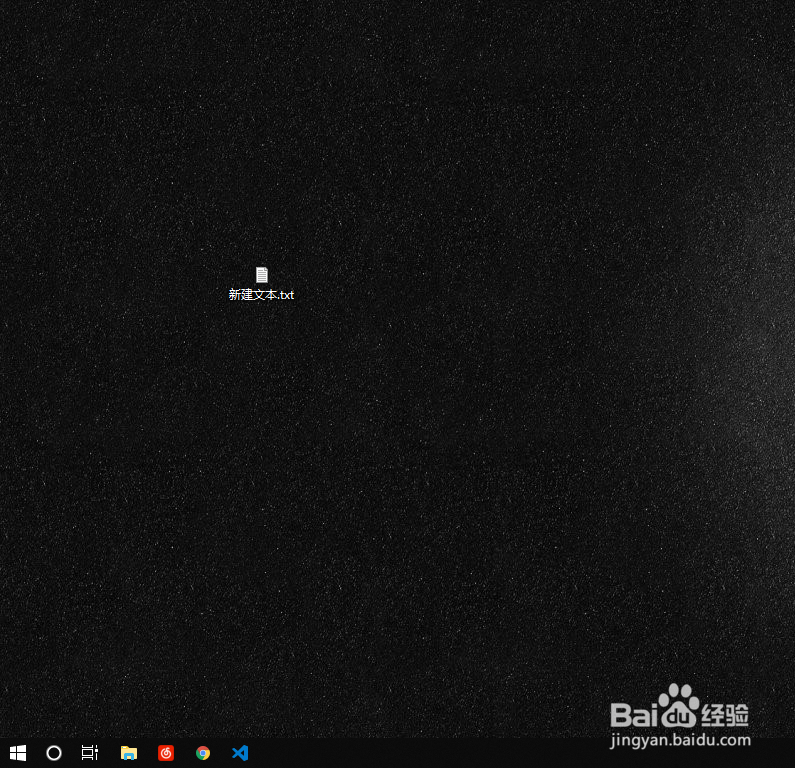
1、右键在桌面新建一个文本文档

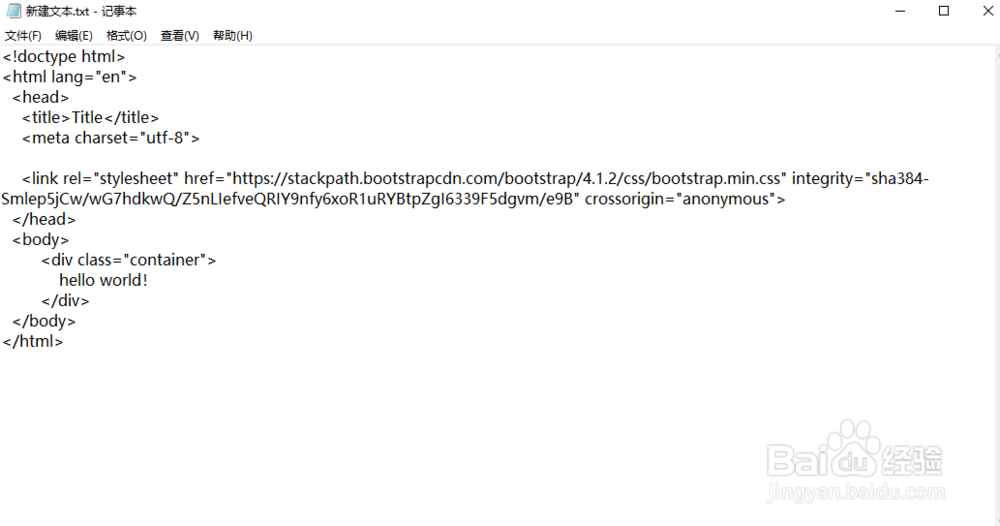
2、将以下代码复制到记事本当中
<!doctype html>
<html lang="en">
<head>
<title>Title</title>
<meta charset="utf-8">
<link rel="stylesheet" href="https://stackpath.bootstrapcdn.com/bootstrap/4.1.2/css/bootstrap.min.css" integrity="sha384-Smlep5jCw/wG7hdkwQ/Z5nLIefveQRIY9nfy6xoR1uRYBtpZgI6339F5dgvm/e9B" crossorigin="anonymous">
</head>
<body>
<div class="container">
hello world!
</div>
</body>
</html>
3、点击文件再点击另存为

4、将.txt改为.html

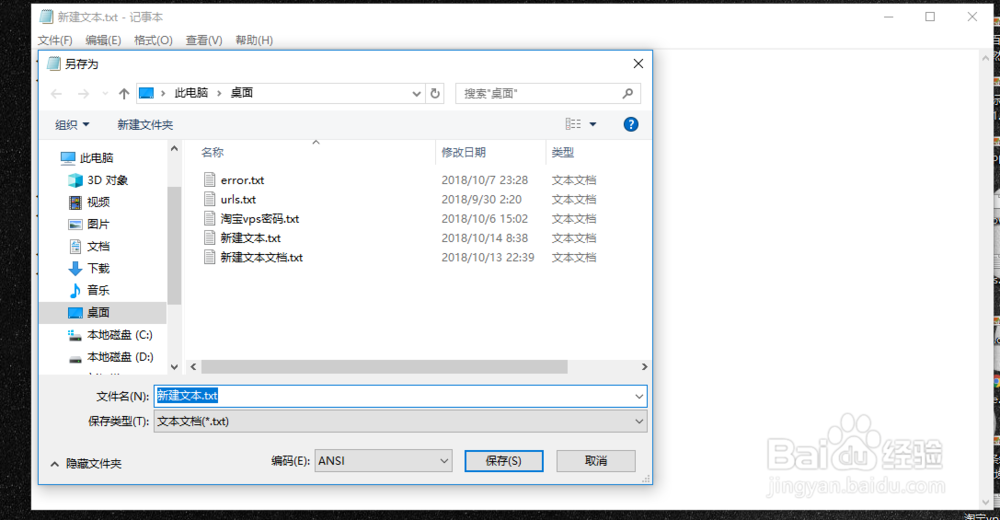
5、编码选择UTF-8

6、保存。此时桌面多了一个HTML文件

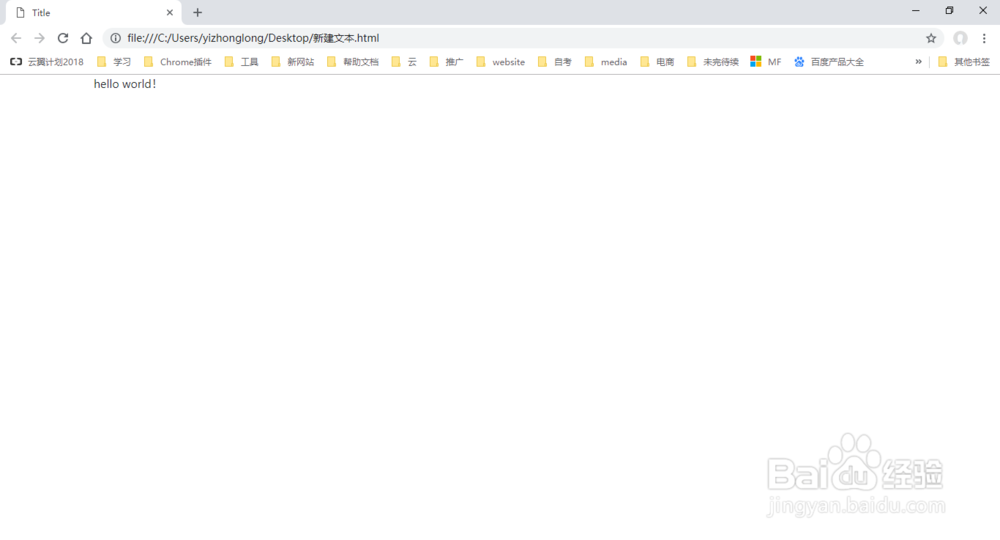
7、双击打开它,这就是第一个bootstrap文件
声明:本网站引用、摘录或转载内容仅供网站访问者交流或参考,不代表本站立场,如存在版权或非法内容,请联系站长删除,联系邮箱:site.kefu@qq.com。
阅读量:116
阅读量:71
阅读量:108
阅读量:87
阅读量:56