steam dlc怎么退款
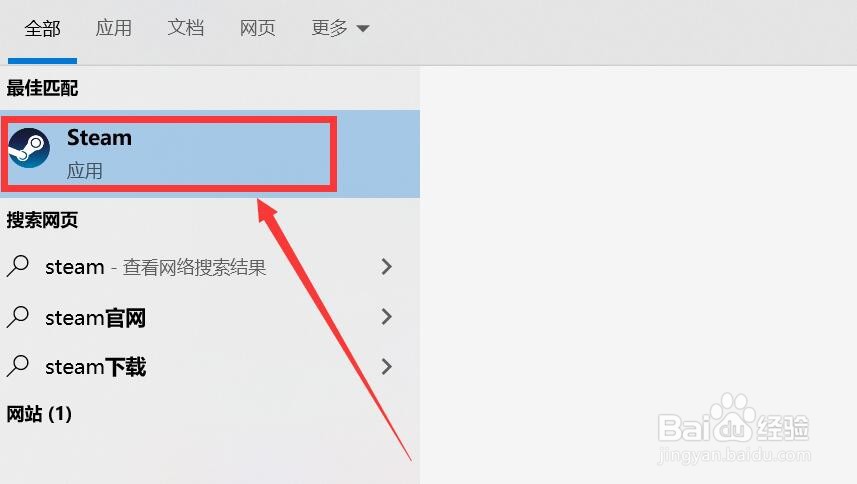
1、首先点击进入steam应用程序。
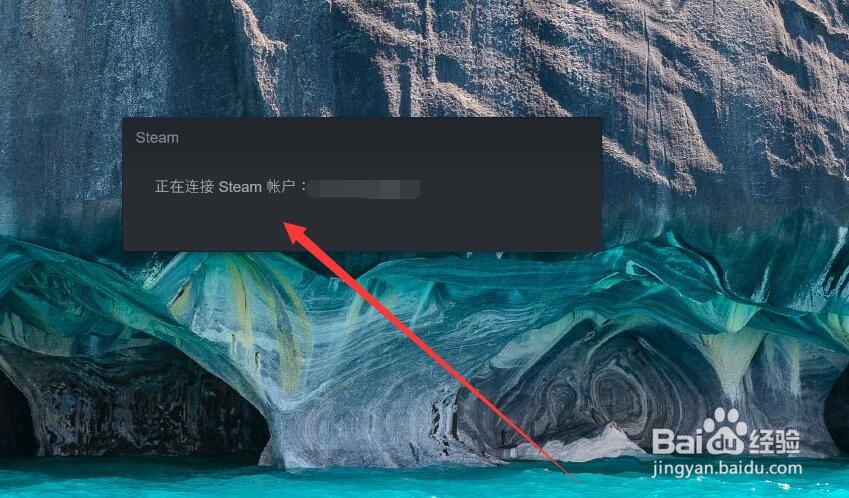
2、接着等待steam客户端连接账号。
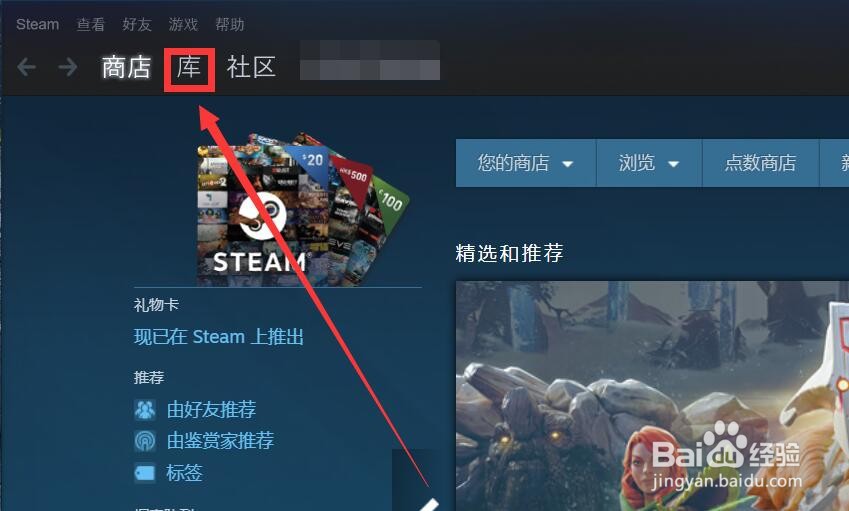
3、之后点击上方的“库”选项。
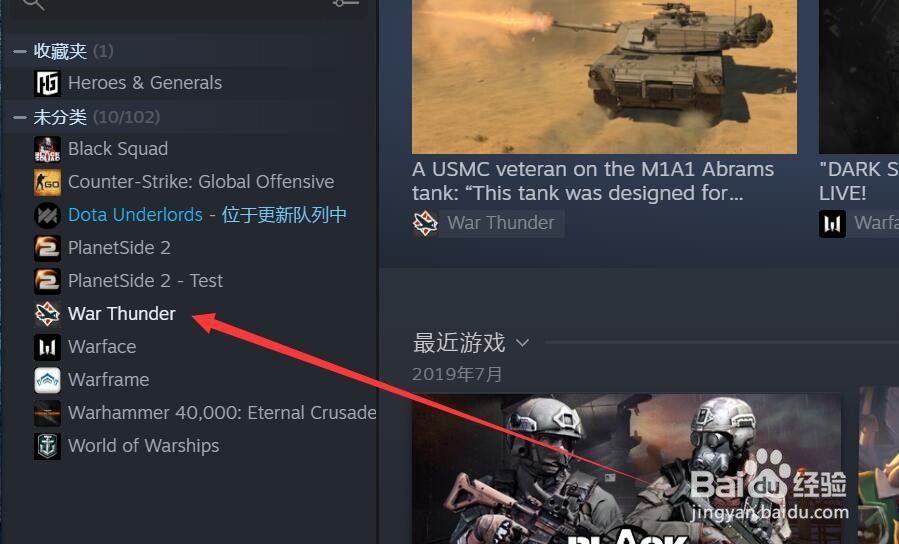
4、在左侧选择所要退款的DLC。
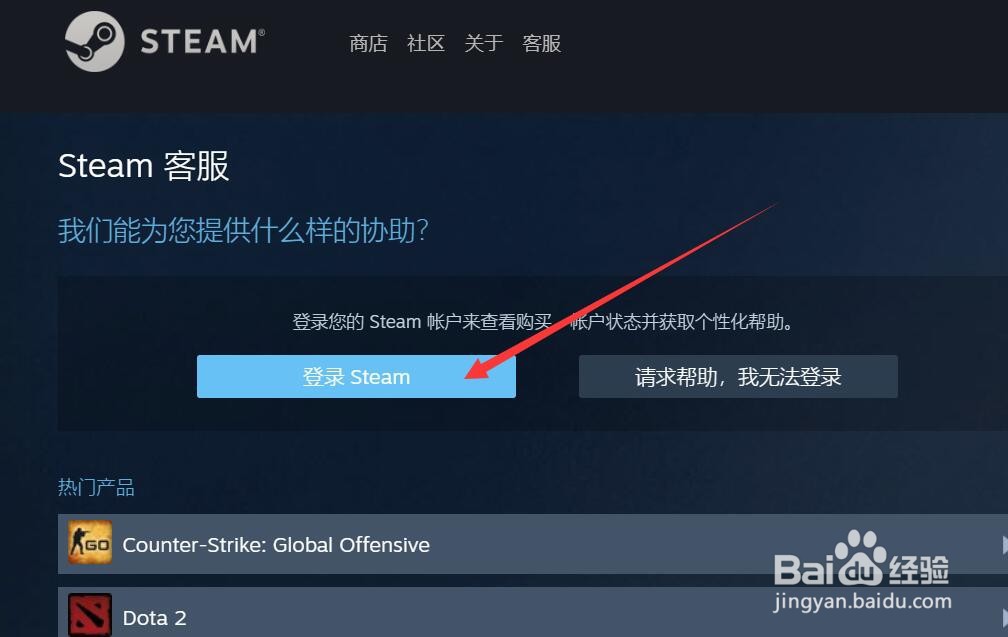
5、接着点击进入steam客服选项。
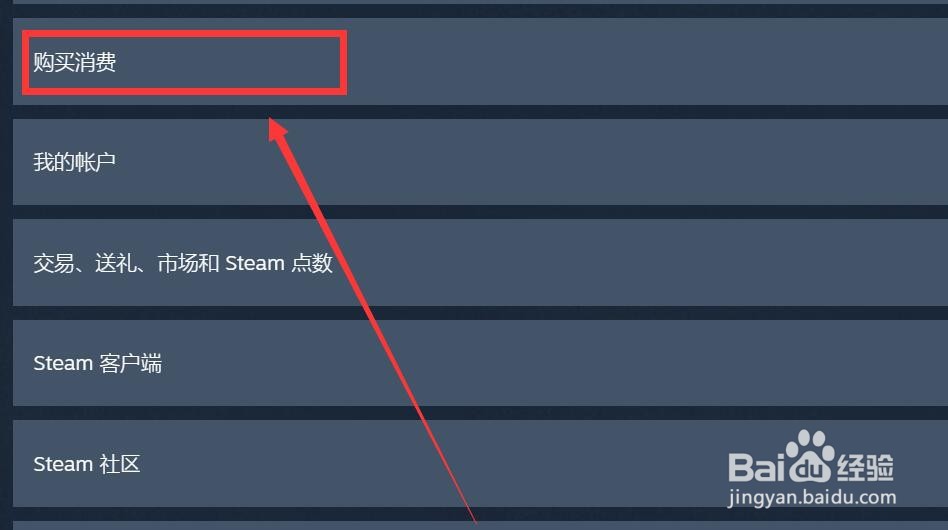
6、选择“购买消费”选项进行退款操作。
声明:本网站引用、摘录或转载内容仅供网站访问者交流或参考,不代表本站立场,如存在版权或非法内容,请联系站长删除,联系邮箱:site.kefu@qq.com。
阅读量:67
阅读量:185
阅读量:72
阅读量:147
阅读量:147