arcgis软件arcmap中如何给标注添加掩膜
1、首先,打开arcgis,加入数据。

2、然后,打开数据的属性。
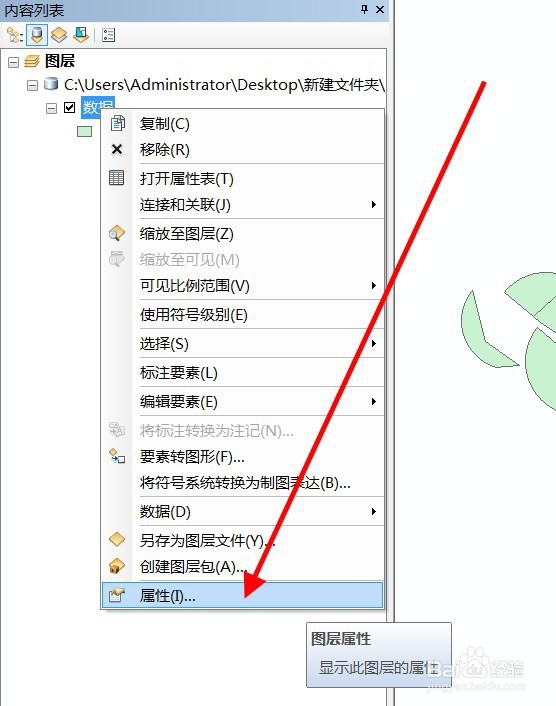
3、选择标注工具,勾选标注。
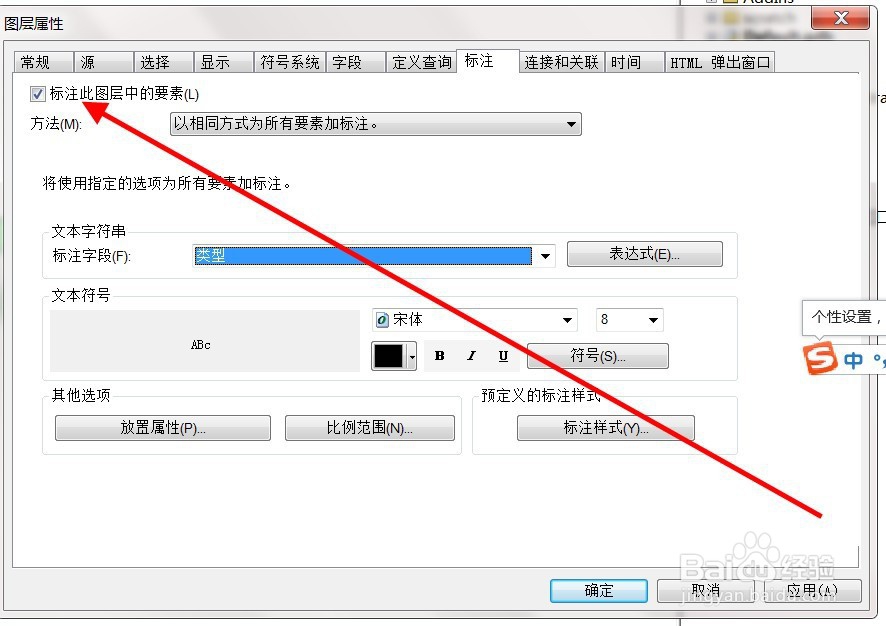
4、然后,点击打开符号。
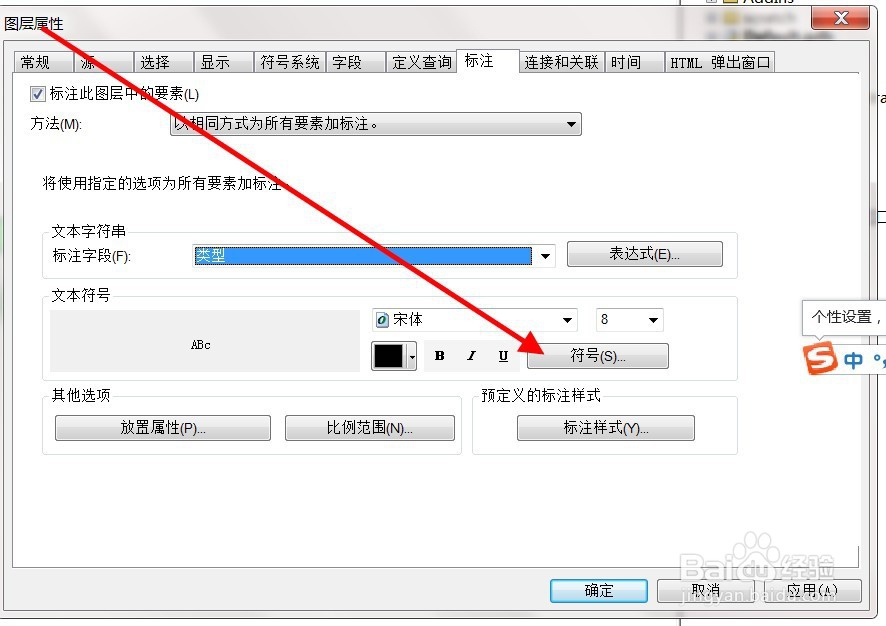
5、选择符号编辑。

6、进去后,就能看到掩膜工具了。
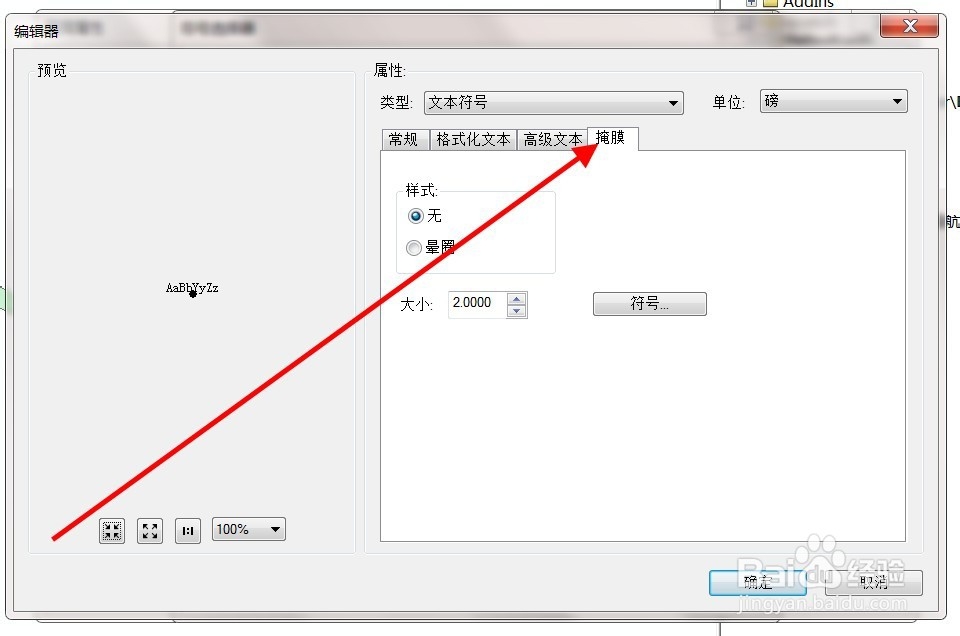
7、勾选晕圈,点击确定。

8、最后,标注添加掩膜成功。

声明:本网站引用、摘录或转载内容仅供网站访问者交流或参考,不代表本站立场,如存在版权或非法内容,请联系站长删除,联系邮箱:site.kefu@qq.com。
阅读量:35
阅读量:68
阅读量:141
阅读量:153
阅读量:146