Linux系统下命令安装weblogic12c
1、到oracle官网下载.jar结尾的weblogc包,然后放在weblogic用户下的zhao目录下(此目录是我自己创建,亦可以其他)。


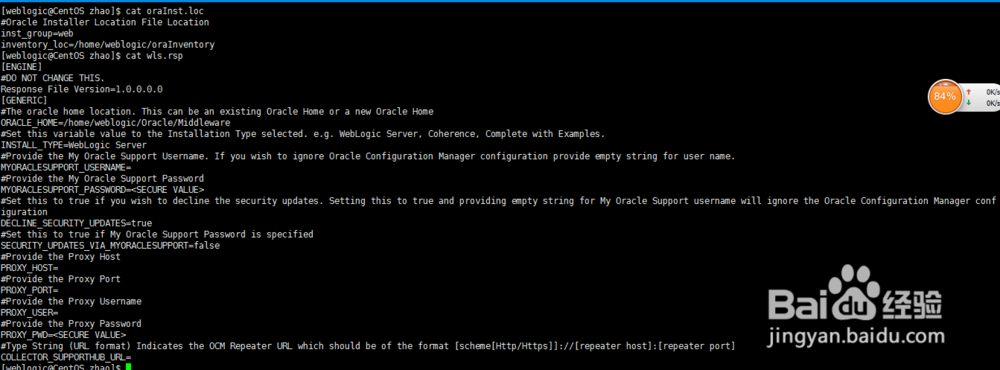
2、.weblogic用户在 /home/weblogic/zhao/下创建oraInst.loc文件(此文件常理应该放睡三在etc/下的,这里我为了方便所以。。)(此文件具体作用:Oralce的安装升级都需要用沟彩到这个目录。官躲争爬方解释:If you plan to install Oracle products using Oracle Universal Installer in silent or suppressed mode, you must manually create the oraInst.loc file if it does not already exist. This file specifies the location of the Oracle Inventory directory where Oracle Universal Installer creates the inventory of Oracle products installed on the system.)
内容如下:
#Oracle Installer Location File Location
inst_group=web 组名称
inventory_loc=/home/weblogic/oraInventory 产品清单目录

3、weblogic 用户在 /home/weblogic/zhao/ 下创建 wls.rsp响应文件:
内容如下:
[ENGINE]
#DO NOT CHANGE THIS.
Response File Version=1.0.0.0.0
[GENERIC]
#The oracle home location. This can be an existing Oracle Home or a new Oracle Home
ORACLE_HOME=/home/weblogic/Oracle/Middleware
#Set this variable value to the Installation Type selected. e.g. WebLogic Server, Coherence, Complete with Examples.
INSTALL_TYPE=WebLogic Server
#Provide the My Oracle Support Username. If you wish to ignore Oracle Configuration Manager configuration provide empty string for user name.
MYORACLESUPPORT_USERNAME=
#Provide the My Oracle Support Password
MYORACLESUPPORT_PASSWORD=<SECURE VALUE>
#Set this to true if you wish to decline the security updates. Setting this to true and providing empty string for My Oracle Support username will ignore the Oracle Configuration Manager configuration
DECLINE_SECURITY_UPDATES=true
#Set this to true if My Oracle Support Password is specified
SECURITY_UPDATES_VIA_MYORACLESUPPORT=false
#Provide the Proxy Host
PROXY_HOST=
#Provide the Proxy Port
PROXY_PORT=
#Provide the Proxy Username
PROXY_USER=
#Provide the Proxy Password
PROXY_PWD=<SECURE VALUE>
#Type String (URL format) Indicates the OCM Repeater URL which should be of the format [scheme[Http/Https]]://[repeater host]:[repeater port]
COLLECTOR_SUPPORTHUB_URL=
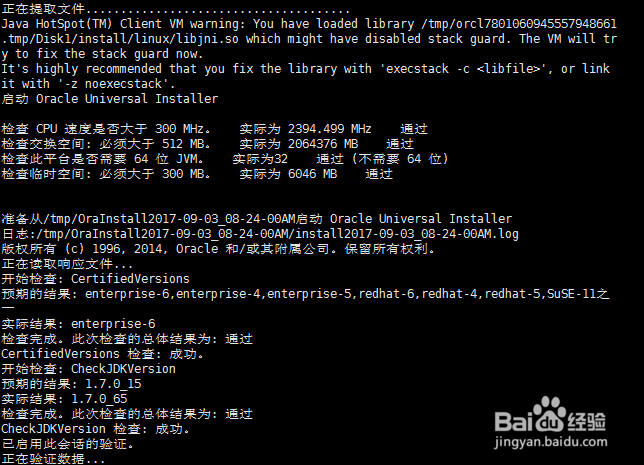
4、以上两个配置文件准备好后,开始静默安装。

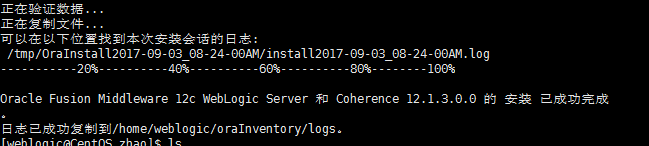
5、出现以下内容:(说明安装成功)
6、创建域
此递归创建域的路径,我这和weblogic安装路径保持一致。
mkdir -p ~/Oracle/Middleware/user_projects/domains/base_domain/

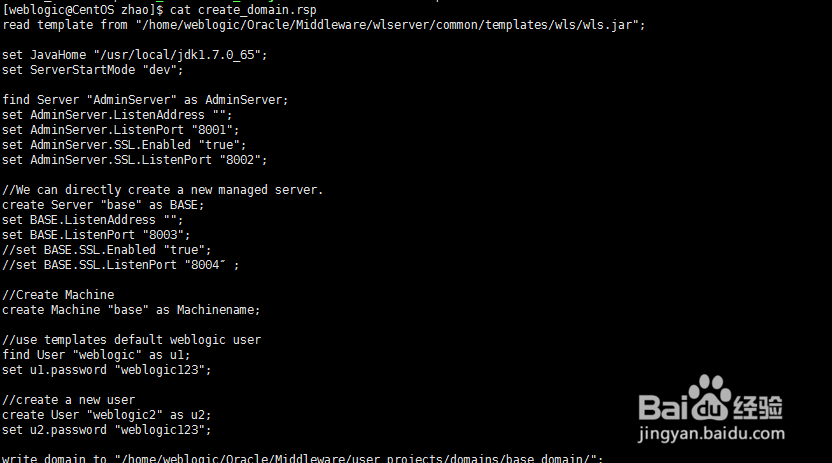
7、weblogic在、zhao/目录下创建域的 参数文件 (用户名,密码,端口等)
内容如下:
read template from "/home/weblogic/Oracle/Middleware/wlserver/common/templates/wls/wls.jar";
set JavaHome "/usr/local/jdk1.7.0_65";
set ServerStartMode "dev";
find Server "AdminServer" as AdminServer;
set AdminServer.ListenAddress "";
set AdminServer.ListenPort "8001";
set AdminServer.SSL.Enabled "true";
set AdminServer.SSL.ListenPort "8002";
//We can directly create a new managed server.
create Server "base" as BASE;
set BASE.ListenAddress "";
set BASE.ListenPort "8003";
//set BASE.SSL.Enabled "true";
//set BASE.SSL.ListenPort "8004″;
//Create Machine
create Machine "base" as Machinename;
//use templates default weblogic user
find User "weblogic" as u1;
set u1.password "weblogic123";
//create a new user
create User "weblogic2" as u2;
set u2.password "weblogic123";
write domain to "/home/weblogic/Oracle/Middleware/user_projects/domains/base_domain/";
//The domain name will be "demo-domain"
close template;

8、开始静默创建域
来到bin目录》执行命令
[weblogic@CentOS zhao]$ cd /home/weblogic/Oracle/Middleware/wlserver/common/bin/
[weblogic@CentOS bin]$ ./config.sh -mode=silent -silent_script=/home/weblogic/zhao/create_domain.rsp -logfile=/home/weblogic/zhao/create_domain.log

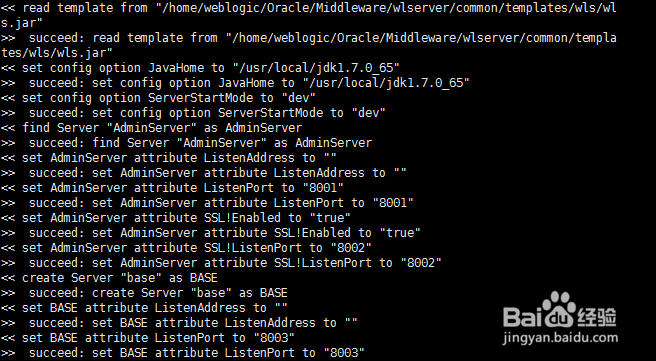
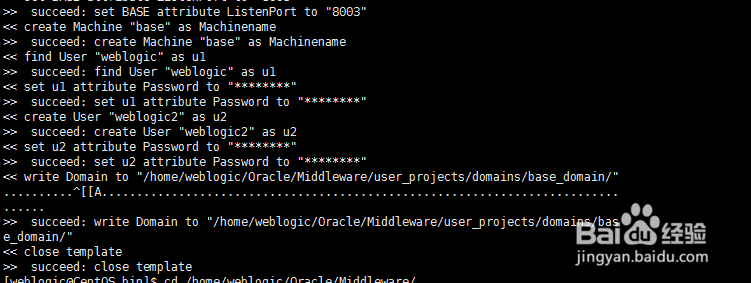
9、若出现以下:(说明成功。根据电脑性能需要等几分钟)
10、启动weblogic
来到bin目录》执行命令:下图
没有异常启动成功;

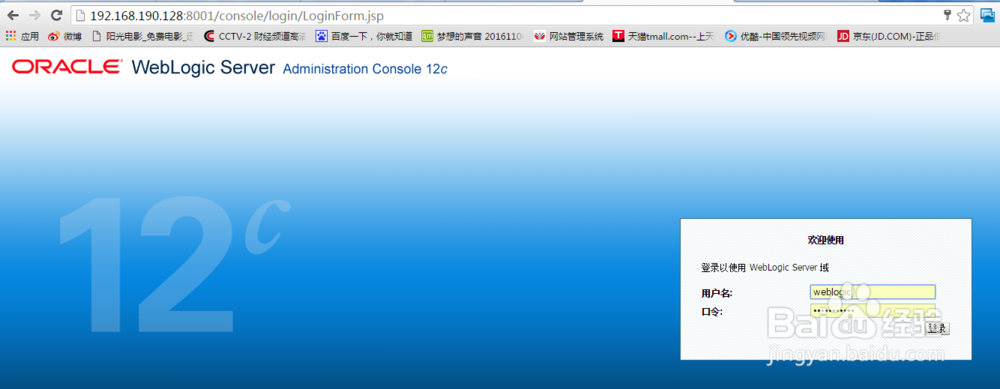
11、页面访问刚才创建好的域:成功