查看Windows7、8、10的product key
1、在左下角搜索栏输入command prompt
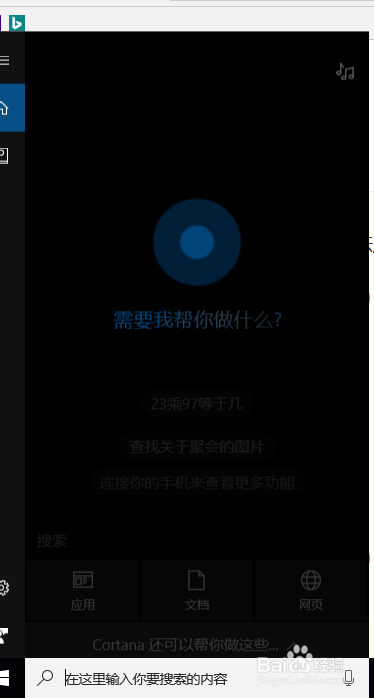
2、点击跳出来的命令提示符,出现如下界面
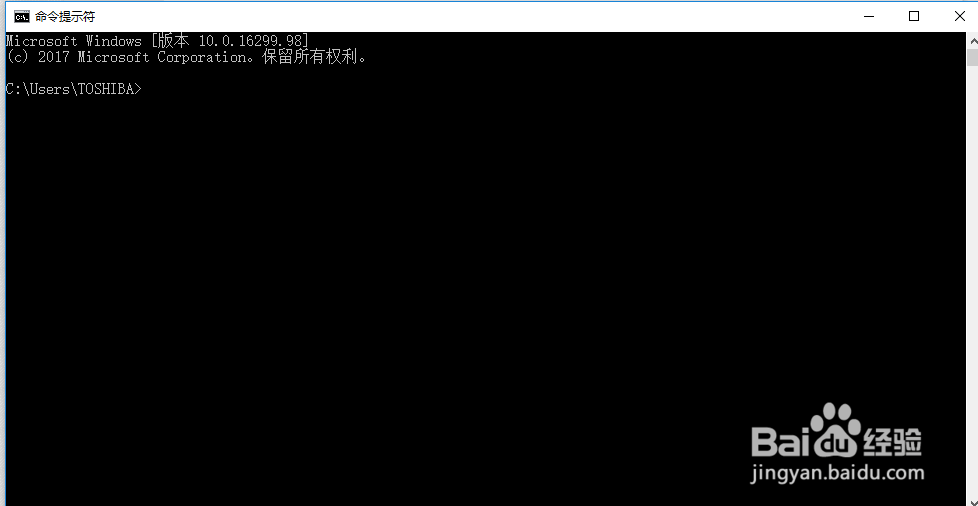
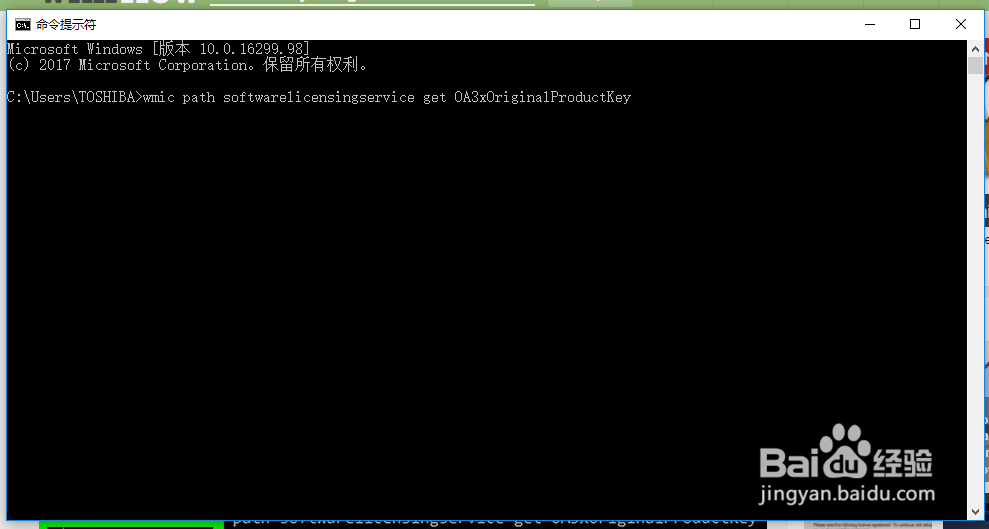
3、在这个新界面中输入
wmic path softwarelicensingservice get OA3xOriginalProductKey
然后回车
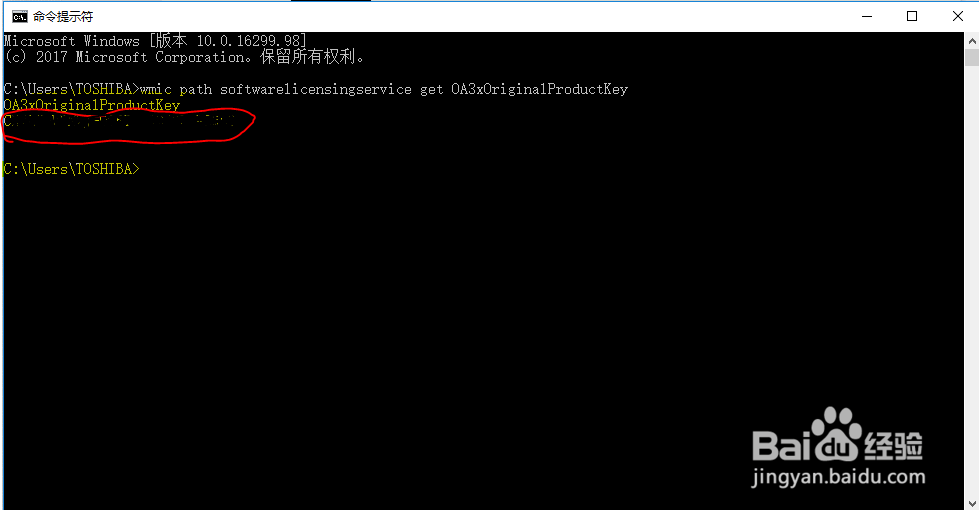
4、回车后出现以下信息,其中如图红色框中的内容(OA3xOriginalProductKey后面的内容)就是要找的内容,一共25个码位。
声明:本网站引用、摘录或转载内容仅供网站访问者交流或参考,不代表本站立场,如存在版权或非法内容,请联系站长删除,联系邮箱:site.kefu@qq.com。
阅读量:96
阅读量:36
阅读量:37
阅读量:115
阅读量:129