Windows 10怎么将开始菜单设置为全屏?
1、打开Windows 10系统开始菜单;
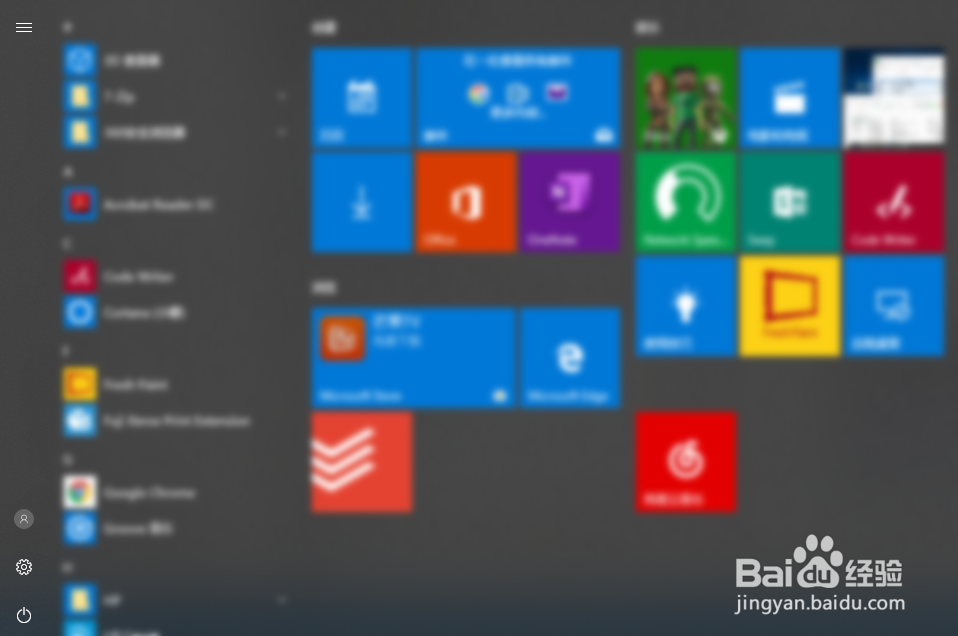
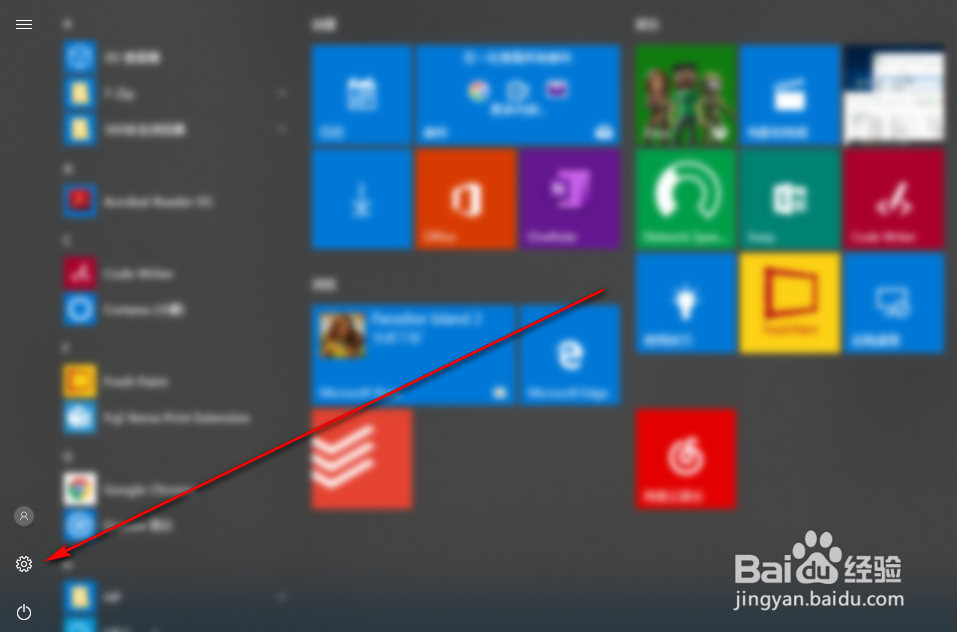
2、点击开始菜单左下角的设置按钮;
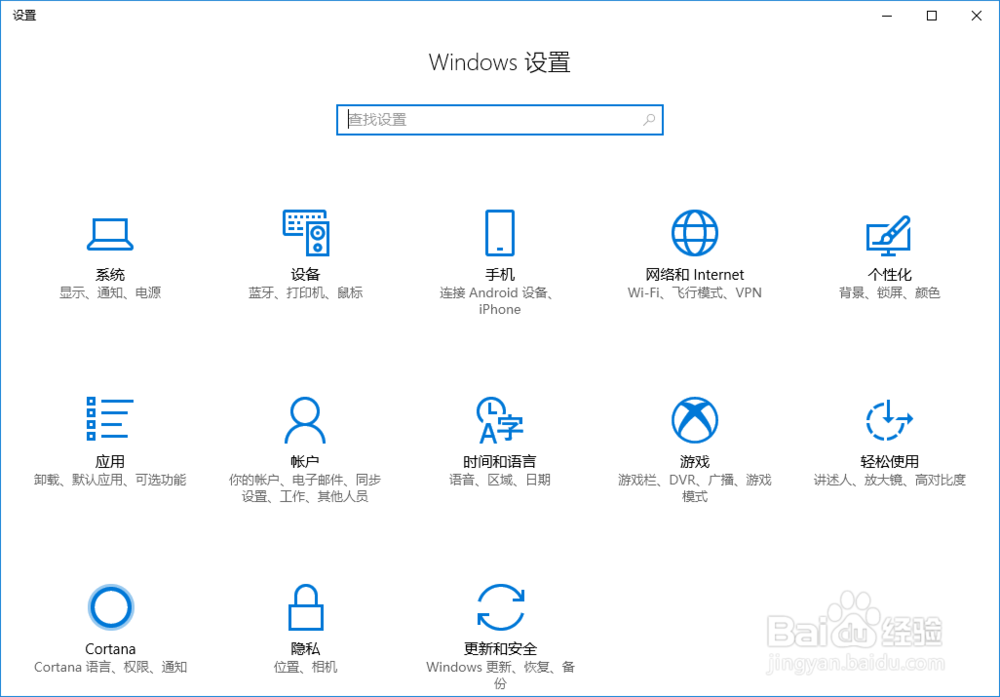
3、系统设置对话框自动打开;
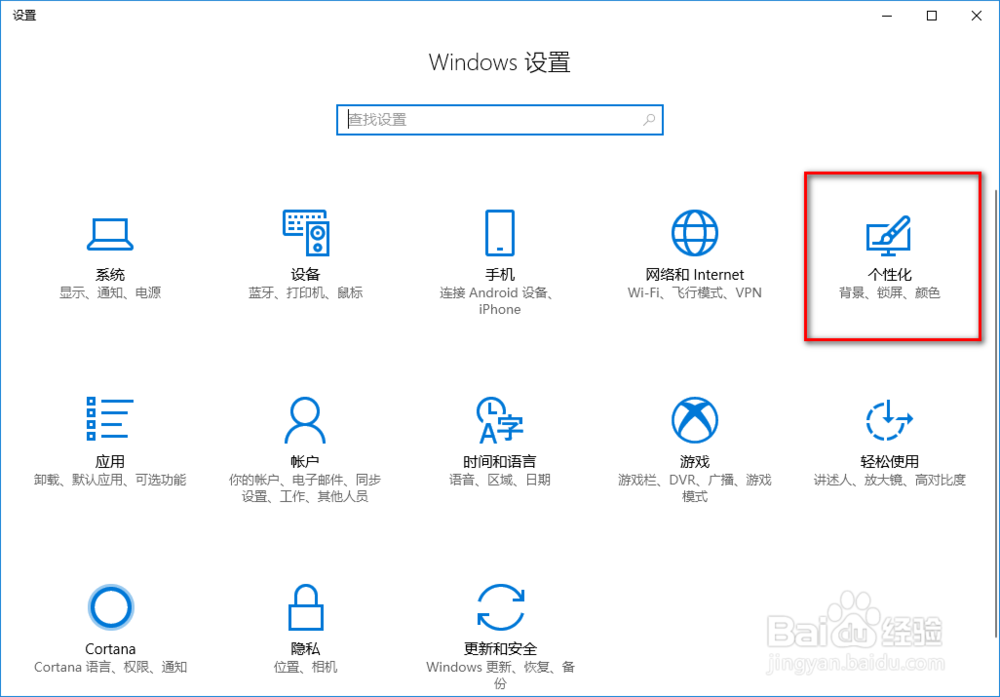
4、点击“个性化”按钮;
5、“背景”页面自动打开;
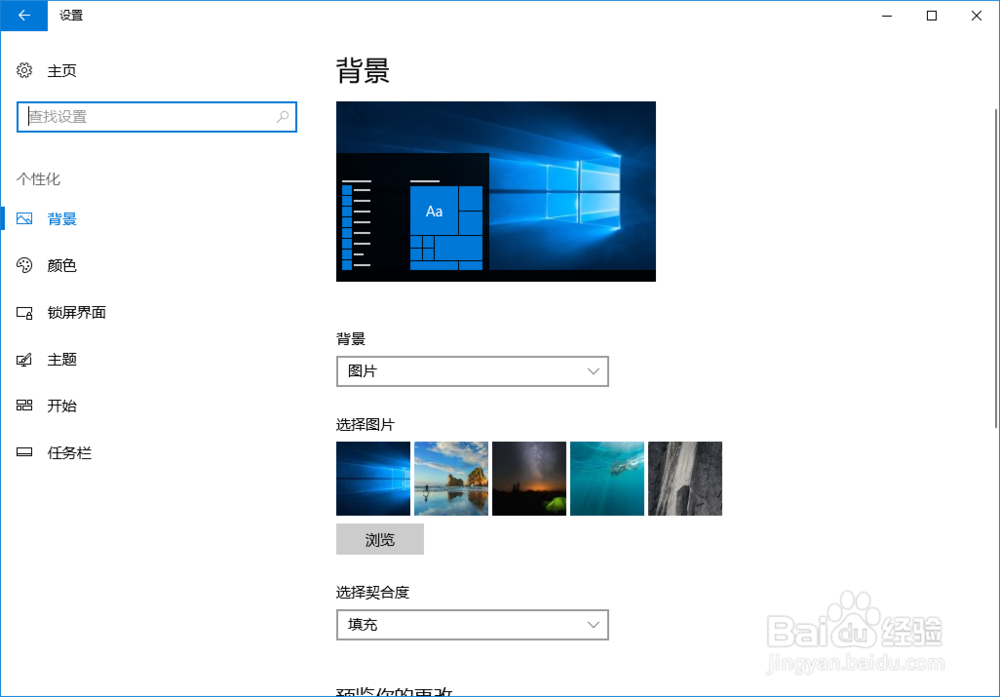
6、点击左侧的“开始”;
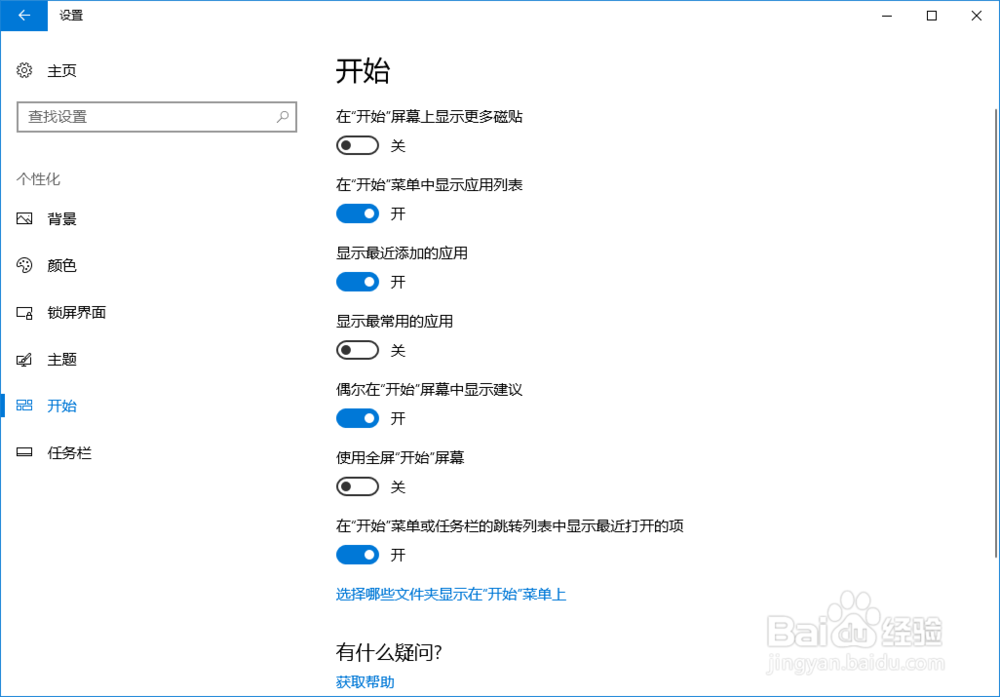
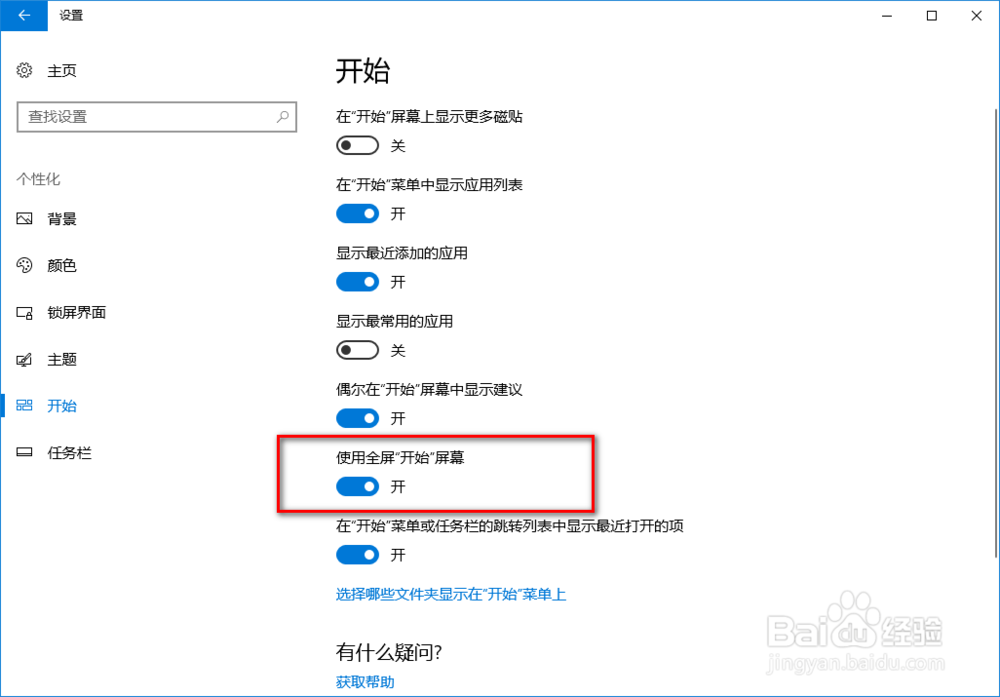
7、点击“使用全屏开始屏幕”的开关,开启该功能;
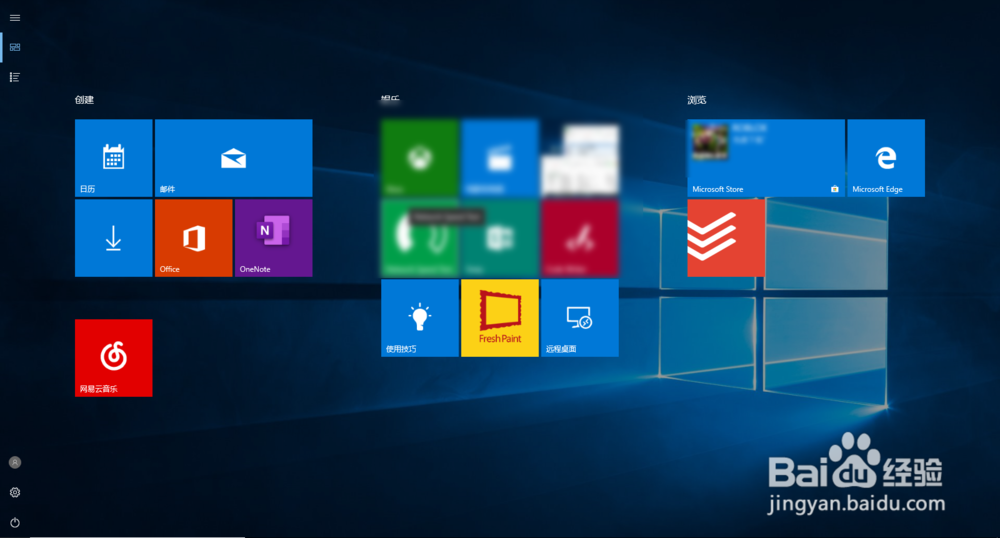
8、全屏开始菜单,效果如下图所示。
声明:本网站引用、摘录或转载内容仅供网站访问者交流或参考,不代表本站立场,如存在版权或非法内容,请联系站长删除,联系邮箱:site.kefu@qq.com。
阅读量:62
阅读量:173
阅读量:59
阅读量:146
阅读量:84