VB6.0中实现字体闪烁效果
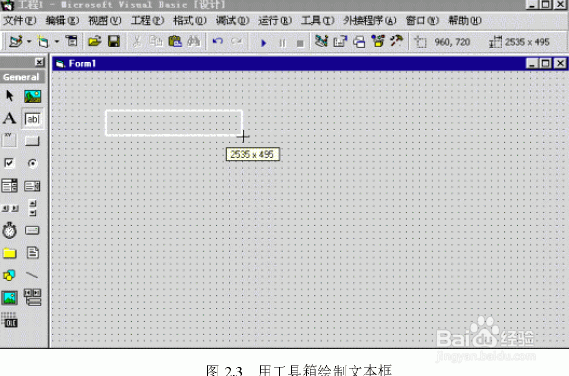
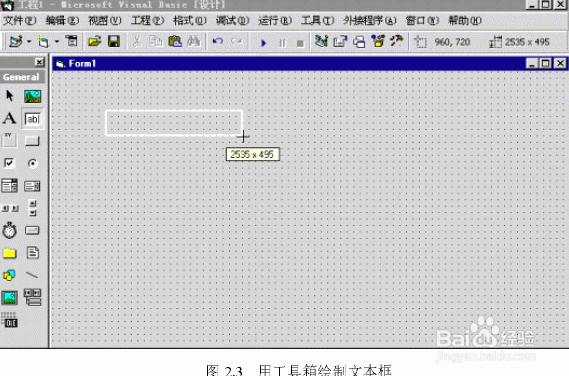
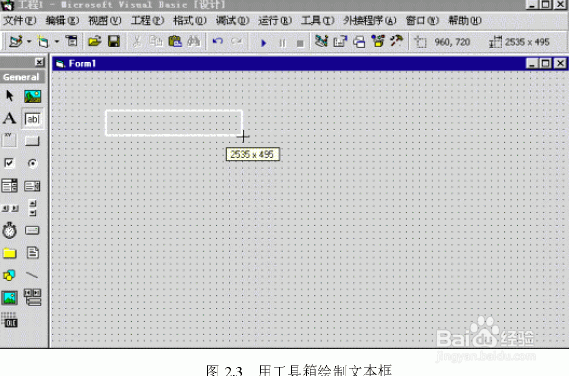
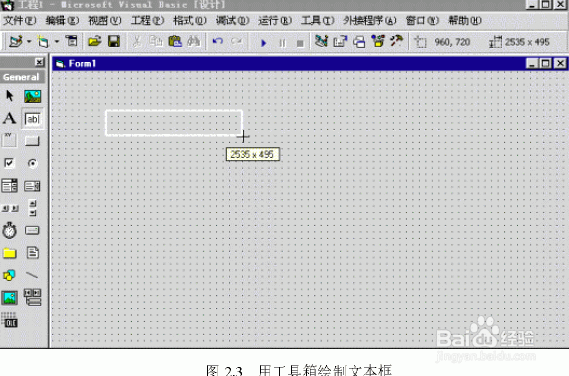
1、(1)创建一个新目标文件(project1),并建立一个窗体Form1。
(2)在Form1上配置一个计时器控制Timer1、标签控件Label1、命令控件Command1。
(3)各控件属性设置:
Timer1的Enabled设置为True;
Label1的Caption设置为需闪烁的字体:“江西省黎川县职业中专电脑室设计”、Font设置字体及大小、Backstyle设置为“0-Transparent”;
Command1中的Caption设置为“退出”。
2、(4)程序代码清单:
Option Explicit
Private Sub Form_ Load()
Label1.Top=850
′设置闪烁字体的显示位置
Label1.Left=750
Timer1.Interval=555
3、′设置字体闪烁间隔时间
Form1.Windowstate=2
End Sub
′利用计时器控件Timer有规律地改变字体颜色(Forecolor)
Private Sub Timer1_Timer()
Chc Label1,1,4,8
End Sub
4、′Chc过程是循环地改变字体颜色(Forecolor)
Sub Chc(Cont As Control,Color1 As Integer,Color2 As Integer,Color3 As Integer)
If Val(Cont.Tag)=Color1 Then
Cont.Tag=Color2
ElseIf Val(Cont.Tag)=Color2 Then
Cont.Tag=Color3
ElseIf Val(Cont.Tag)=Color3 Then
Cont.Tag=Color1
Else
5、Cont.Tag=Color1
End If
Cont.ForeColor=QBColor(Cont.Tag)
End Sub
6、 Private Sub Command1_Click()
End
End Sub
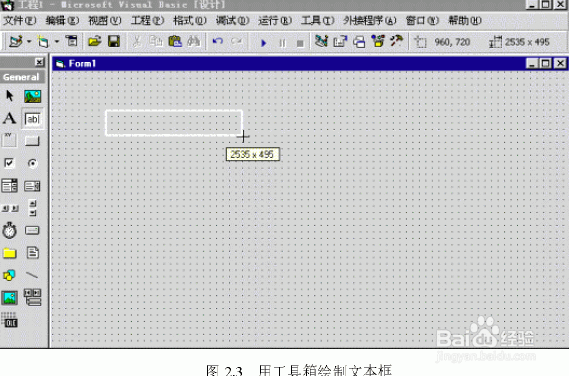
7、 程序除标签控件外,还适用于许多VB基本控件,实现诸多闪烁效果,例如:闪烁文本框、闪烁文件列表框等,极大丰富了VB应用程序界面,相当实用。