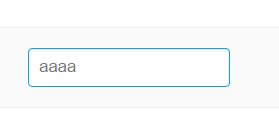
jQuery文本框宽度随着输入内容而自动变化
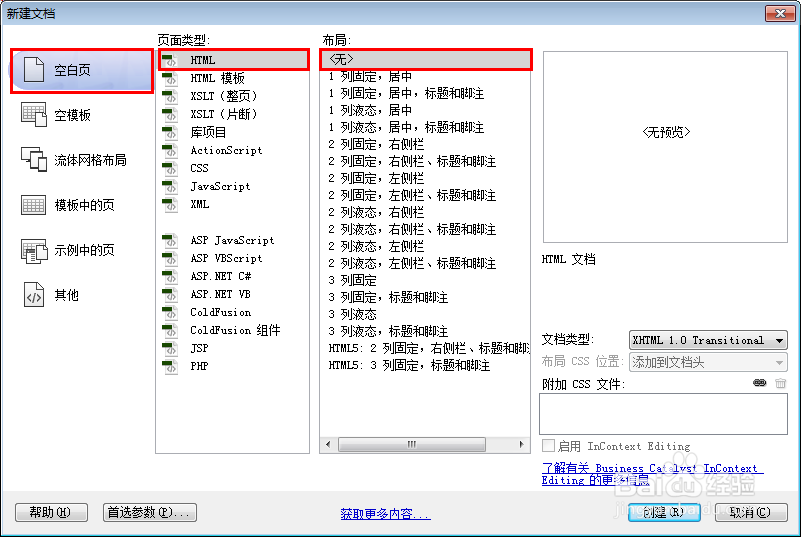
1、新建html文档。
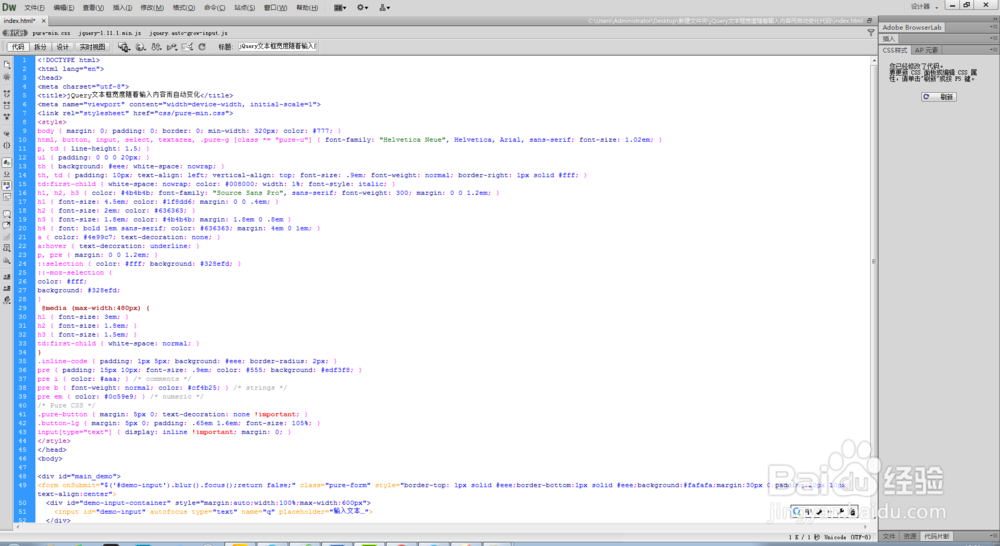
2、书写hmtl代码。<div id="main_demo"><form onSubmit="$('#demo-input').blur().focus();return false;" class="pure-form" style="border-top: 1px solid #eee;border-bottom:1px solid #eee;background:#fafafa;margin:30px 0;padding:20px 10px;text-align:center"> <div id="demo-input-container" style="margin:auto;width:100%;max-width:600px"> <input id="demo-input" autofocus type="text" name="q" placeholder="输入文本…"> </div></form>

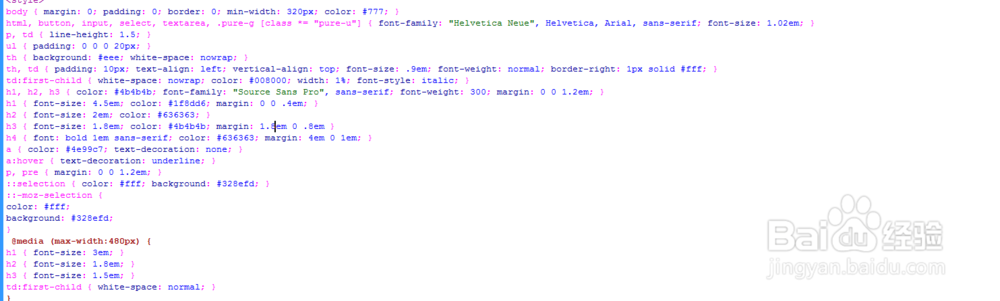
3、初始化css代码。<style>body { margin: 0; padding: 0; border: 0; min-width: 320px; color: #777; }html, button, input, select, textarea, .pure-g [class *= "pure-u"] { font-family: "Helvetica Neue", Helvetica, Arial, sans-serif; font-size: 1.02em; }p, td { line-height: 1.5; }ul { padding: 0 0 0 20px; }th { background: #eee; white-space: nowrap; }th, td { padding: 10px; text-align: left; vertical-align: top; font-size: .9em; font-weight: normal; border-right: 1px solid #fff; }td:first-child { white-space: nowrap; color: #008000; width: 1%; font-style: italic; }h1, h2, h3 { color: #4b4b4b; font-family: "Source Sans Pro", sans-serif; font-weight: 300; margin: 0 0 1.2em; }h1 { font-size: 4.5em; color: #1f8dd6; margin: 0 0 .4em; }h2 { font-size: 2em; color: #636363; }h3 { font-size: 1.8em; color: #4b4b4b; margin: 1.8em 0 .8em }h4 { font: bold 1em sans-serif; color: #636363; margin: 4em 0 1em; }a { color: #4e99c7; text-decoration: none; }a:hover { text-decoration: underline; }p, pre { margin: 0 0 1.2em; }::selection { color: #fff; background: #328efd; }::-moz-selection {color: #fff;background: #328efd;}</style>
4、书写css代码。<style> @media (max-width:480px) {h1 { font-size: 3em; }h2 { font-size: 1.8em; }h3 { font-size: 1.5em; }td:first-child { white-space: normal; }}.inline-code { padding: 1px 5px; background: #eee; border-radius: 2px; }pre { padding: 15px 10px; font-size: .9em; color: #555; background: #edf3f8; }pre i { color: #aaa; } /* comments */pre b { font-weight: normal; color: #cf4b25; } /* strings */pre em { color: #0c59e9; } /* numeric *//* Pure CSS */.pure-button { margin: 5px 0; text-decoration: none !important; }.button-lg { margin: 5px 0; padding: .65em 1.6em; font-size: 105%; }input[type="text"] { display: inline !important; margin: 0; }</style>
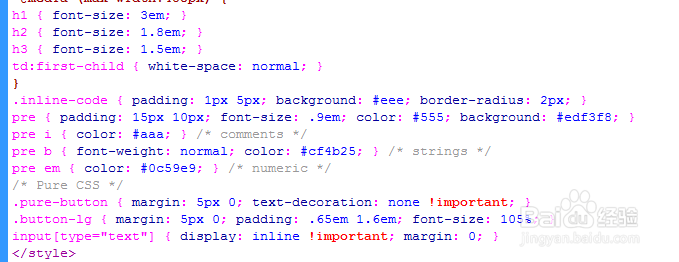
5、代码整体结构。
6、查看效果。