如何设置Bandicut3当文件已存在时弹窗提醒
1、点击“Bandicut3”

2、在“Bandicut3”窗口中,点击“设置”

3、在“设置”窗口中,点击“概要”

4、在“概要”窗口中,将“当文件已存在时提醒我”勾选上

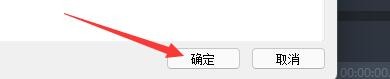
5、点击“确定”即可
声明:本网站引用、摘录或转载内容仅供网站访问者交流或参考,不代表本站立场,如存在版权或非法内容,请联系站长删除,联系邮箱:site.kefu@qq.com。
阅读量:78
阅读量:92
阅读量:162
阅读量:99
阅读量:140