camtasia studio ”库“里面theme主题的使用
1、首先导入一个视频素材到轨道上。

2、单击“库”按钮,找到“Theme-Calling Lights”项。

3、单击“Theme-Calling Lights”左侧的“+”号。

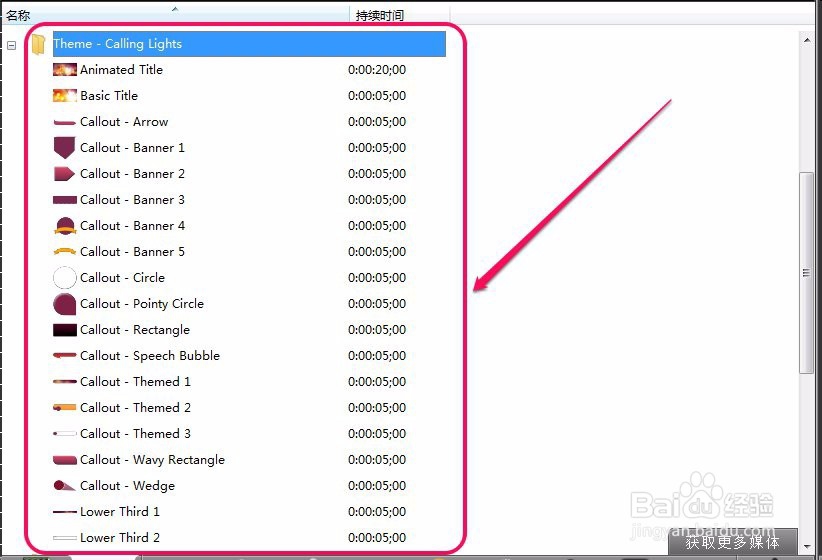
4、打开“Theme-Calling Lights”主题包。
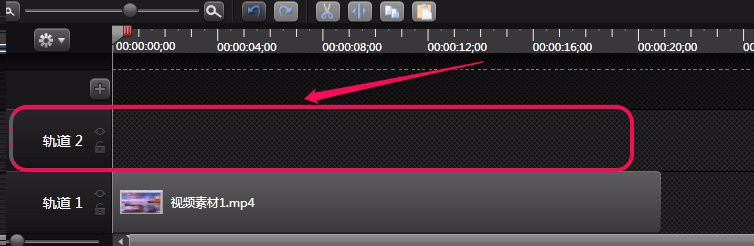
5、新建一个“轨道2”。
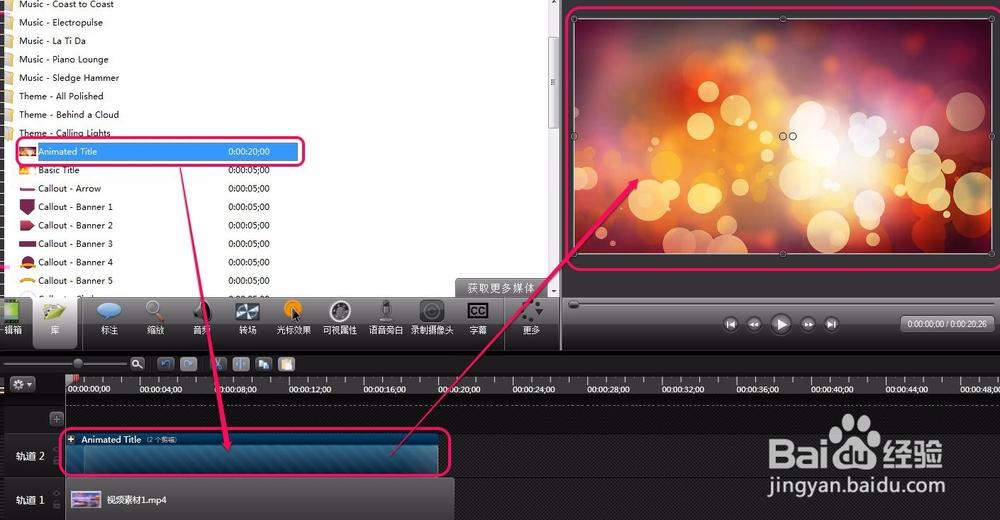
6、用鼠标拖动“Animated Title”标题到“轨道2”上面。

7、赢鼠标双击“Enter Title Here”。
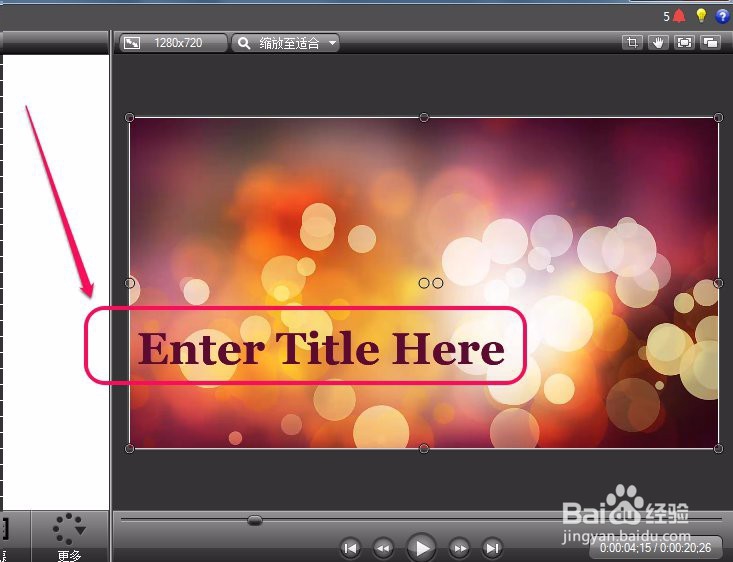
8、调出文本属性编辑区。
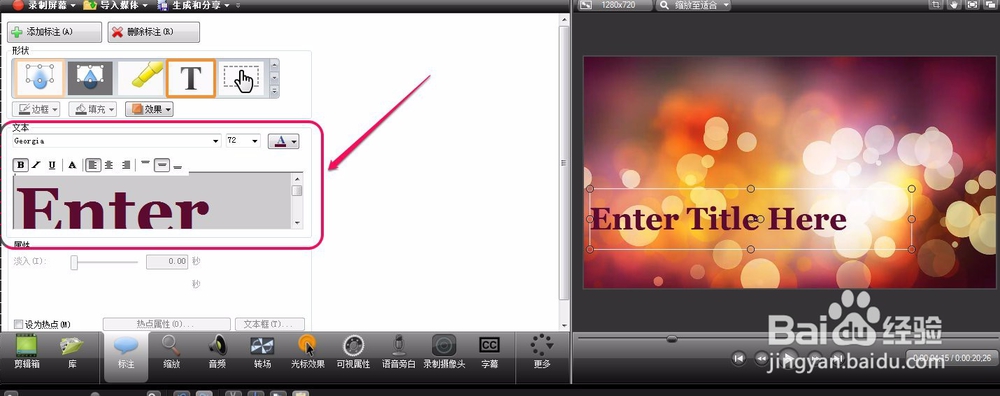
9、可以更改文字内容等属性。
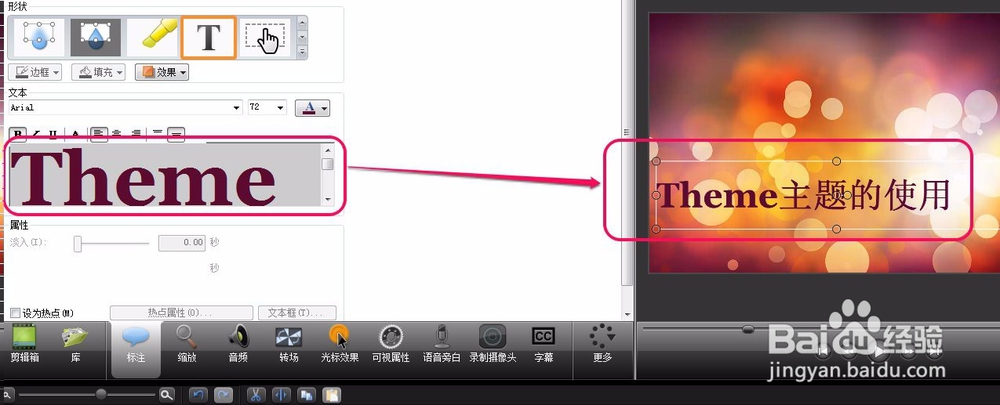
10、红色框中全是一些各种样式的标注,可以拖放到视频需要的地方使用。
到此,Theme主题包就应用完了。
可以看到,Theme主题包无论是标题,还是标注,颜色等设计都是风格统一的。


声明:本网站引用、摘录或转载内容仅供网站访问者交流或参考,不代表本站立场,如存在版权或非法内容,请联系站长删除,联系邮箱:site.kefu@qq.com。
阅读量:166
阅读量:101
阅读量:105
阅读量:75
阅读量:141