如何下载百度高品质音乐
现在百度音乐太坑人了了,下高品质音乐需要开VIP,现在我教大家一招,绝对好使。Now baidu music too traps, the high quality music need to open the VIP, now I teach you, absolutely.
电脑软件
名称:谷歌浏览器Chrom 大小:36.4MB|版本:33.0.1750.|类别:网络软件|语言:中文应用平台:什么都行Anything Goes下载谷歌浏览器并安装。Download the Google browser and install.

安装“Tampermonkey”拓展。Install "Tampermonkey" development.
点击新出现的按钮,再点击“获取脚本”。Click the new button and then click on the "script".

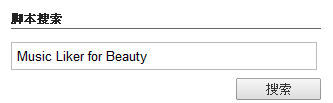
搜索“Music Liker for Beauty”。Searh for "Music Liker for Beauty".
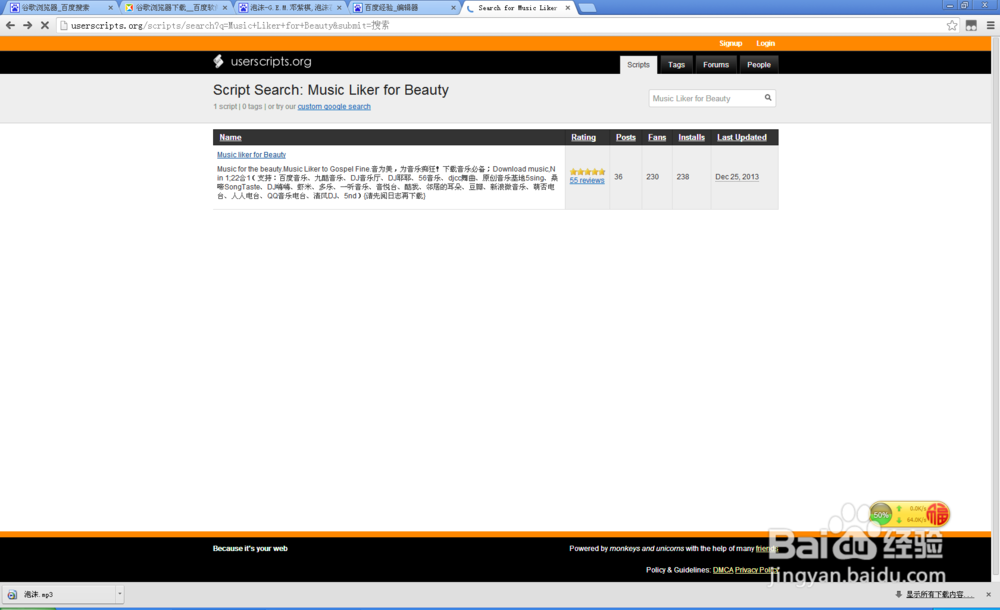
打开网页,点击“install”。Open the web page, click "install".

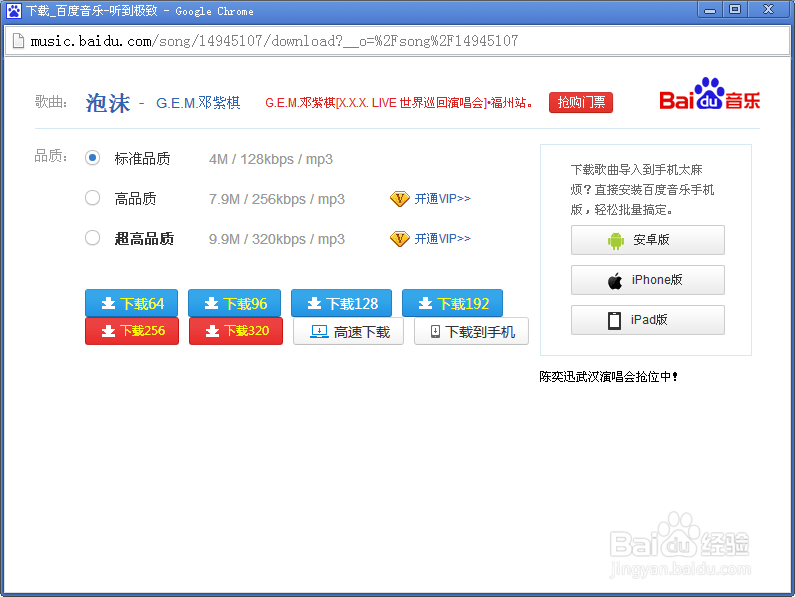
安装成功后,在百度音乐上搜索音乐并下载。After the success of the installation, in baidu search music and download music.
注意:本方法不仅百度适用,其他网站(比如九酷)也同样适用。Note: this method is not only baidu, as well as other web sites (like others).
声明:本网站引用、摘录或转载内容仅供网站访问者交流或参考,不代表本站立场,如存在版权或非法内容,请联系站长删除,联系邮箱:site.kefu@qq.com。
阅读量:35
阅读量:73
阅读量:138
阅读量:181
阅读量:155