iOS如何实现条形进度条加载效果
1、创建自定义view,.h声明progress属性用来控制进度条的进度。
@interface ProgressView : UIView
@property (nonatomic, assign) CGFloat progress;
@end

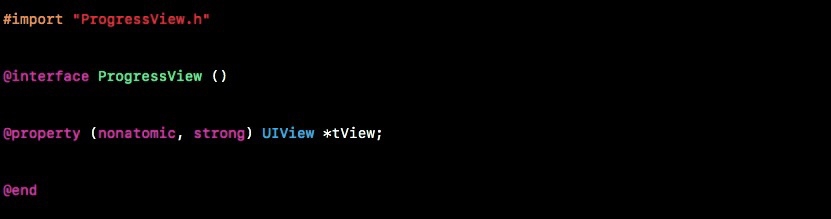
2、.m定义view属性用来显示进度条。
@interface ProgressView ()
@property (nonatomic, strong) UIView *tView;
@end
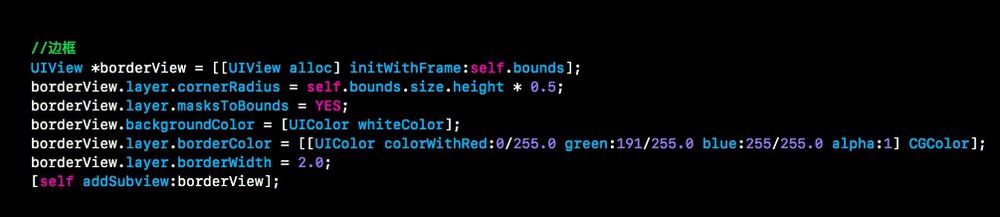
3、设置进度条边框,宽度设置为2.0,同时定义颜色与圆角。
//边框
UIView *borderView = [[UIView alloc] initWithFrame:self.bounds];
borderView.layer.cornerRadius = self.bounds.size.height * 0.5;
borderView.layer.masksToBounds = YES;
borderView.backgroundColor = [UIColor whiteColor];
borderView.layer.borderColor = [[UIColor colorWithRed:0/255.0 green:191/255.0 blue:255/255.0 alpha:1] CGColor];
borderView.layer.borderWidth = 2.0;
[self addSubview:borderView];
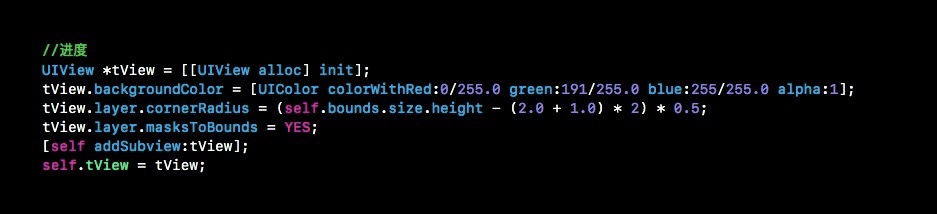
4、创建进度条显示view,设置背景颜色。
//进度
UIView *tView = [[UIView alloc] init];
tView.backgroundColor = [UIColor colorWithRed:0/255.0 green:191/255.0 blue:255/255.0 alpha:1];
tView.layer.cornerRadius = (self.bounds.size.height - (2.0 + 1.0) * 2) * 0.5;
tView.layer.masksToBounds = YES;
[self addSubview:tView];
self.tView = tView;
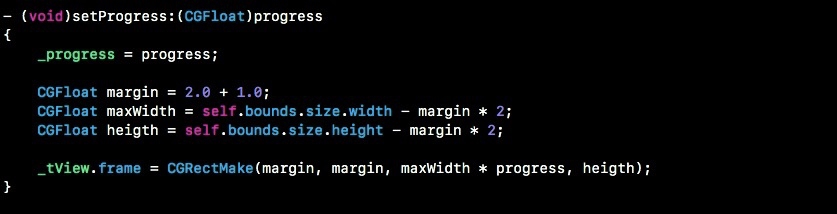
5、使用set方法进行进度设置,设置进度条的frame。
- (void)setProgress:(CGFloat)progress
{
帮久 _progress = progress;
爬牢 CGFloat margin = 2.0 + 1.0;
CGFloat maxWidth = self.bounds.size.width - margin * 2;
脾久炼 CGFloat heigth = self.bounds.size.height - margin * 2;
_tView.frame = CGRectMake(margin, margin, maxWidth * progress, heigth);
}
6、实例化ProgressView然后加到指定view上,设置progressView的progress属性用来设置进度。
ProgressView *progressView = [[ProgressView alloc] initWithFrame:CGRectMake(30, 365, 150, 20)];
[self.view addSubview:progressView];
self.progressView = progressView;

7、最终进度条加载效果如下: