centos 7 安装Apache
1、添加Google的DNS和更新下露粒
sed -i '1a nameserver 8.8.8.8' /etc/resolv.confyum makecache fastyum -y update

2、安装Apache服务
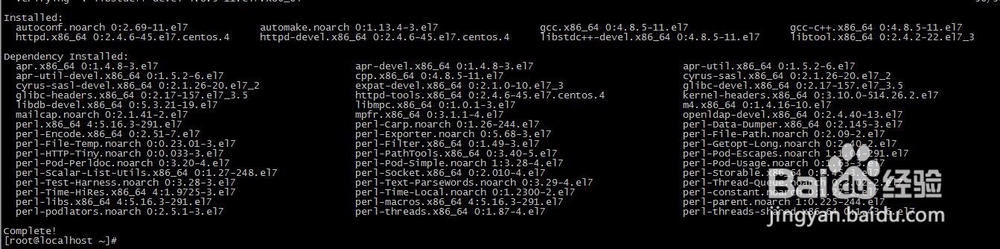
yum -y install httpd httpd-devel gcc gcc-c++ libstdc++-devel autoconf automake libtool
3、开启Apache服务
加入启动项
systemctl start httpd.service
systemctl enable httpd.service

4、防火墙眠巨王允倘耍许Apache服务
firewall-cmd --add-service=http --permanent
systemctl restart firewalld.service

5、访问测试
http://ip

声明:本网站引用、摘录或转载内容仅供网站访问者交流或参考,不代表本站立场,如存在版权或非法内容,请联系站长删除,联系邮箱:site.kefu@qq.com。
阅读量:50
阅读量:44
阅读量:56
阅读量:160
阅读量:100