树莓派安装LAMP环境
1、首先更新你的树莓派库
sudo apt-get update
sudo apt-get upgrade
修改Raspbian Stretch的源库
# Uncomment line below then 'apt-get update' to enable 'apt-get source'
deb-src http://raspbian.raspberrypi.org/raspbian/ stretch main contrib non-free rpi
安装apache
apt-get install apache2 apache2-doc apache2-utils php7.0-zip
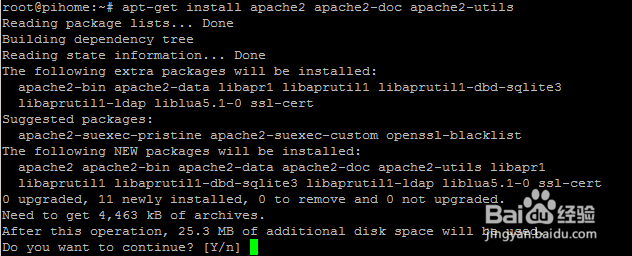
2、现在你可以在浏览器键入IP地址,可以看到apache安装页面

1、添加新的存储库源代码
cat /etc/os-release
PRETTY_NAME="Raspbian GNU/Linux 8 (jessie)"
NAME="Raspbian GNU/Linux"
VERSION_ID="8"
VERSION="8 (jessie)"
ID=raspbian
ID_LIKE=debian
HOME_URL="http://www.raspbian.org/"
SUPPORT_URL="http://www.raspbian.org/RaspbianForums"
BUG_REPORT_URL="http://www.raspbian.org/RaspbianBugs"
找出哪个版本后,选择jessie或延伸版本。确保您选择了raspbian版本的正确存储库。
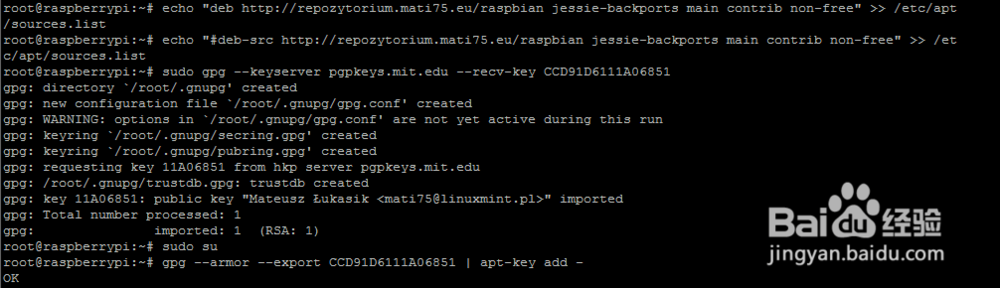
deb http://repozytorium.mati75.eu/raspbian jessie-backports main contrib non-free
#deb-src http://repozytorium.mati75.eu/raspbian jessie-backports main contrib non-free
deb http://mirrordirector.raspbian.org/raspbian/ jessie main contrib non-free rpi
现在添加一些证书来使用我们刚刚通过apt-get添加的源代码。
sudo gpg --keyserver pgpkeys.mit.edu --recv-key CCD91D6111A06851
sudo su
gpg --armor --export CCD91D6111A06851 | apt-key add -
2、安装PHP7.0
apt-get install libapache2-mod-php7.0 php7.0 php7.0-opcache php7.0-mbstring php7.0-mysql php7.0-curl php7.0-gd
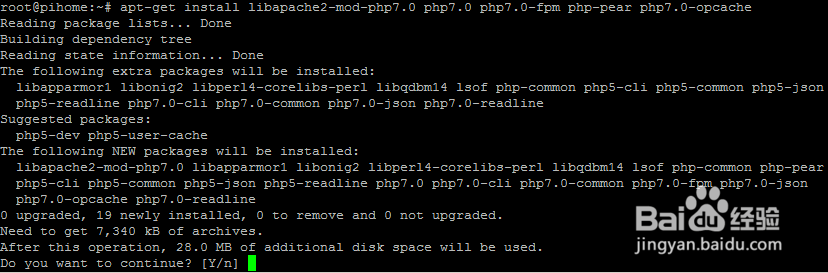
3、一旦PHP 7安装成功,您可以测试PHP和Apache的安装。
php -v
PHP 7.0.25-1+0~20171027135525.8+jessie~1.gbp75b787 (cli) (built: Oct 30 2017 19:44:10) ( NTS )
Copyright (c) 1997-2017 The PHP Group
Zend Engine v3.0.0, Copyright (c) 1998-2017 Zend Technologies
with Zend OPcache v7.0.25-1+0~20171027135525.8+jessie~1.gbp75b787, Copyright (c) 1999-2017, by Zend Technologies
1、新版本的Raspbian MariaDB现在出现在官方仓库中,要安装它,只需要运行以下命令
sudo apt-get install mariadb-server mariadb-client
sudo mysql_secure_installation
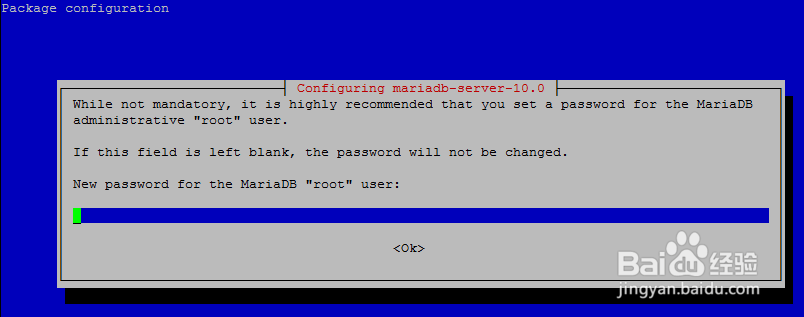
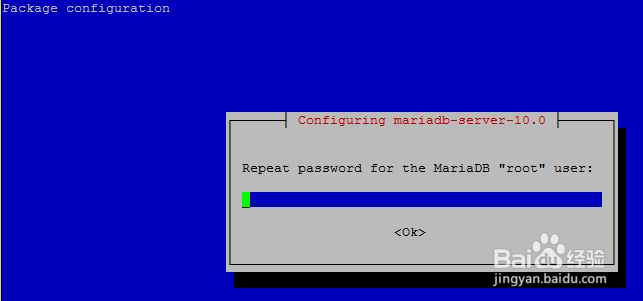
2、确定admin和密码
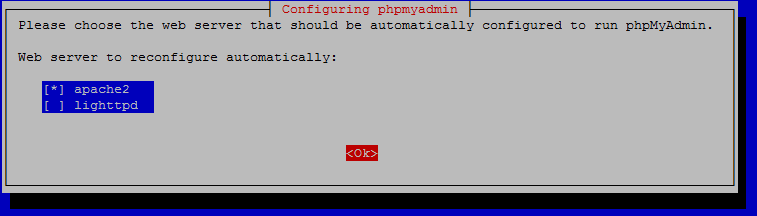
1、为phpmyadmin安装选择apache2并点击确定
2、sudo bash
apt-get install phpmyadmin

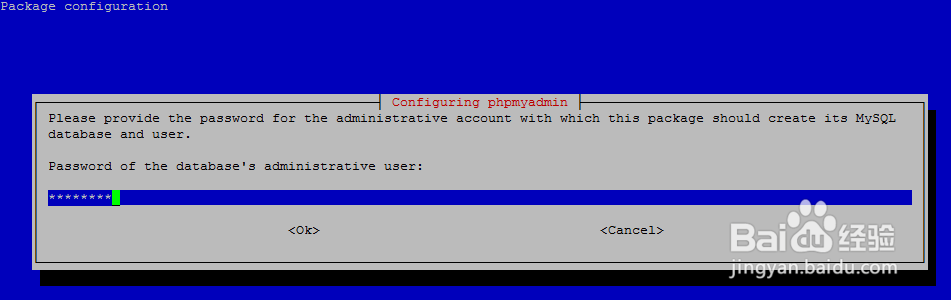
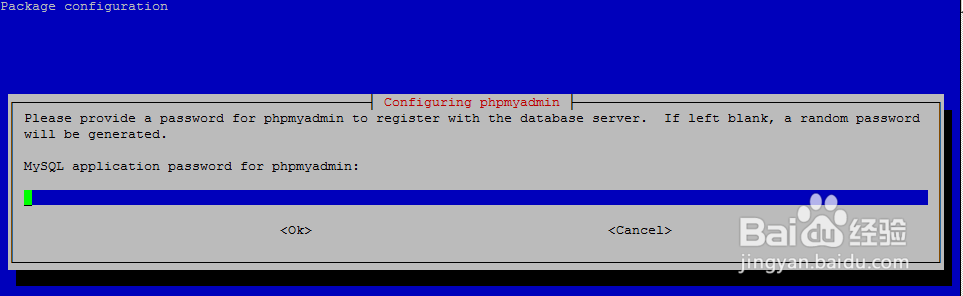

3、配置phpmyadmin
nano /etc/apache2/apache2.conf
Include /etc/phpmyadmin/apache.conf
/etc/init.d/apache2 restart

4、最后重启服务器
/etc/init.d/apache2 restart