怎样在网页中添加滚动的文字
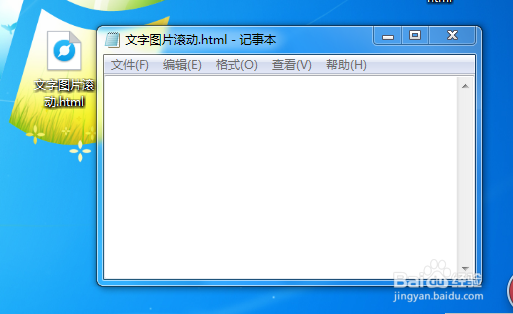
1、新建记事本文件,并重命名为.html文件,用记事本的方式打开,添加必要的标签!
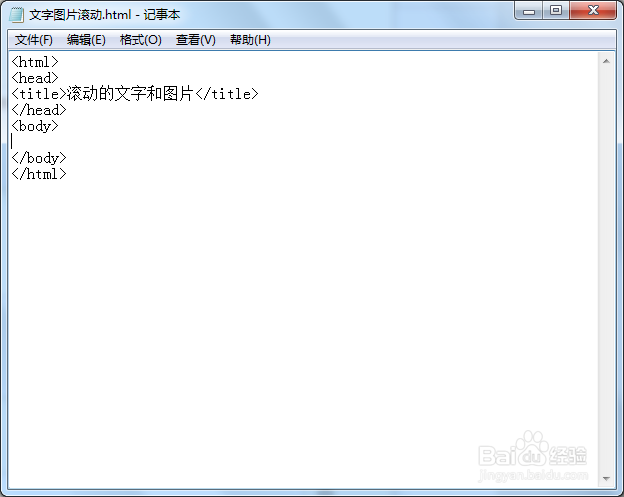
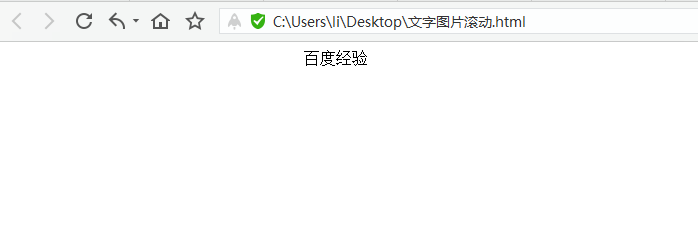
2、滚动的文字主要用到的是<marquee></marquee>,小试一下,不添加任何属性修饰,默认为重复滚动的!
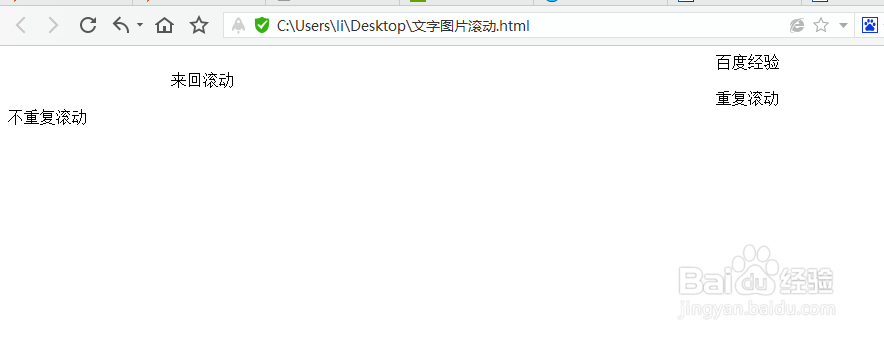
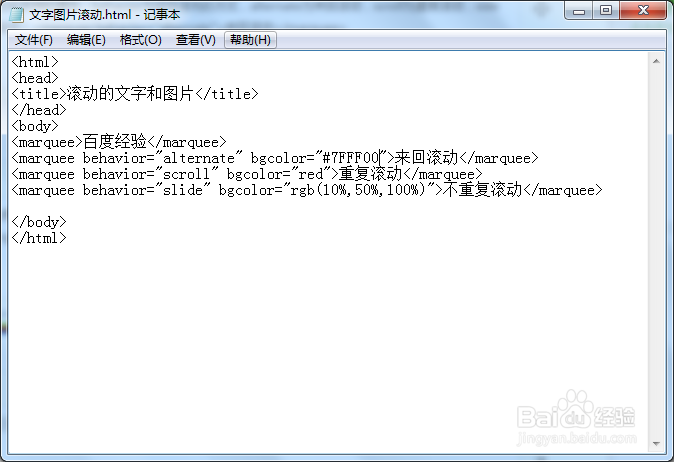
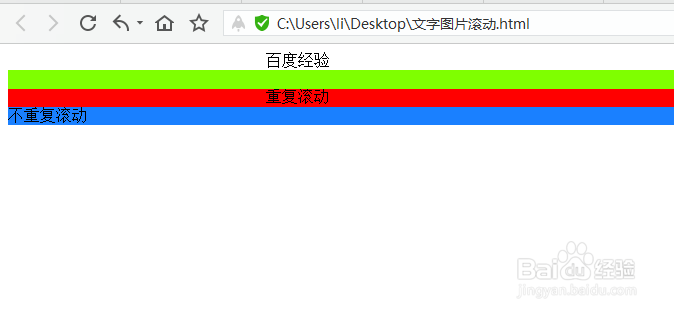
3、先来看它的所支持的属性,behavior为设定滚充的方式,alternate为来回滚动,scroll为重复滚动,side为不重复滚动!<marquee behavior="alternate">来回滚动</marquee>
4、bgcolor为更改背景颜色,可以通过以下三种方式设背景颜色:bgcolor="#7FFF00",bgcolor="red",bgcolor="rgb(10%,50%,100%)",
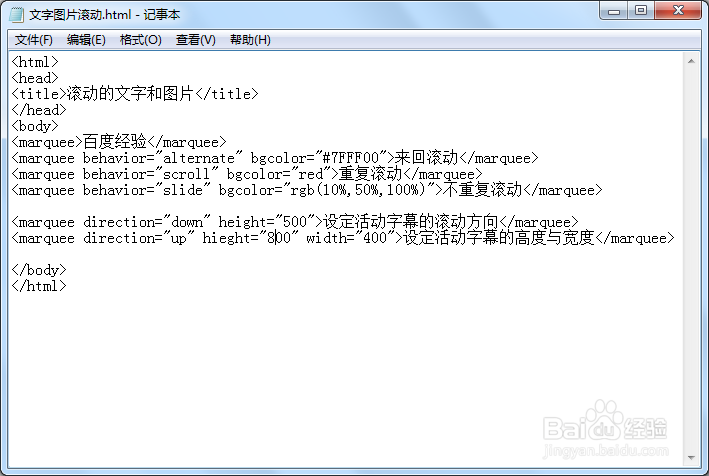
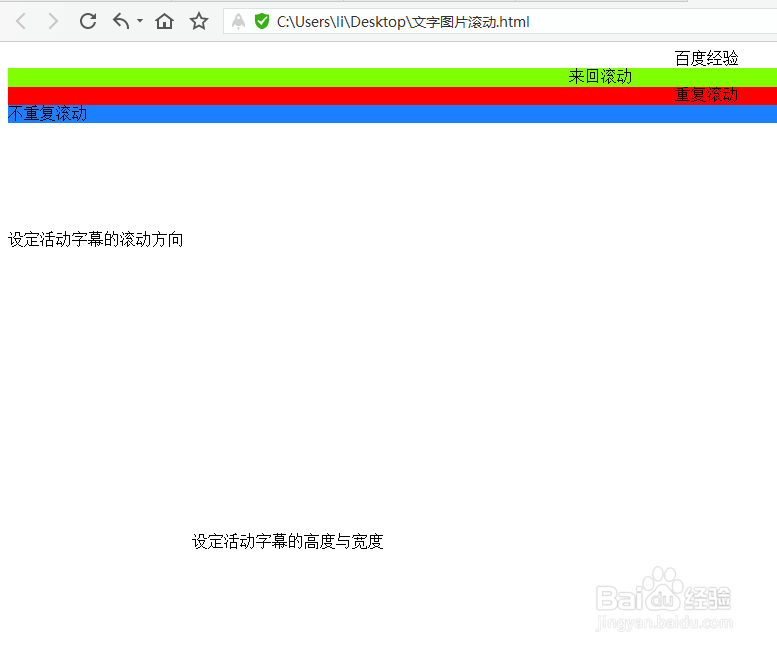
5、direction为更改文字的活动的方向,可以设定为四个不同的方向:direction="down",direction="up",direction="left",direction="right",同时,width控制文字活动的宽度,height控制文字活动的高度!
6、loop为控制滚动的次数,loop=-1表示一直滚动下去,默认为-1,loop=1表示只滚动一次, scrollamoun为设定滚动的速度scrollamount="10",单位为毫秒,值越大越快,速度越快!
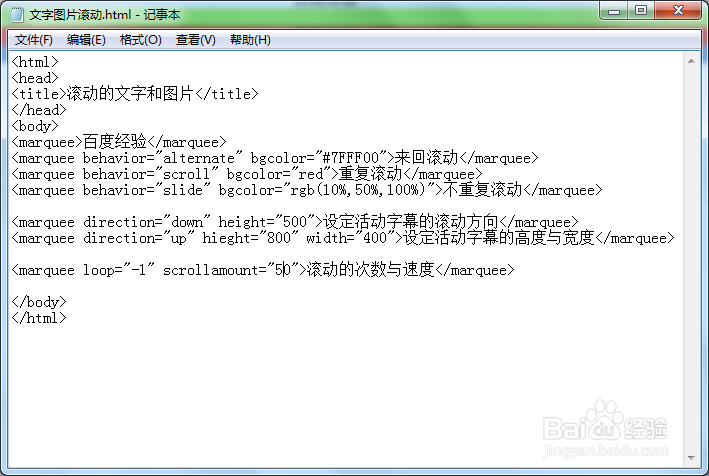
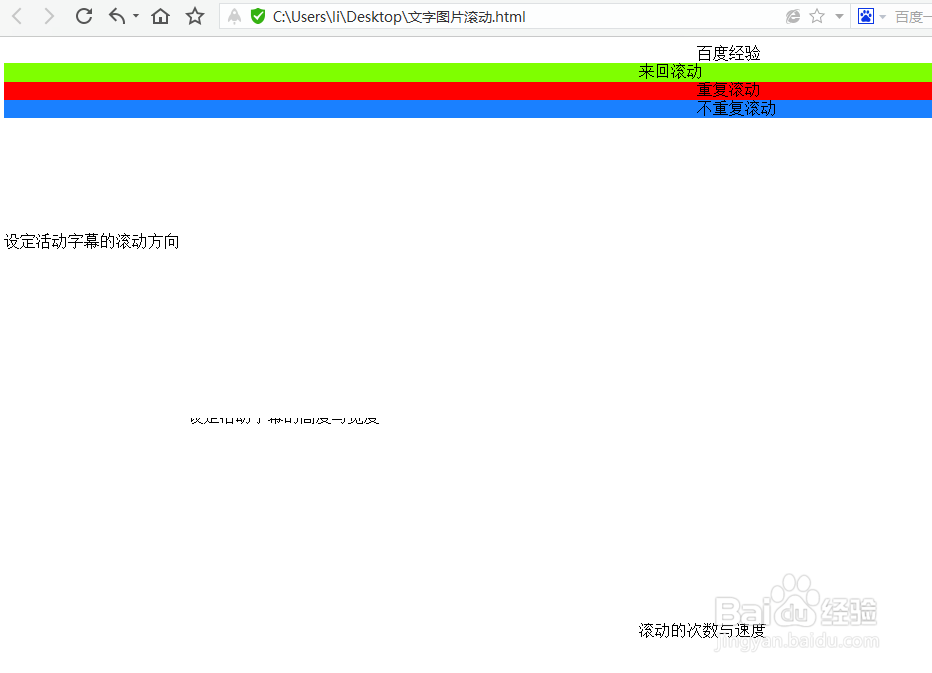
7、<html>
<head>
<title>滚动的文字</title>
</head>
<body>
<marquee>百度经验</marquee>
<marquee behavior="alternate" bgcolor="#7FFF00">来回滚动</marquee>
<marquee behavior="scroll" bgcolor="red">重复滚动</marquee>
<marquee behavior="slide" bgcolor="rgb(10%,50%,100%)">不重复滚动</marquee>
<marquee direction="down" height="500">设定活动字幕的滚动方向</marquee>
<marquee direction="up" hieght="800
<marquee loop="-1" scrollamount="50">滚动的次数与速度</marquee>
</body>
</html>