苹果6s Apple ID 尚未在 iTunes Store 使用过
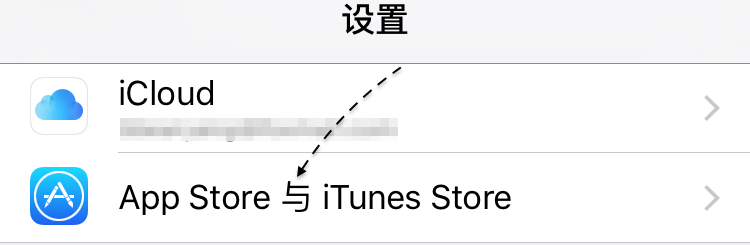
1、如下图所示,当刚申请好了一个 Apple ID 时,在 iPhone的【设置-App Store 与 iTunes Store】中可以登录账号。
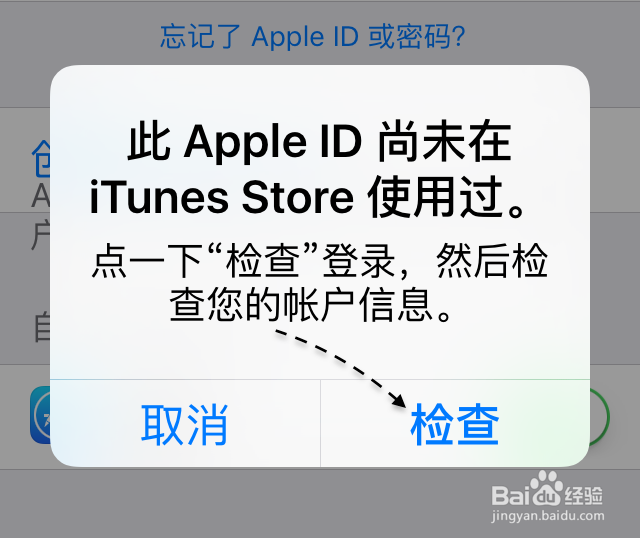
2、随后会提示 Apple ID 尚未在 iTunes Store使用过的消息,此时请点击【检查】按钮,如图所示
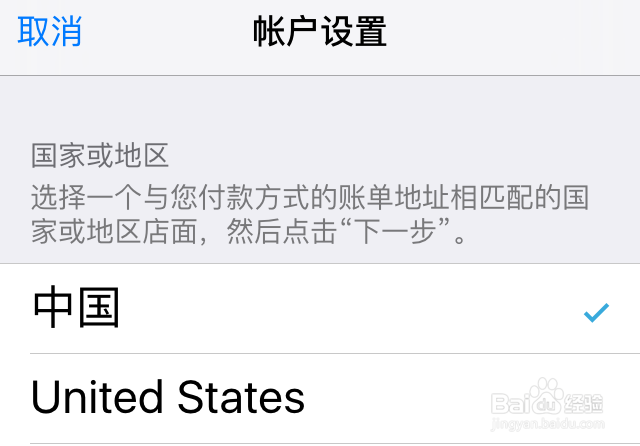
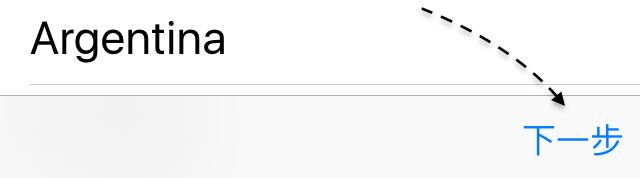
3、接下来会进入国家选择页面,默认选择“中国”即可,然后点击【下一步】按钮继续。
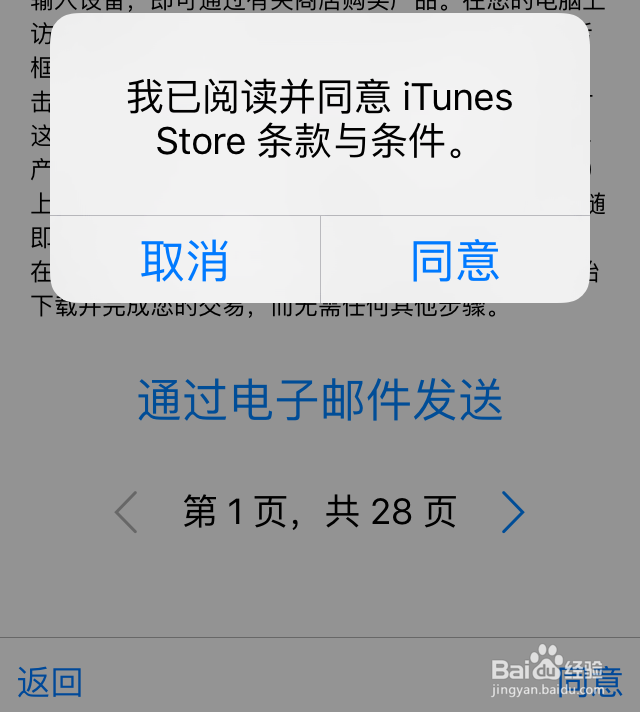
4、随后会显示当前苹果的一些条款信息,点击【同意】按钮继续,如图所示
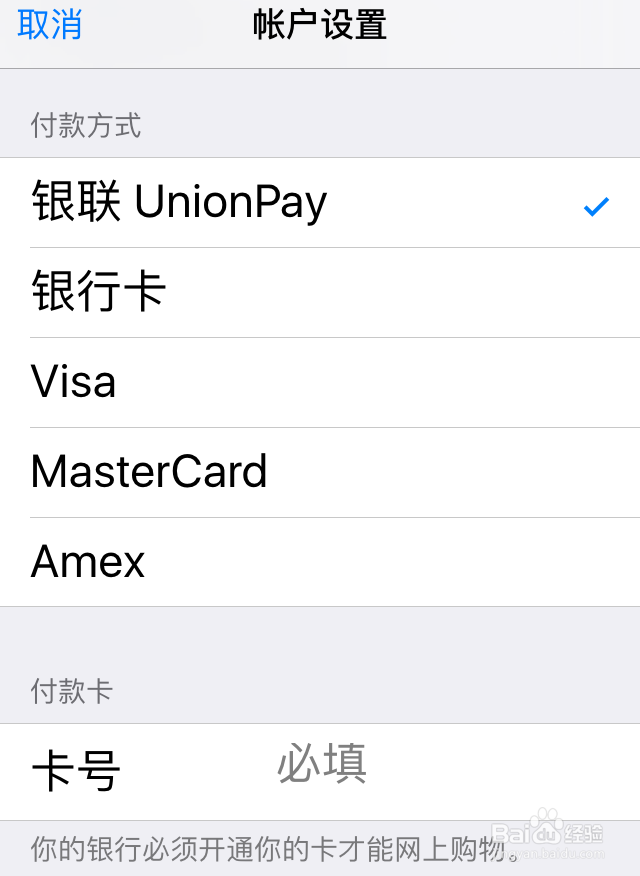
5、其实苹果显示 Apple ID 未使用过的信息,是为了让用户在 Apple ID 账户中设置付款信息。如下图所示,默认是选择“银联 UnionPay”付款方式,当然如果想要在当前为 Apple ID 账户绑定银行卡的话,可以选择此项,然后再下方输入银行卡号。
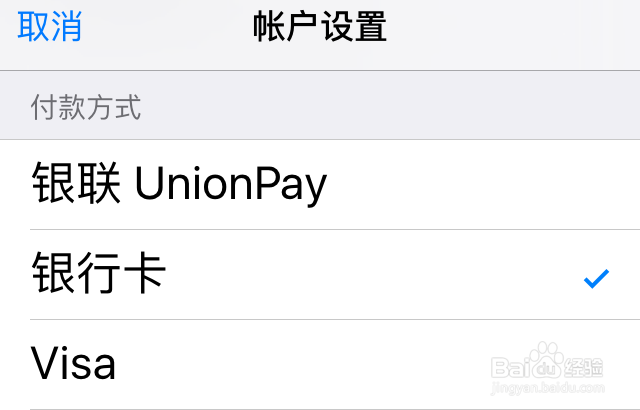
6、如果不想在 Apple ID 中绑定银行账号的话,此时请点击“银行卡”一栏,如下图所示
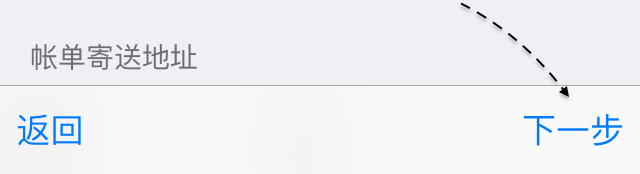
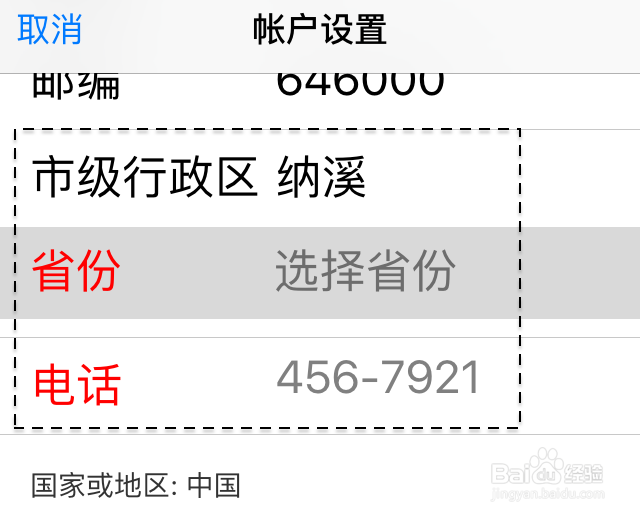
7、另外可能还会让用户填写当前所在的城市,选择所在的省份,以及电话号码,如图所示
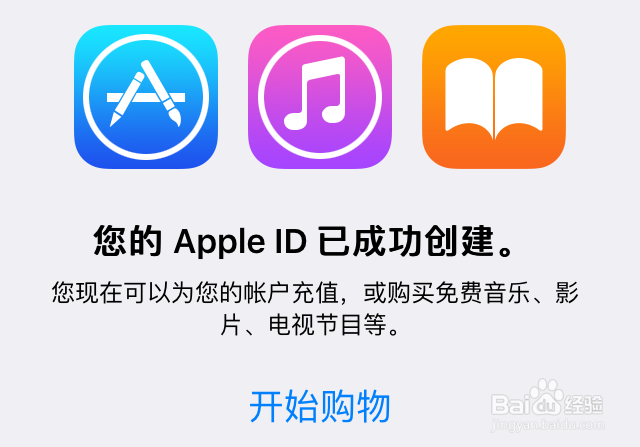
8、当所有都设置通过以后,便会提示“您的 Apple ID 已成功创建”信息,点击【开始购物】就可以了。
声明:本网站引用、摘录或转载内容仅供网站访问者交流或参考,不代表本站立场,如存在版权或非法内容,请联系站长删除,联系邮箱:site.kefu@qq.com。
阅读量:90
阅读量:71
阅读量:55
阅读量:114
阅读量:105