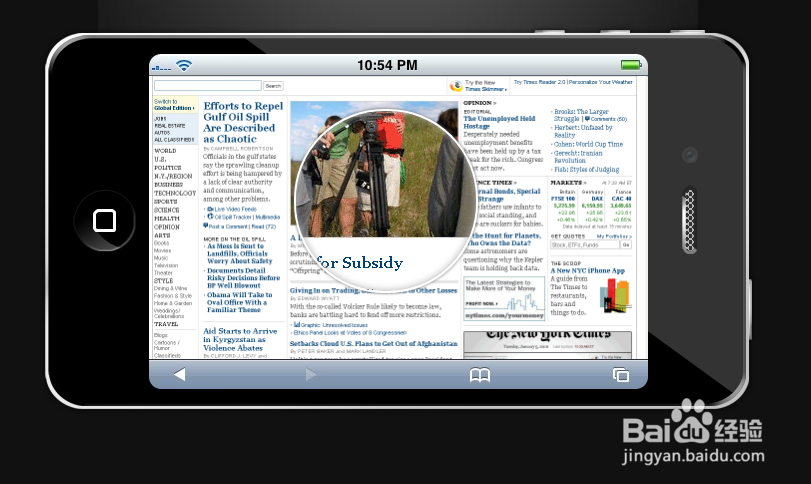
jquery手机屏幕放大镜效果
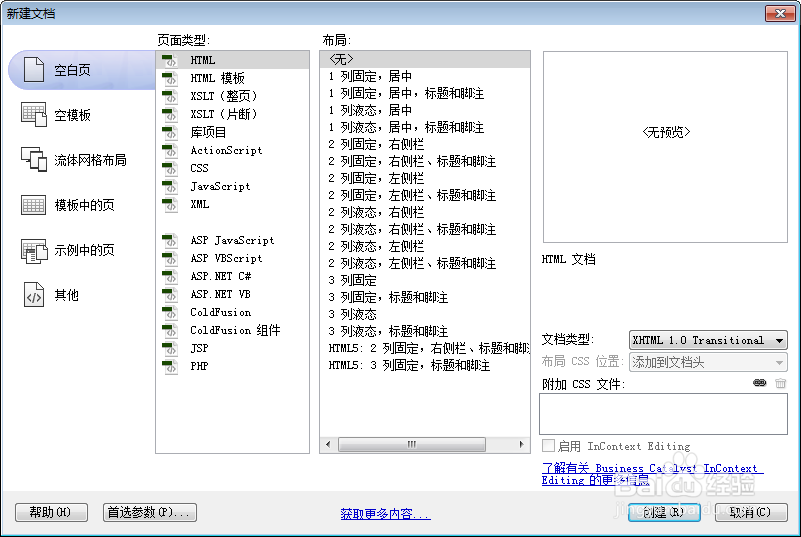
1、新建html文档。
2、准备好需要用到的图片。
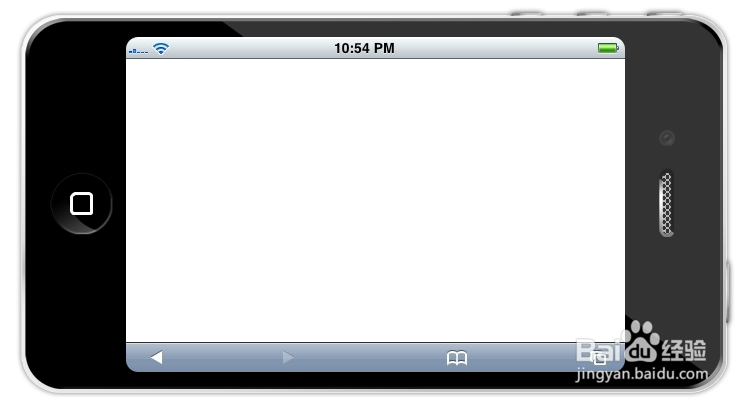
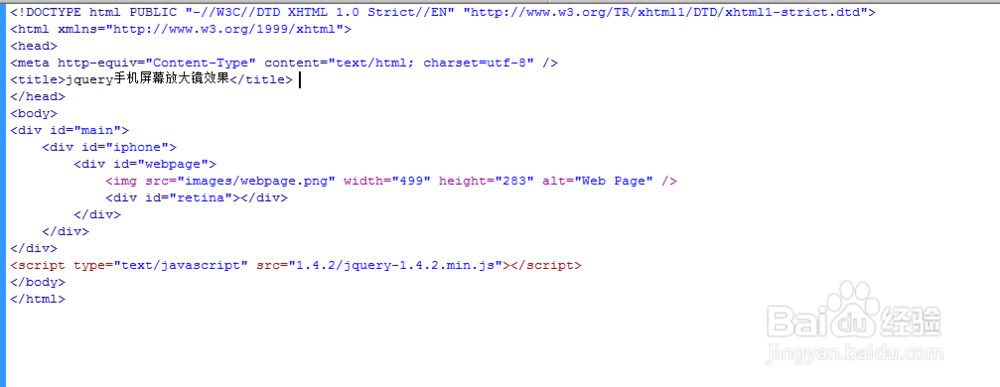
3、书写hmtl代码。
<div id="main">
<div id="iphone">
<div id="webpage">
<img src="images/webpage.png
<div id="retina"></div>
</div>
</div>
</div>

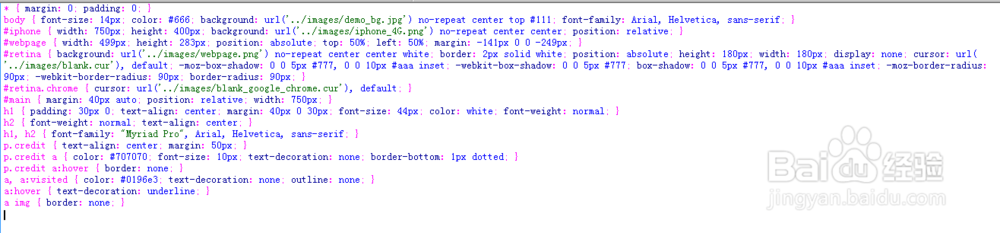
4、书写css代码。
* { margin: 0; padding: 0; }
body { font-size: 14px; color: #666; background: url('../images/demo_bg.jpg') no-repeat center top #111; font-family: Arial, Helvetica, sans-serif; }
#iphone { width: 750px; height: 400px; background: url('../images/iphone_4G.png') no-repeat center center; position: relative; }
#webpage { width: 499px; height: 283px; position: absolute; top: 50%; left: 50%; margin: -141px 0 0 -249px; }
#retina { background: url('../images/webpage.png') no-repeat center center white; border: 2px solid white; position: absolute; height: 180px; width: 180px; display: none; cursor: url('../images/blank.cur'), default; -moz-box-shadow: 0 0 5px #777, 0 0 10px #aaa inset; -webkit-box-shadow: 0 0 5px #777; box-shadow: 0 0 5px #777, 0 0 10px #aaa inset; -moz-border-radius: 90px; -webkit-border-radius: 90px; border-radius: 90px; }
#retina.chrome { cursor: url('../images/blank_google_chrome.cur'), default; }
#main { margin: 40px auto; position: relative; width: 750px; }
h1 { padding: 30px 0; text-align: center; margin: 40px 0 30px; font-size: 44px; color: white; font-weight: normal; }
h2 { font-weight: normal; text-align: center; }
h1, h2 { font-family: "Myriad Pro", Arial, Helvetica, sans-serif; }
p.credit { text-align: center; margin: 50px; }
p.credit a { color: #707070; font-size: 10px; text-decoration: none; border-bottom: 1px dotted; }
p.credit a:hover { border: none; }
a, a:visited { color: #0196e3; text-decoration: none; outline: none; }
a:hover { text-decoration: underline; }
a img { border: none; }
5、书写并添加js代码。<script src="1.4.2/jquery-1.4.2.min.js"></script>

6、代码整体结构。
7、查看效果。