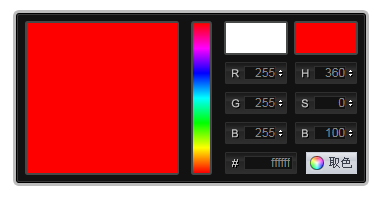
jquery点击颜色选择器取值,颜色选择器
1、新建html文档。
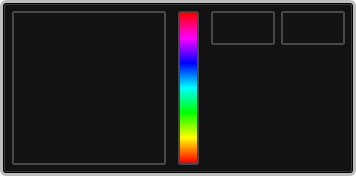
2、准备好需要用到的图标。


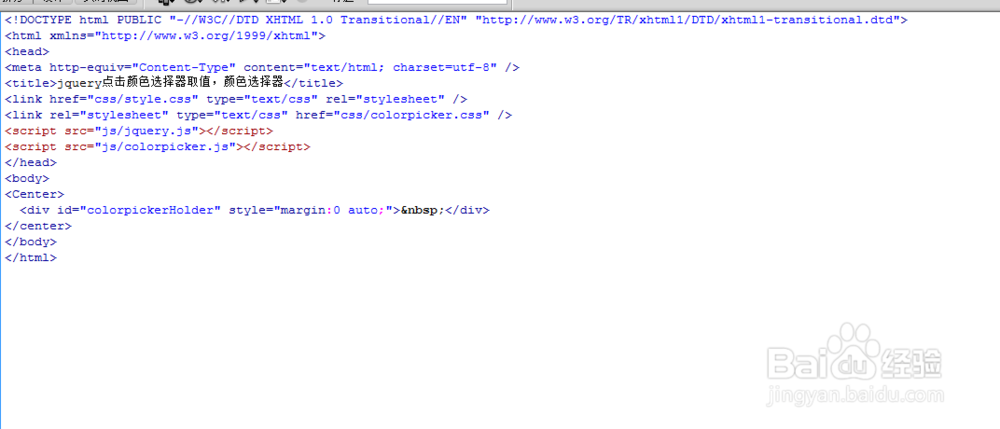
3、书写hmtl代码。
<Center>
<div id="colorpickerHolder" style="margin:0 auto;"> </div>
</center>

4、书写css代码。
* { margin: 0; padding: 0; list-style-type: none; }
a { blr:expression(this.onFocus=this.blur())
}/*去掉a标签的虚线框,避免出现奇怪的选中区域*/
:focus { outline: 0; }
label { cursor: pointer; }
img { vertical-align: middle; }
table { empty-cells: show; border-collapse: collapse; border-spacing: 0; }
h1 { font-size: 16px; }
h2, h3, h4 { font-size: 14px; }
h5, h6 { font-size: 12px; }
abbr, acronym { border: 0; font-variant: normal }
address, caption, cite, code, dfn, em, th, var, optgroup { font-style: normal; font-weight: normal }
input, button, textarea, select, optgroup, option { font-family: inherit; font-size: inherit; font-style: inherit; font-weight: inherit }
input, button, textarea, select { *font-size:100%
}
a, img { border: 0; }
a, a:visited { color: #5e5e5e; text-decoration: none; }
a:hover { color: #4183C4; text-decoration: underline; }
.clear { display: block; overflow: hidden; clear: both; height: 0; line-height: 0; font-size: 0; }
.clearfix:after { content: "."; display: block; height: 0; clear: both; visibility: hidden; }
.clearfix { display: inline-table; }/* Hides from IE-mac \*/
*html .clearfix { height: 1%; }
.clearfix { display: block; }/* End hide from IE-mac */
*+html .clearfix { min-height: 1%; }
body { font: 12px/180% Arial, Lucida, Verdana, "宋体", Helvetica, sans-serif; color: #333; background: #fff; }
/* shortcut */
.shortcut { position: fixed; top: 0; left: 0; z-index: 9999; width: 100%; }
*html, *html body /* 修正IE6振动bug */ { background-image: url(about:blank); background-attachment: fixed; }
*html .shortcut { position: absolute; top:expression(eval(document.documentElement.scrollTop));
}
.shortcut { height: 28px; line-height: 28px; font-size: 12px; background: #EEEEEE; text-transform: uppercase; box-shadow: 1px 0px 2px rgba(0,0,0,0.2); border-bottom: 1px solid #DDDDDD; }
.shortcut h1 { font-size: 14px; font-family: "微软雅黑", "宋体"; }
.shortcut a, .shortcut h1 { padding: 0px 10px; letter-spacing: 1px; color: #333; text-shadow: 0px 1px 1px #fff; display: block; float: left; }
.shortcut a:hover { background: #fff; }
.shortcut span.right { float: right; }
.shortcut span.right a { float: left; display: block; color: #ff6600; font-weight: 800; }
.headeline { height: 40px; overflow: hidden; }
.adv960x90 { width: 960px; height: 90px; overflow: hidden; border: solid 1px #E6E6E6; margin: 0 auto; }
.adv728x90 { width: 728px; height: 90px; overflow: hidden; border: solid 1px #E6E6E6; margin: 0 auto; }
* { margin: 0; padding: 0; list-style-type: none; }
a, img { border: 0; }
body { font: 12px/180% Arial, Helvetica, sans-serifl; color: #5a5a5a; }
/* pagedemo */
.pagedemo { width: 700px; margin: 0 auto; text-align: left; }
.pagedemo h1 { font-size: 21px; height: 47px; line-height: 47px; text-transform: uppercase; }
.tabsContent { border: 1px solid #ccc; width: 698px; overflow: hidden; }
.tab { padding: 16px; }
.tab h2 { font-weight: bold; font-size: 16px; }
.tab h3 { font-weight: bold; font-size: 14px; margin-top: 20px; }
.tab p { margin-top: 16px; clear: both; }
.tab ul { margin-top: 16px; list-style: disc; }
.tab li { margin: 10px 0 0 35px; float: none; text-align: left; }
.tab a { color: #8FB0CF; float: none; }
.tab strong { font-weight: bold; }
.tab pre { font-size: 11px; margin-top: 20px; width: 668px; overflow: auto; clear: both; }
.tab table { width: 100%; }
.tab table td { padding: 6px 10px 6px 0; vertical-align: top; }
.tab dt { margin-top: 16px; }
/* colorSelector */
#colorSelector { position: relative; width: 36px; height: 36px; background: url(../images/select.png); }
#colorSelector div { position: absolute; top: 3px; left: 3px; width: 30px; height: 30px; background: url(../images/select.png) center; }
#colorSelector2 { position: absolute; top: 0; left: 0; width: 36px; height: 36px; background: url(../images/select2.png); }
#colorSelector2 div { position: absolute; top: 4px; left: 4px; width: 28px; height: 28px; background: url(../images/select2.png) center; }
#colorpickerHolder2 { top: 32px; left: 0; width: 356px; height: 0; overflow: hidden; position: absolute; }
#colorpickerHolder2 .colorpicker { background-image: url(../images/custom_background.png); position: absolute; bottom: 0; left: 0; }
#colorpickerHolder2 .colorpicker_hue div { background-image: url(../images/custom_indic.gif); }
#colorpickerHolder2 .colorpicker_hex { background-image: url(../images/custom_hex.png); }
#colorpickerHolder2 .colorpicker_rgb_r { background-image: url(../images/custom_rgb_r.png); }
#colorpickerHolder2 .colorpicker_rgb_g { background-image: url(../images/custom_rgb_g.png); }
#colorpickerHolder2 .colorpicker_rgb_b { background-image: url(../images/custom_rgb_b.png); }
#colorpickerHolder2 .colorpicker_hsb_s { background-image: url(../images/custom_hsb_s.png); display: none; }
#colorpickerHolder2 .colorpicker_hsb_h { background-image: url(../images/custom_hsb_h.png); display: none; }
#colorpickerHolder2 .colorpicker_hsb_b { background-image: url(../images/custom_hsb_b.png); display: none; }
#colorpickerHolder2 .colorpicker_submit { background-image: url(../images/custom_submit.png); }
#colorpickerHolder2 .colorpicker input { color: #778398; }
#customWidget { position: relative; height: 36px; }
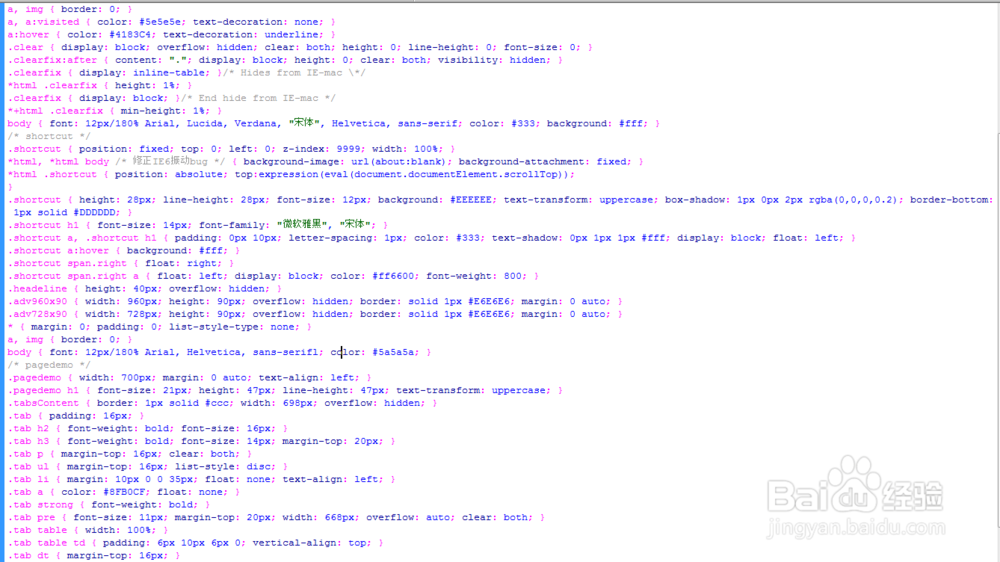
5、书写并添加js代码。
<script src="js/jquery.js"></script>
<script src="js/colorpicker.js"></script>

6、代码整体结构。
7、查看效果。