Powerpoint中插入条形图的方法
1、打开Powerpoint页面。

2、点击中间的插入图表的图标。

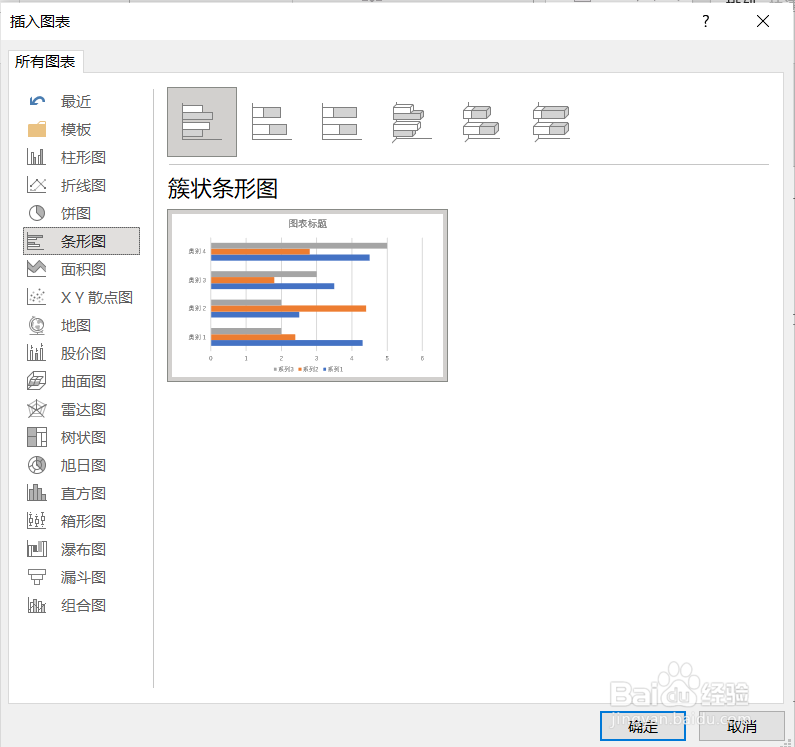
3、在弹出的对话框中选择条形图,然后点击确定。
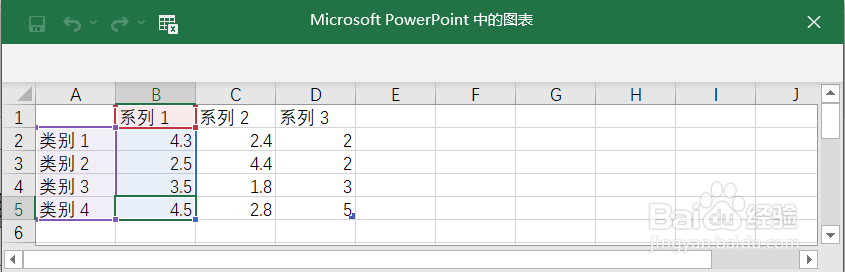
4、在弹出的表格中输入数据。
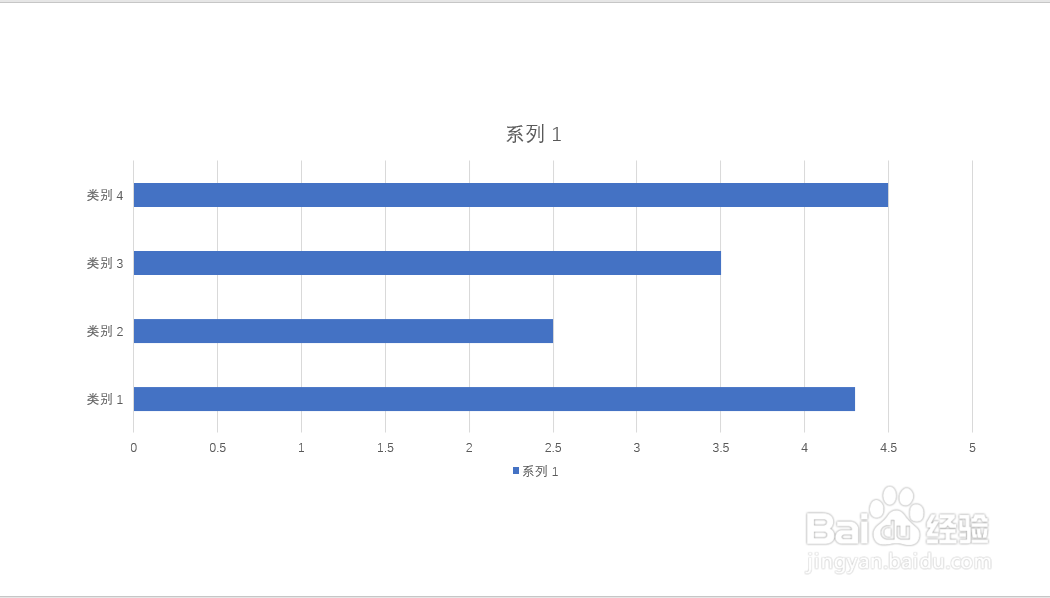
5、关闭表格,条形图就插入Powerpoint页面了。
声明:本网站引用、摘录或转载内容仅供网站访问者交流或参考,不代表本站立场,如存在版权或非法内容,请联系站长删除,联系邮箱:site.kefu@qq.com。
阅读量:146
阅读量:120
阅读量:30
阅读量:51
阅读量:148