jQuery基于svg图片上传预览代码

2025-12-29 16:54:12

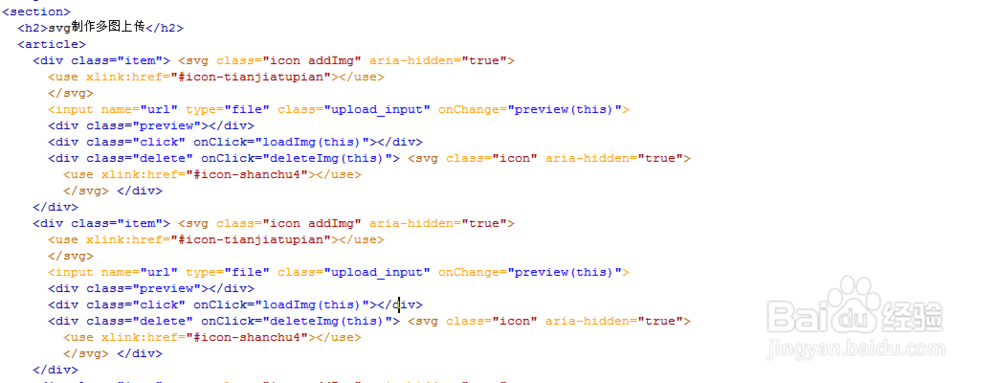
1、新建html文档。

jQuery基于svg图片上传预览代码

2、书写hmtl代码。<section>  <h2>svg制作多图上传</h2>  <article>    <div class="item"> <svg class="icon addImg" aria-hidden="true">      <use xlink:href="#icon-tianjiatupian"></use>      </svg>      <input name="url" type="file" class="upload_input" onChange="preview(this)">      <div class="preview"></div>      <div class="click" onClick="loadImg(this)"></div>      <div class="delete" onClick="deleteImg(this)"> <svg class="icon" aria-hidden="true">        <use xlink:href="#icon-shanchu4"></use>        </svg> </div>    </div>    <div class="item"> <svg class="icon addImg" aria-hidden="true">      <use xlink:href="#icon-tianjiatupian"></use>      </svg>      <input name="url" type="file" class="upload_input" onChange="preview(this)">      <div class="preview"></div>      <div class="click" onClick="loadImg(this)"></div>      <div class="delete" onClick="deleteImg(this)"> <svg class="icon" aria-hidden="true">        <use xlink:href="#icon-shanchu4"></use>        </svg> </div>    </div>

jQuery基于svg图片上传预览代码

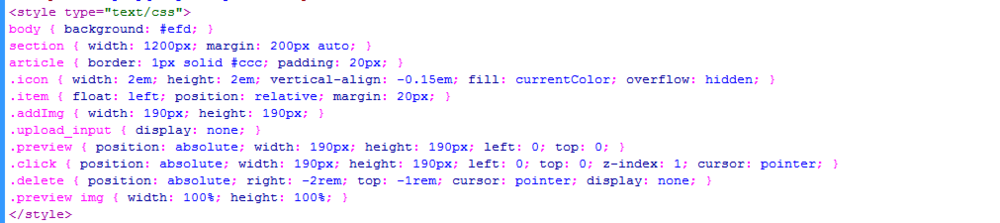
3、书写css代码。<style type="text/css">body { background: #efd; }section { width: 1200px; margin: 200px auto; }article { border: 1px solid #ccc; padding: 20px; }.icon { width: 2em; height: 2em; vertical-align: -0.15em; fill: currentColor; overflow: hidden; }.item { float: left; position: relative; margin: 20px; }.addImg { width: 190px; height: 190px; }.upload_input { display: none; }.preview { position: absolute; width: 190px; height: 190px; left: 0; top: 0; }.click { position: absolute; width: 190px; height: 190px; left: 0; top: 0; z-index: 1; cursor: pointer; }.delete { position: absolute; right: -2rem; top: -1rem; cursor: pointer; display: none; }.preview img { width: 100%; height: 100%; }</style>
jQuery基于svg图片上传预览代码

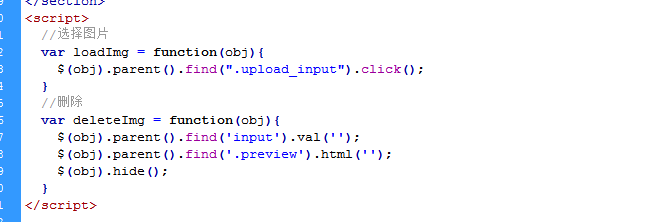
4、书写并添加js代码。<script>  //选择图片  var loadImg = function(obj){    $(obj).parent().find(".upload_input").click();  }  //删除  var deleteImg = function(obj){    $(obj).parent().find('input').val('');    $(obj).parent().find('.preview').html('');    $(obj).hide();  }</script>
jQuery基于svg图片上传预览代码

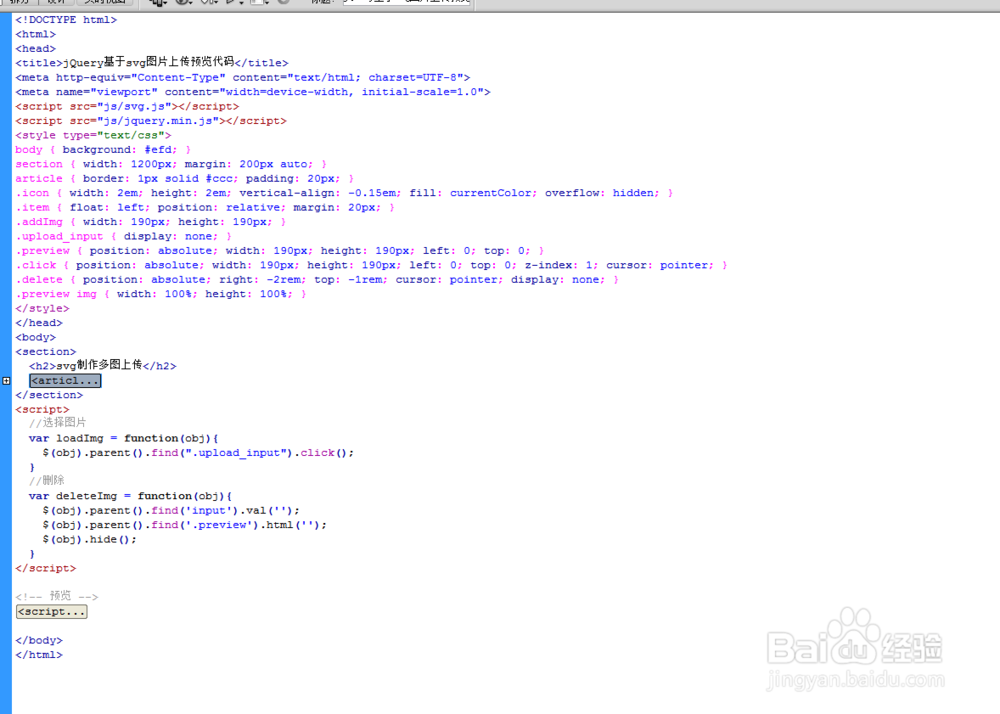
5、代码整体结构。

jQuery基于svg图片上传预览代码

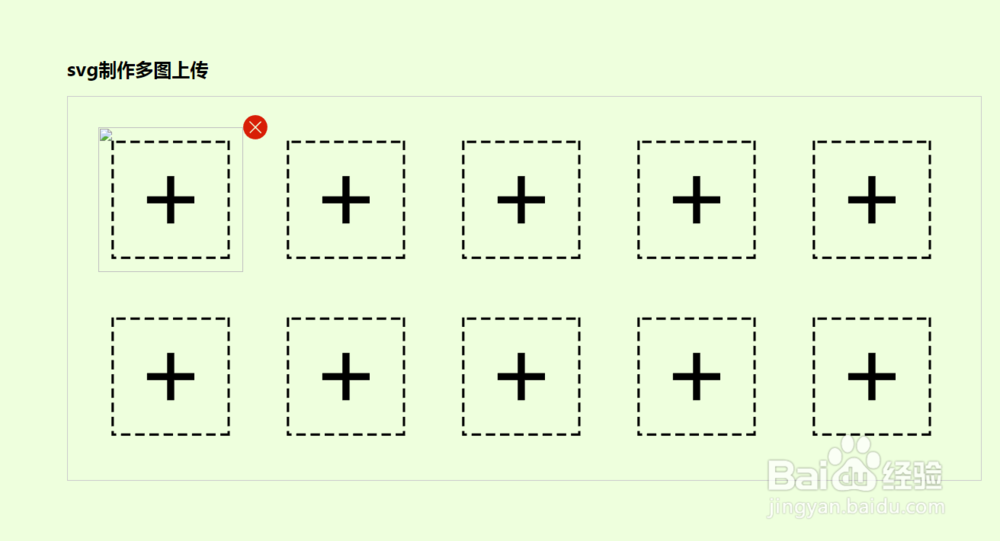
6、查看效果。

jQuery基于svg图片上传预览代码

声明:本网站引用、摘录或转载内容仅供网站访问者交流或参考,不代表本站立场,如存在版权或非法内容,请联系站长删除,联系邮箱:site.kefu@qq.com。
相关推荐
  • 阅读量:186
  • 阅读量:24
  • 阅读量:179
  • 阅读量:132
  • 阅读量:127
  • 猜你喜欢