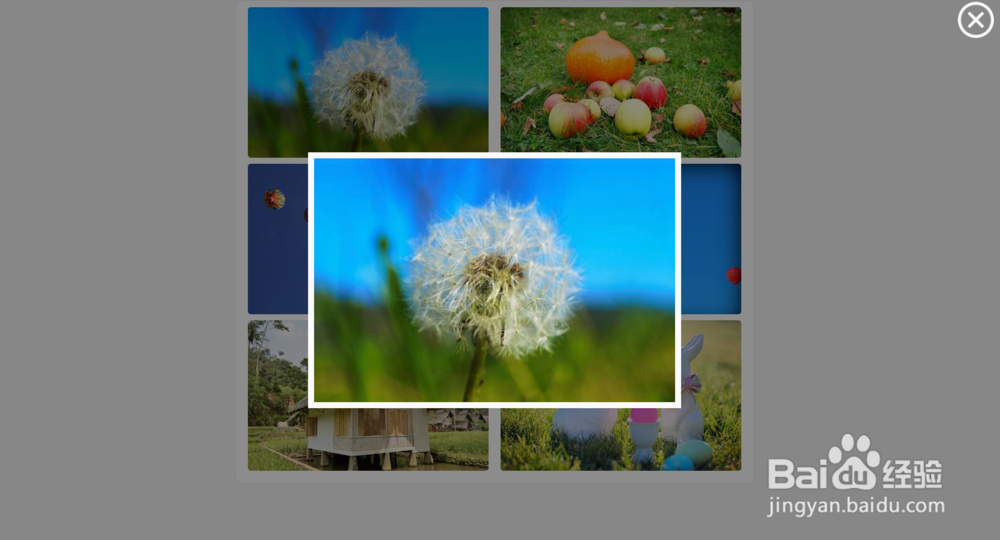
jQuery图片放大查看遮罩代码
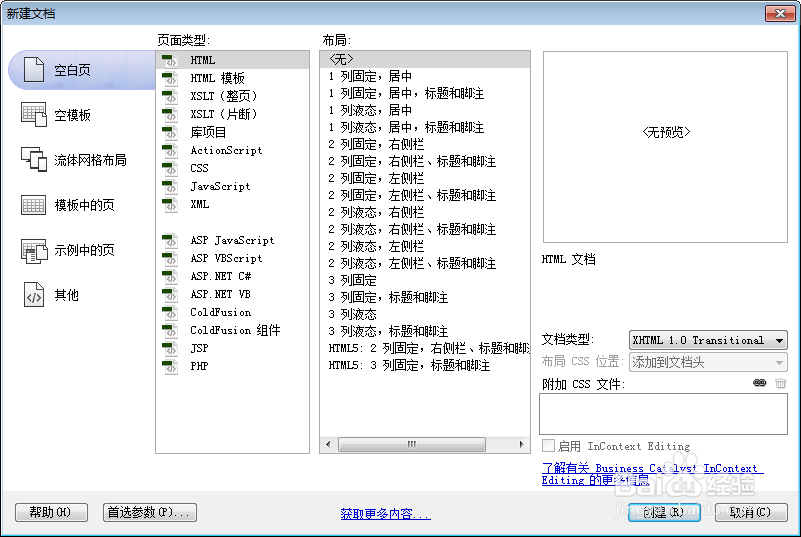
1、新建html文档。
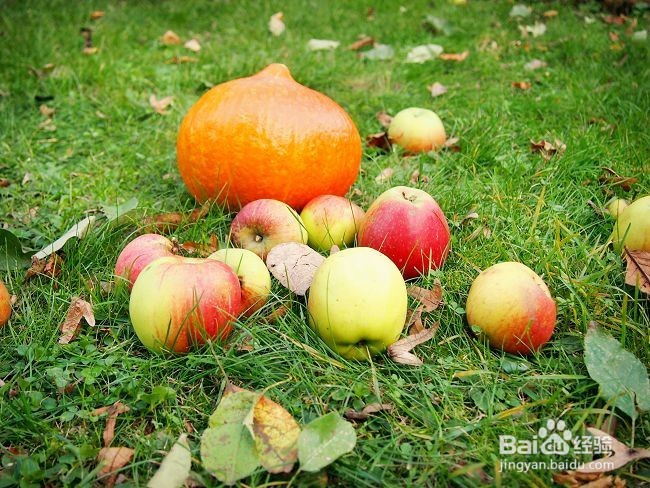
2、准备好需要用到的图标。

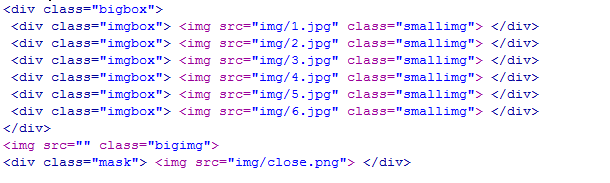
3、书写hmtl代码。
<div class="bigbox">
<div class="imgbox"> <img src="img/1.jpg" class="smallimg"> </div>
<div class="imgbox"> <img src="img/2.jpg" class="smallimg"> </div>
<div class="imgbox"> <img src="img/3.jpg" class="smallimg"> </div>
<div class="imgbox"> <img src="img/4.jpg" class="smallimg"> </div>
<div class="imgbox"> <img src="img/5.jpg" class="smallimg"> </div>
<div class="imgbox"> <img src="img/6.jpg" class="smallimg"> </div>
</div>
<img src="" class="bigimg">
<div class="mask"> <img src="img/close.png"> </div>
4、书写css代码。
<style>
body { background: #f5f5f5 }
.bigimg { width: 600px; position: fixed; left: 0; top: 0; right: 0; bottom: 0; margin: auto; display: none; z-index: 9999; border: 10px solid #fff; }
.mask { position: fixed; left: 0; top: 0; right: 0; bottom: 0; background-color: #000; opacity: 0.5; filter: Alpha(opacity=50); z-index: 98; transition: all 1s; display: none }
.bigbox { width: 840px; background: #fff; border: 1px solid #ededed; margin: 0 auto; border-radius: 10px; overflow: hidden; padding: 10px; }
.bigbox>.imgbox { width: 400px; height: 250px; float: left; border-radius: 5px; overflow: hidden; margin: 0 10px 10px 10px; }
.bigbox>.imgbox>img { width: 100%; }
.imgbox:hover { cursor: zoom-in }
.mask:hover { cursor: zoom-out }
.mask>img { position: fixed; right: 10px; top: 10px; width: 60px; }
.mask>img:hover { cursor: pointer }
</style>

5、书写并添加js代码。
<script src="jquery.js"></script>
<script>
function zoom(mask,bigimg,smallimg){this.bigimg=bigimg;this.smallimg=smallimg;this.mask=mask}zoom.prototype={init:function(){var that=this;this.smallimgClick();this.maskClick();this.mouseWheel()},smallimgClick:function(){var that=this;$("."+that.smallimg).click(function(){$("."+that.bigimg).css({height:$("."+that.smallimg).height()*1.5,width:$("."+that.smallimg).width()*1.5});$("."+that.mask).fadeIn();$("."+that.bigimg).attr("src",$(this).attr("src")).fadeIn()})},maskClick:function(){var that=this;$("."+that.mask).click(function(){$("."+that.bigimg).fadeOut();$("."+that.mask).fadeOut()})},mouseWheel:function(){function mousewheel(obj,upfun,downfun){if(document.attachEvent){obj.attachEvent("onmousewheel",scrollFn)}else{if(document.addEventListener){obj.addEventListener("mousewheel",scrollFn,false);obj.addEventListener("DOMMouseScroll",scrollFn,false)}}function scrollFn(e){var ev=e||window.event;var dir=ev.wheelDelta||ev.detail;if(ev.preventDefault){ev.preventDefault()}else{ev.returnValue=false}if(dir==-3||dir==120){upfun()}else{downfun()}}}var that=this;mousewheel($("."+that.bigimg)[0],function(){if($("."+that.bigimg).innerWidth()>$("body").width()-20){alert("不能再放大了");return}if($("."+that.bigimg).innerHeight()>$("body").height()-50){alert("不能再放大");return}var zoomHeight=$("."+that.bigimg).innerHeight()*1.03;var zoomWidth=$("."+that.bigimg).innerWidth()*1.03;$("."+that.bigimg).css({height:zoomHeight+"px",width:zoomWidth+"px"})},function(){if($("."+that.bigimg).innerWidth()<100){alert("不能再缩小了哦!");return}if($("."+that.bigimg).innerHeight()<100){alert("不能再缩小了哦!");return}var zoomHeight=$("."+that.bigimg).innerHeight()/1.03;var zoomWidth=$("."+that.bigimg).innerWidth()/1.03;$("."+that.bigimg).css({height:zoomHeight+"px",width:zoomWidth+"px"})})}};</script>
<script>
$(function(){
var obj = new zoom('mask', 'bigimg','smallimg');
obj.init();
})
</script>
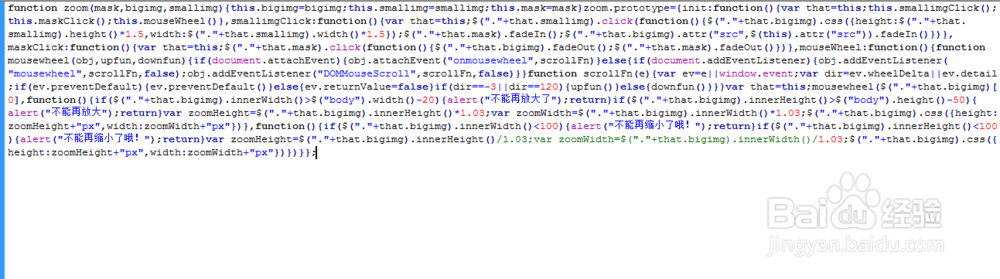
6、代码整体结构。
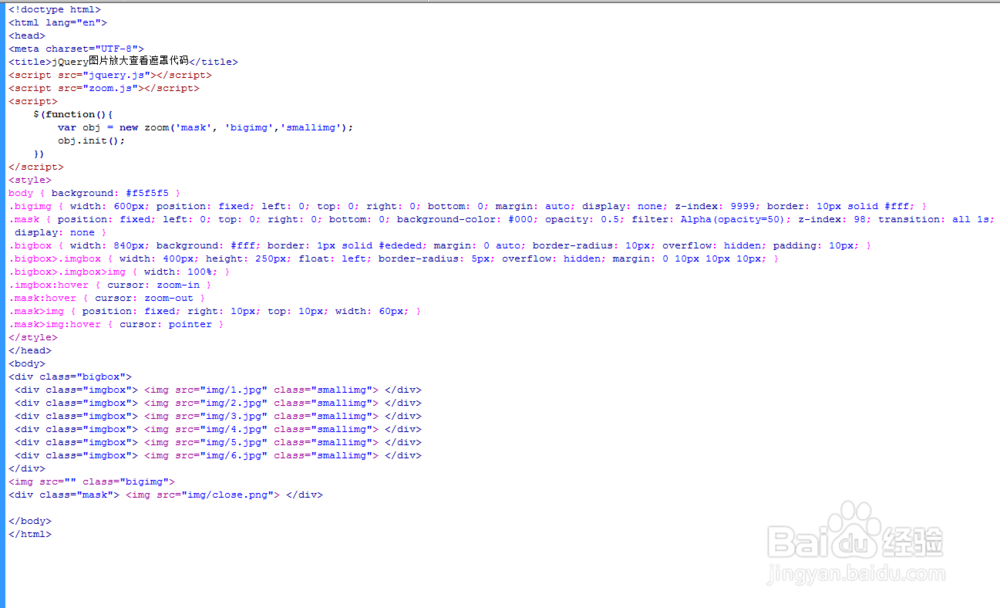
7、查看效果。