选择表情符号jQuery插件
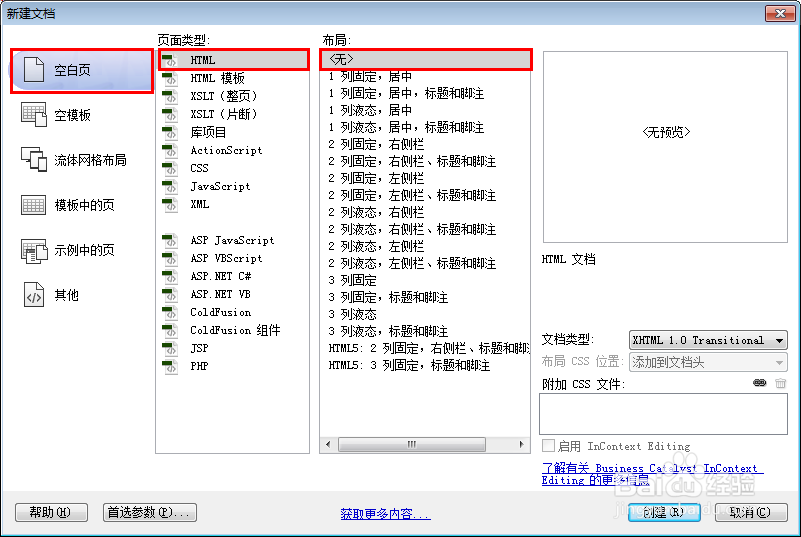
1、新建html文档。
2、准备好需要用到的图标。

3、新建html文档。
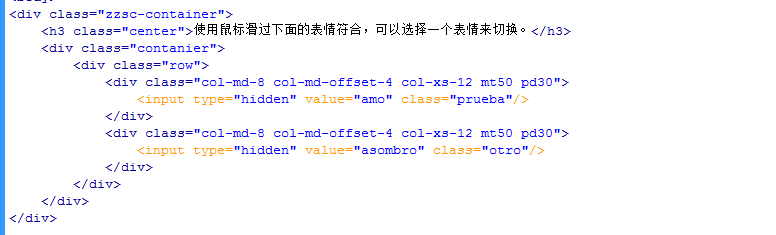
<div class="zzsc-container">
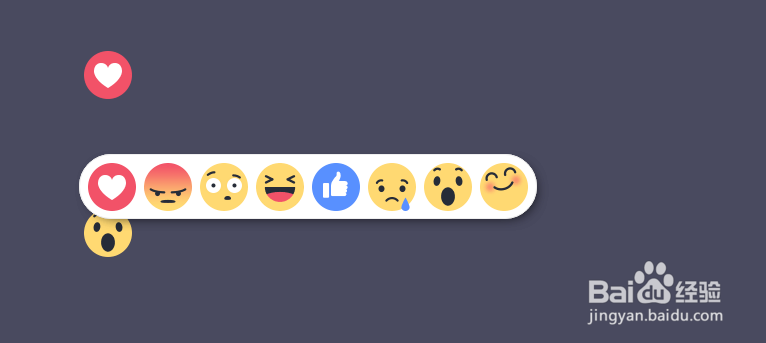
<h3 class="center">使用鼠标滑过下面的表情符合,可以选择一个表情来切换。</h3>
<div class="contanier">
<div class="row">
<div class="col-md-8 col-md-offset-4 col-xs-12 mt50 pd30">
<input type="hidden" value="amo" class="prueba"/>
</div>
<div class="col-md-8 col-md-offset-4 col-xs-12 mt50 pd30">
<input type="hidden" value="asombro" class="otro"/>
</div>
</div>
</div>
</div>
4、书写css代码。
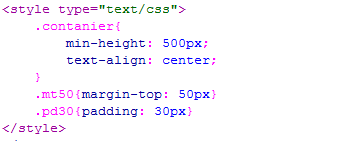
<style type="text/css">
.contanier{
min-height: 500px;
text-align: center;
}
.mt50{margin-top: 50px}
.pd30{padding: 30px}
</style>
下载mui.CSS包
5、书写并添加js代码。
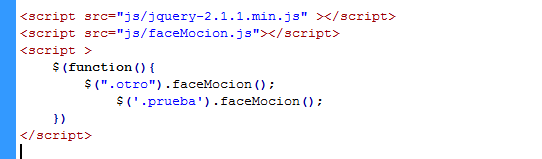
<script src="js/jquery-2.1.1.min.js" ></script>
<script src="js/faceMocion.js"></script>
<script >
$(function(){
$(".otro").faceMocion();
$('.prueba').faceMocion();
})
</script>
6、代码整体结构。
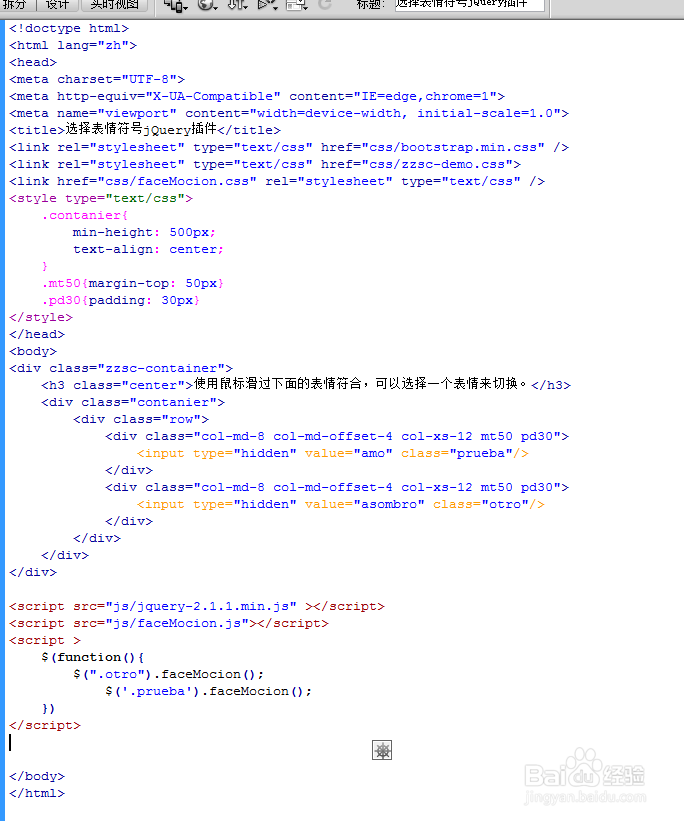
7、查看效果。
声明:本网站引用、摘录或转载内容仅供网站访问者交流或参考,不代表本站立场,如存在版权或非法内容,请联系站长删除,联系邮箱:site.kefu@qq.com。
阅读量:38
阅读量:177
阅读量:49
阅读量:191
阅读量:163