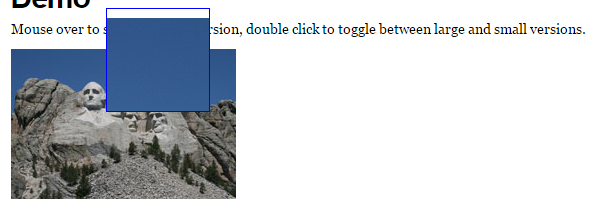
jquery AnythingZoomer 插件实现文字放大镜
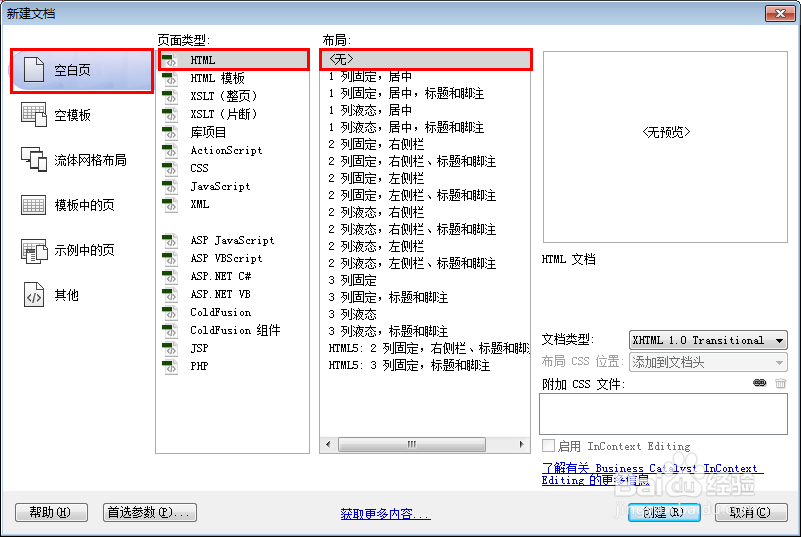
1、新建html文档。
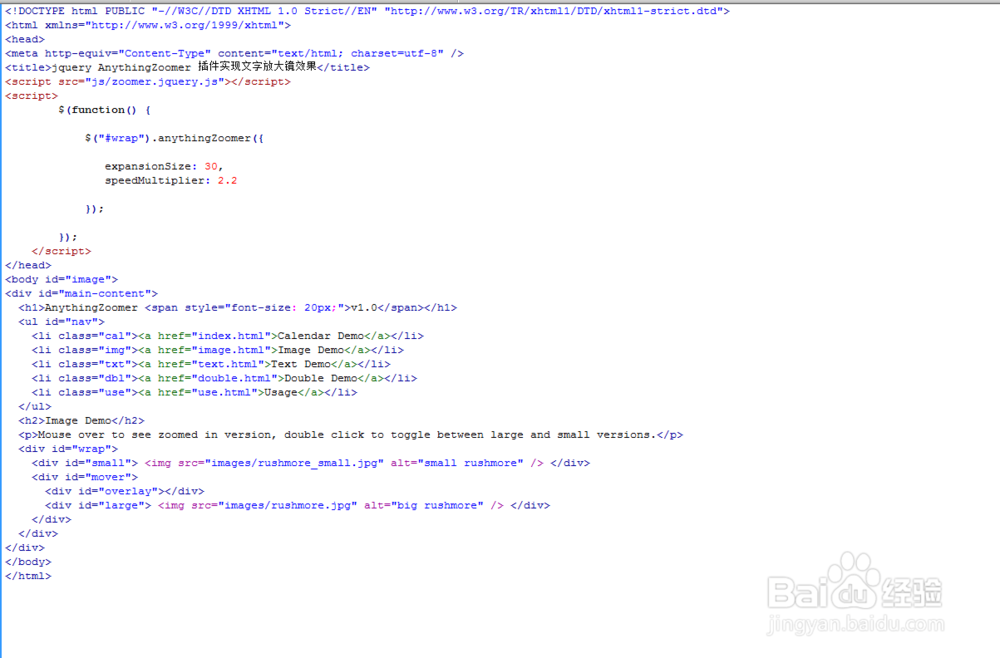
2、书写hmtl代码。
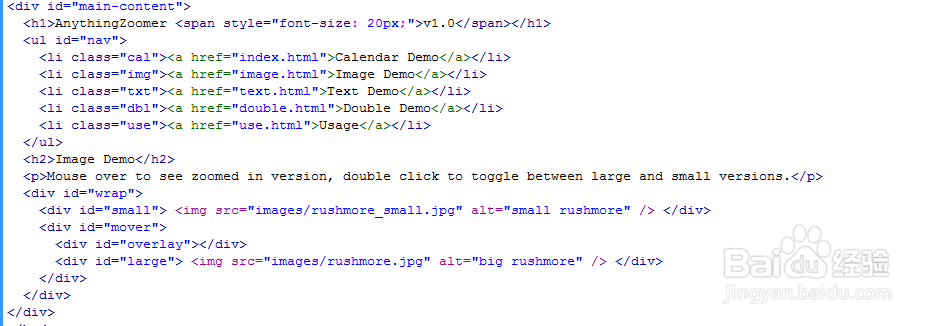
<div id="main-content">
<h1>AnythingZoomer <span style="font-size: 20px;">v1.0</span></h1>
<ul id="nav">
<li class="cal"><a href="index.html">Calendar Demo</a></li>
<li class="img"><a href="image.html">Image Demo</a></li>
<li class="txt"><a href="text.html">Text Demo</a></li>
<li class="dbl"><a href="double.html">Double Demo</a></li>
<li class="use"><a href="use.html">Usage</a></li>
</ul>
<h2>Image Demo</h2>
Mouse over to see zoomed in version, double click to toggle between large and small versions.
<div id="wrap">
<div id="small"> <img src="images/rushmore_small.jpg" alt="small rushmore" /> </div>
<div id="mover">
<div id="overlay"></div>
<div id="large"> <img src="images/rushmore.jpg" alt="big rushmore" /> </div>
</div>
</div>
</div>
3、书写css代码。
#wrap, #wrap2 { width: 600px; position: relative; }
#small, #small2 { position: relative; width: 100%; }
#large, #large2 { background: white; position: relative; width: 600px; }
#mover, #mover2 { position: absolute; top: 0; left: 0; width: 104px; height: 104px; overflow: hidden; z-index: 100; background: white; display: none; }
#overlay, #overlay2 { border: 1px solid blue; width: 102px; height: 102px; position: absolute; top: 0; left: 0; z-index: 200; }
#small p { font-size: 8px; }
caption { background: #1634D8; padding: 3px; color: white; font: 13px Helvetica, Sans-Serif; text-transform: uppercase; letter-spacing: 1px; }
.calendar { font-size: 13px; }
.calendar td, .calendar th { padding: 1px; border: 2px solid white; }
.calendar td a { display: block; padding: 3px; background: #900; color: white; }
#months-tables .calendar td a:hover, #months-tables .calendar td a[style]:hover { background: black !important; text-decoration: none; }
.day { text-align: center }
.past-day { background-color: #eee; }
#months-tables { width: 100%; }
#months-tables td { vertical-align: top; }
td { vertical-align: top; }
.single-month { padding-right: 10px; }
#small .calendar { font-size: 8px; }
#small .calendar td, #small .calendar th { width: 12px; height: 12px; border: 1px solid white; padding: 0; }
#small .calendar td a { padding: 0; display: block; width: 12px; height: 12px; }
#small .calendar td.day { background: #eee; }
#small .calendar td.past-day { background: #999; }
#small a { border: 0; }
#small .months-tables { width: auto; }
#small caption { font-size: 8px; white-space: nowrap; }

4、书写并添加js代码。
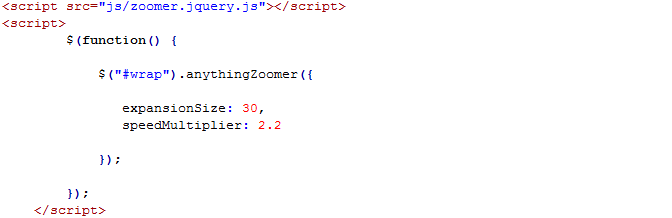
<script src="js/zoomer.jquery.js"></script>
<script>
$(function() {
$("#wrap").anythingZoomer({
expansionSize: 30,
speedMultiplier: 2.2
});
});
</script>
5、代码整体结构。
6、查看效果。