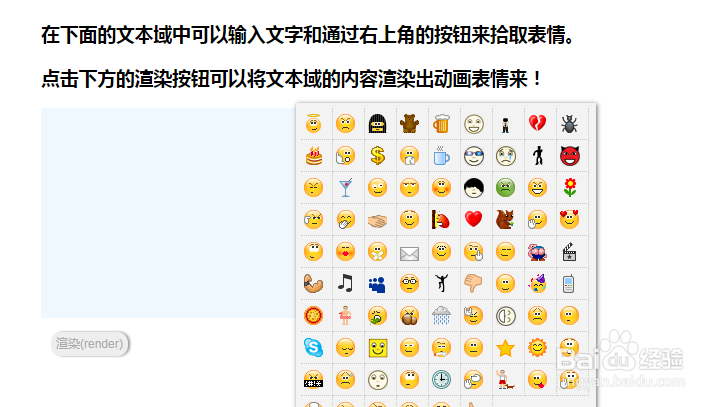
jQuery文本框输入表情符号
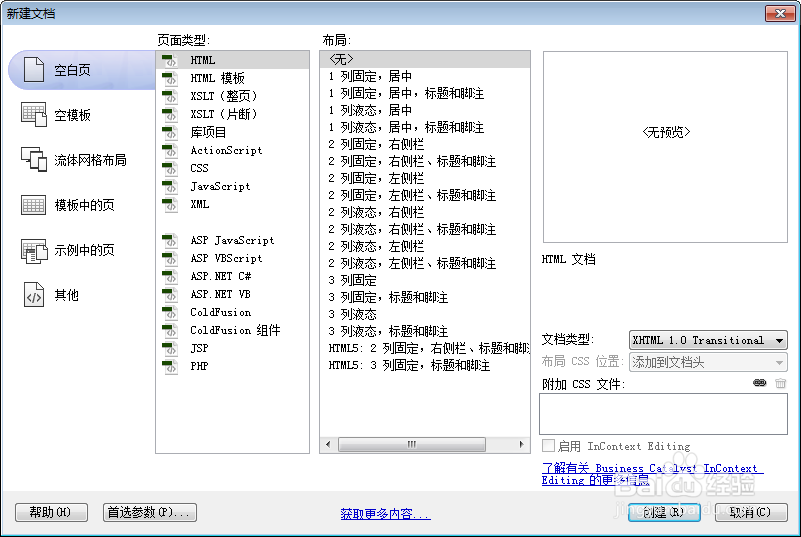
1、新建html文档。
2、准备好需要用到的图标。

3、书写hmtl代码。
<div class="content">
<h3>在下面的文本域中可以输入文字和通过右上角的按钮来拾取表情。</h3>
<h3>点击下方的渲染按钮可以将文本域的内容渲染出动画表情来!</h3>
<textarea id="ta" class="ta"></textarea>
<br>
<span class="btn" onClick="$('#render').html($('#ta').val()).emoticonize(true).show()">渲染(render)</span>
<div id="render" style="display:none"></div>
</div>

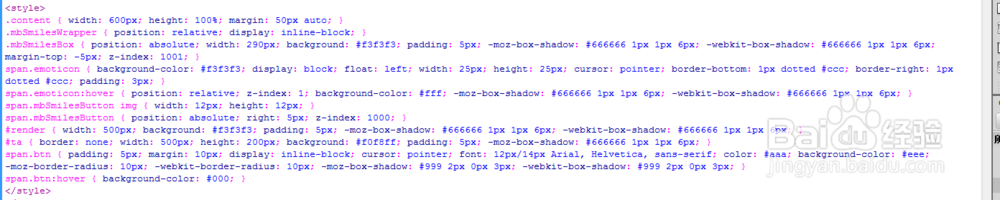
4、书写css代码。
<style>
.content { width: 600px; height: 100%; margin: 50px auto; }
.mbSmilesWrapper { position: relative; display: inline-block; }
.mbSmilesBox { position: absolute; width: 290px; background: #f3f3f3; padding: 5px; -moz-box-shadow: #666666 1px 1px 6px; -webkit-box-shadow: #666666 1px 1px 6px; margin-top: -5px; z-index: 1001; }
span.emoticon { background-color: #f3f3f3; display: block; float: left; width: 25px; height: 25px; cursor: pointer; border-bottom: 1px dotted #ccc; border-right: 1px dotted #ccc; padding: 3px; }
span.emoticon:hover { position: relative; z-index: 1; background-color: #fff; -moz-box-shadow: #666666 1px 1px 6px; -webkit-box-shadow: #666666 1px 1px 6px; }
span.mbSmilesButton img { width: 12px; height: 12px; }
span.mbSmilesButton { position: absolute; right: 5px; z-index: 1000; }
#render { width: 500px; background: #f3f3f3; padding: 5px; -moz-box-shadow: #666666 1px 1px 6px; -webkit-box-shadow: #666666 1px 1px 6px; }
#ta { border: none; width: 500px; height: 200px; background: #f0f8ff; padding: 5px; -moz-box-shadow: #666666 1px 1px 6px; }
span.btn { padding: 5px; margin: 10px; display: inline-block; cursor: pointer; font: 12px/14px Arial, Helvetica, sans-serif; color: #aaa; background-color: #eee; -moz-border-radius: 10px; -webkit-border-radius: 10px; -moz-box-shadow: #999 2px 0px 3px; -webkit-box-shadow: #999 2px 0px 3px; }
span.btn:hover { background-color: #000; }
</style>
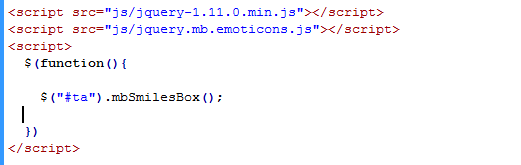
5、书写并添加js代码。
<script src="js/jquery-1.11.0.min.js"></script>
<script src="js/jquery.mb.emoticons.js"></script>
<script>
$(function(){
$("#ta").mbSmilesBox();
})
</script>
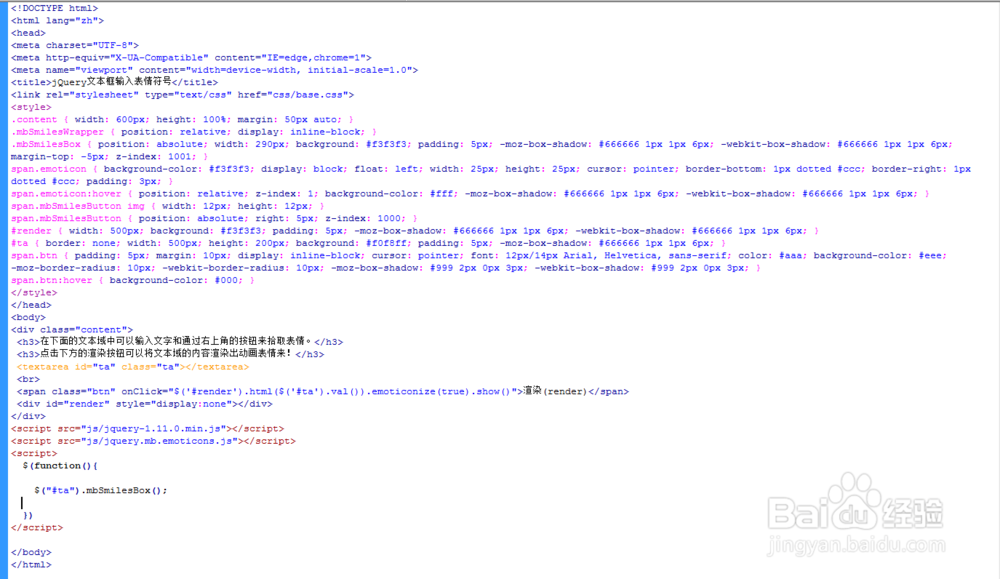
6、代码整体结构。
7、查看效果。